
ToText
Convert MP3 and MP4 files to editable transcripts with timestamps, speaker labels, and flexible exports online
About this launch
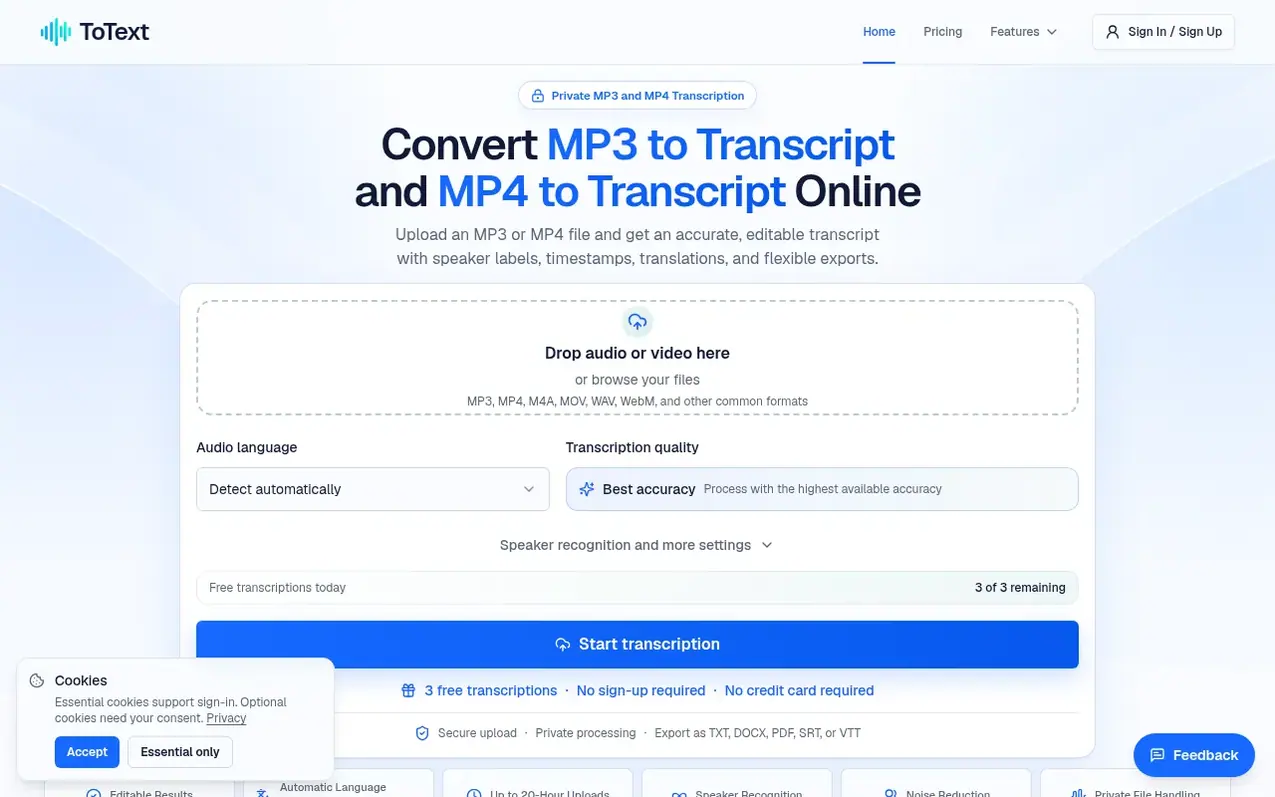
ToText is a web-based transcription workspace that converts uploaded audio and video files into editable, time-aligned text. Users can upload MP3, MP4, M4A, MOV, WAV, WebM, and other common audio and video formats, then review and edit the transcription with synchronized playback, speaker recognition, and custom vocabulary options. The service keeps the original recording beside the transcript for verification of quotations and important details. Transcripts can be searched, edited for speaker labels, and exported as TXT, DOCX, PDF, SRT, VTT, CSV, JSON, or XLSX files. Additional features available on paid plans include AI-generated summaries, meeting notes, automatic chapters, action items, transcript Q&A, English translation, background noise reduction, and speech enhancement. All processing occurs in the browser without requiring software installation.
What it does
- Audio and video transcription from MP3, MP4, M4A, MOV, WAV, WebM and other formats
- Editable timestamps and speaker labels with synchronized playback
- Automatic language detection and custom vocabulary
- Export to TXT, DOCX, PDF, SRT, VTT, CSV, JSON, and XLSX formats
- AI summaries, meeting notes, chapters, and action items
- Background noise reduction and speech enhancement
- English translation of transcripts
- Speaker recognition with editable speaker labels
- Private file handling and secure uploads
- Dashboard controls for file management and task deletion
Pricing
Pricing model: Freemium
Free: up to 3 files daily, first 20 minutes per file. 300-Minute Pack: $9.90 one-time. Monthly Unlimited: $19.90/month. Annual Unlimited: $149/year.
Shopper questions
What is the easiest way to create an MP3 to Transcript?
Upload the MP3, choose a language or automatic detection, and start. Review the time-aligned text in the browser, then export the format you need.
Can ToText create an MP3 Transcript without installing software?
Yes. Upload, transcription, editing, and export run through the website in a modern browser.
How to create a transcript from an MP4 video?
Upload the video and start an MP4 to Transcript job. The result uses the same editor, timing, speaker options, and exports as MP3.
Which subtitle and document formats can I export?
Export TXT, DOCX, PDF, SRT, VTT, ASS, CSV, JSON, or XLSX with your saved edits.
How accurate is MP3 to Transcript conversion?
Accuracy varies with recording quality, accents, noise, vocabulary, and overlapping voices. Timestamps and playback support verification.
ToText has a free listing. The owner can unlock the full profile with a paid launch for $5:
- Founder story (locked)
- Milestones (locked)
- Demo video (locked)
- Dofollow website link (locked)
Shoppers also viewed
- Music Remover
Audio editing
- GeeksKai
Audio editing
- Background Audio Remover
Audio editing
- Unmix Studio
Audio editing



