Background Audio Remover
Remove background noise and music from video and audio files in your browser, free with no sign-up
Browser-based tool that removes background noise, wind, fans, traffic and music from videos and audio files while preserving voice, with free local processing
About this launch
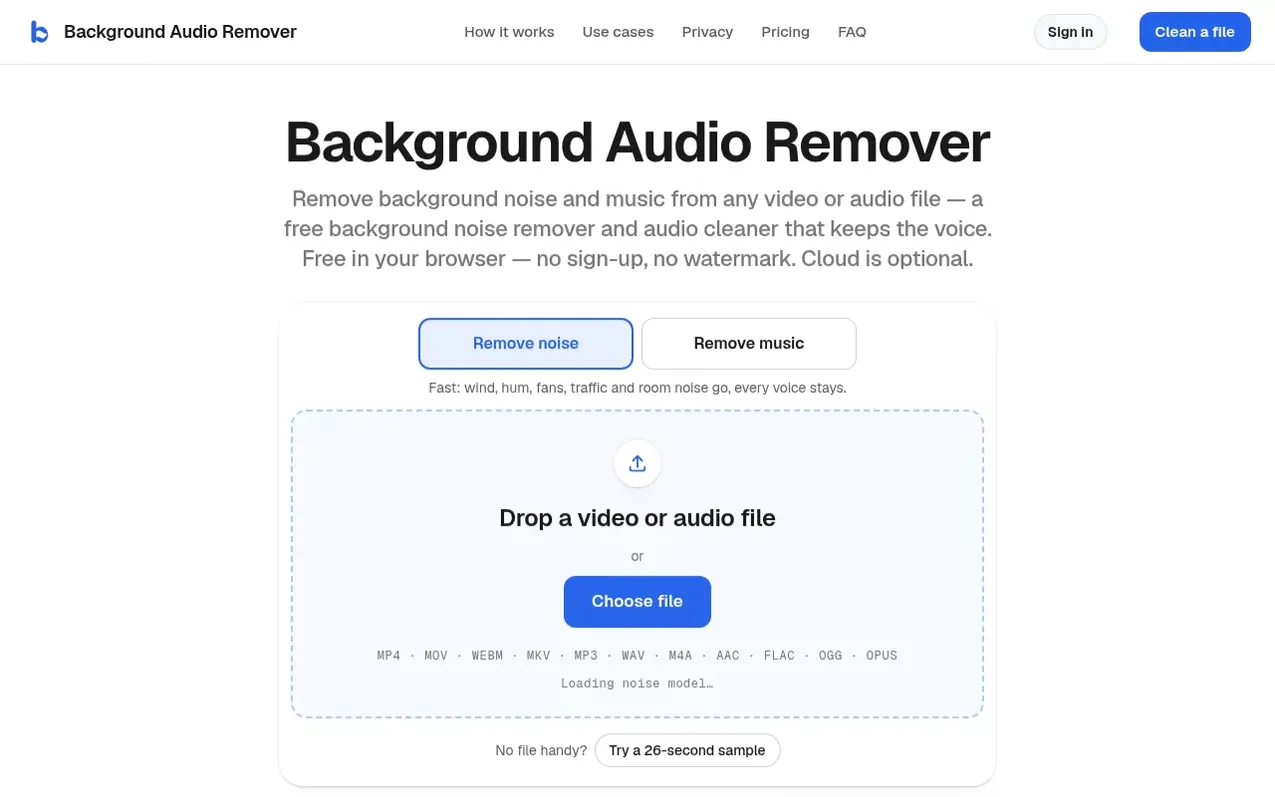
Background Audio Remover removes background noise and music from video and audio files using speech enhancement models that run in your browser. The tool processes files locally on your device for free with no sign-up required, preserving the original video quality and file format while cleaning the audio. It removes wind, electrical hum, fans, air conditioning, traffic, and room noise while keeping all voices intact. An optional "Remove music" feature uses a separate model to eliminate background music while preserving speech, with a slider to control how much ambient sound to retain. Cloud processing is available for an additional cost, with pricing starting at $4.99 for 40 cloud minutes or $14.99/month for unlimited cloud processing.
What it does
- Remove background noise (wind, hum, fans, traffic, room noise) while preserving voice
- Remove music from videos with talking, with slider to keep other sounds
- Process files locally in browser with no upload required
- Support for multiple file formats (MP4, MOV, WebM, MKV, MP3, WAV, M4A, AAC, FLAC, OGG, Opus)
- Video quality preserved (picture copied without re-encoding)
- Free 30-second preview of any file before processing
- Voice warmth adjustment to add back low tones in cleaned audio
- Optional cloud processing for faster music removal on mobile devices
Pricing
Pricing model: Freemium
Free on your device with no limits. Cloud processing: Starter pack $4.99 for 40 cloud minutes (valid 12 months), Big pack $19.99 for 5 cloud hours/300 minutes (valid 12 months), Pro $14.99/month for unlimited cloud processing with priority for first 5 hours each month. All files get a free 30-second
Shopper questions
Does it keep the voice?
Yes, all voices are preserved. The models are built for speech and keep every voice in the recording, including other people talking, while turning down background sounds. With noise removal, background music is only partly reduced; with music removal, the Keep other sounds slider controls how much ambient sound like footsteps and traffic stays.
Is it free?
Yes. Processing on your device is completely free with no sign-up and no watermark. Files can be up to 3 hours on desktop or 30 minutes on phones. Cloud processing is optional: all files get a free 30-second preview, new accounts get 3 free cloud minutes, and cloud minutes start at $4.99.
Will my video lose quality?
The video picture doesn't lose quality—it's copied into the new file exactly as it is without re-encoding. Audio comes back in the same format at about the same bitrate (WAV as 16-bit). The new sound is mono (same on both channels), so original stereo effects are not kept.
Which file types does it accept?
Video formats: MP4, MOV, WebM and MKV. Audio formats: MP3, WAV, M4A, AAC, FLAC, OGG and Opus. The output file stays the same type as the input—an MP4 stays an MP4, an MP3 stays an MP3.
How do I remove background noise from video files?
Drop the video on this page (or tap Choose file). “Remove noise” is already selected, so it starts on its own. When it’s done, switch between Original and Clean while it plays, then download — you get the same video file with the noise removed and the picture untouched.
Background Audio Remover has a free listing. The owner can unlock the full profile with a paid launch for $5:
- Founder story (locked)
- Milestones (locked)
- Demo video (locked)
- Dofollow website link (locked)
Shoppers also viewed
- GeeksKai
Audio editing
- Unmix Studio
Audio editing
- AI Voice Cleaner
Audio editing
- Extractune
Audio editing