SaidTrace
Find what was said. Trace it to the source.
A Mac app that records audio from your devices, transcribes it locally, and lets you search and take notes with your choice of AI.
About this launch
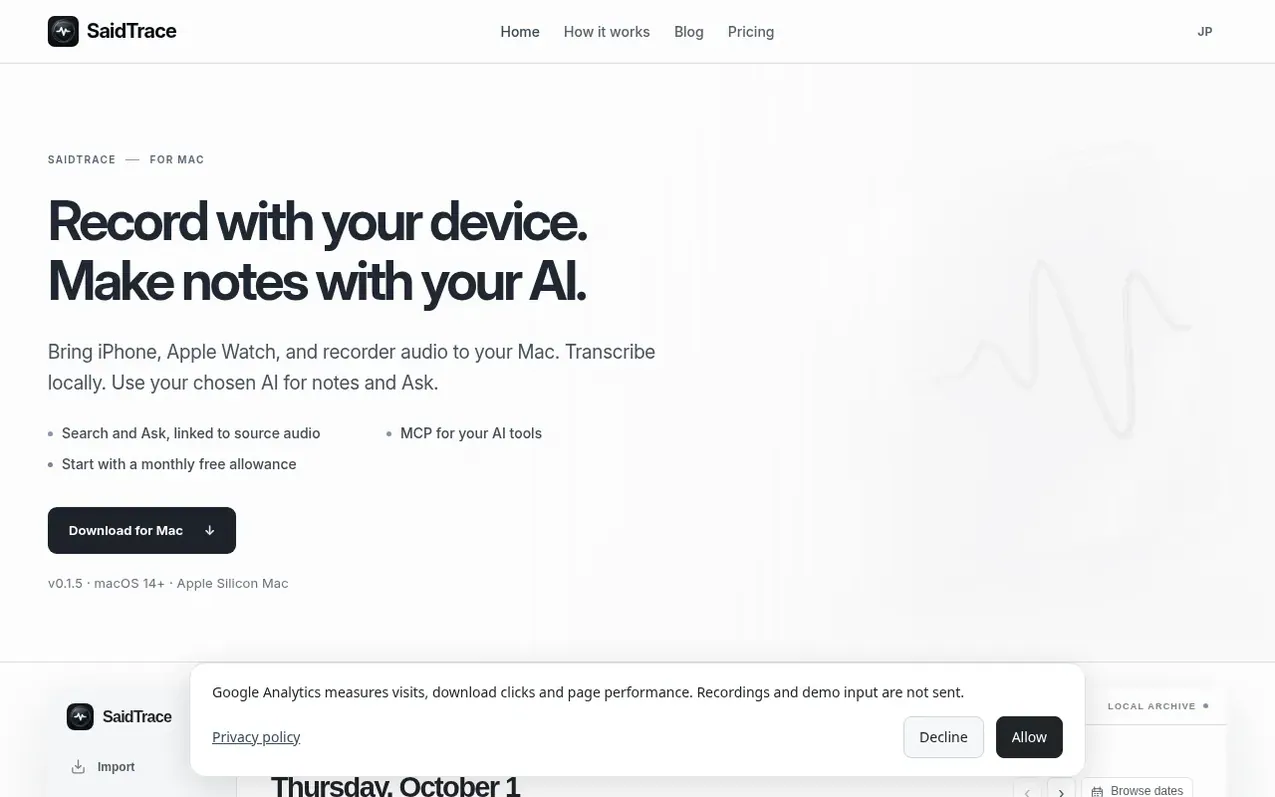
SaidTrace is a Mac application that brings recordings from iPhone, Apple Watch, and compatible recorders into a local archive. It transcribes audio using Whisper on your device and lets you create notes with your choice of AI model—either local options like LM Studio and Ollama, or external AI providers. Your recordings, transcripts, and notes are stored on your Mac, not on SaidTrace's servers. You can search your archive and ask questions about your recordings with results linked back to the source audio. The app offers an MCP interface to connect with AI tools like Claude and Cursor for advanced search and analysis.
What it does
- Record from iPhone, Apple Watch, and USB recorders
- Local transcription with Whisper
- Choose between local or external AI for notes
- Search archive with full transcript indexing
- Ask questions about recordings with source linking
- Organize recordings by day or week
- All data stored locally on your Mac
- No per-minute recording charges
Pricing
Pricing model: Freemium
Free: 20 imports and 20 AI summaries per month. Monthly: $3/month with unlimited imports and summaries. Annual: $18/year (50% off monthly rate).
Shopper questions
Do I need to buy a recorder?
No. You can start with audio from an iPhone or a recorder you already own, provided you can move a supported audio file to your Mac.
Are external AI charges included?
No. You can use a local model through LM Studio or Ollama, or choose an external AI provider that may charge separately.
Is my audio uploaded to a cloud?
Original audio and transcripts are stored on your Mac. Selecting an external AI sends the text needed for notes or Ask to that provider.
Does it work offline?
Transcription and local models run on your Mac once installed. Model downloads, sign-in, and usage checks require connectivity, so offline processing is not guaranteed.
Can I use AirDrop to import iPhone recordings?
Yes. Share a recording from iPhone to Mac, then choose it in Import → iPhone. Optional auto-import watches new M4A files in Downloads.
SaidTrace has a free listing. The owner can unlock the full profile with a paid launch for $5:
- Founder story (locked)
- Milestones (locked)
- Demo video (locked)
- Dofollow website link (locked)
Shoppers also viewed
- Music Remover
Audio editing
- GeeksKai
Audio editing
- Background Audio Remover
Audio editing
- Unmix Studio
Audio editing



