WhiteBackground
Free online tool to make photo backgrounds white without signing up
Upload a photo and remove its background to place the subject on pure white, with preview and download, all in your browser without creating an account.
About this launch
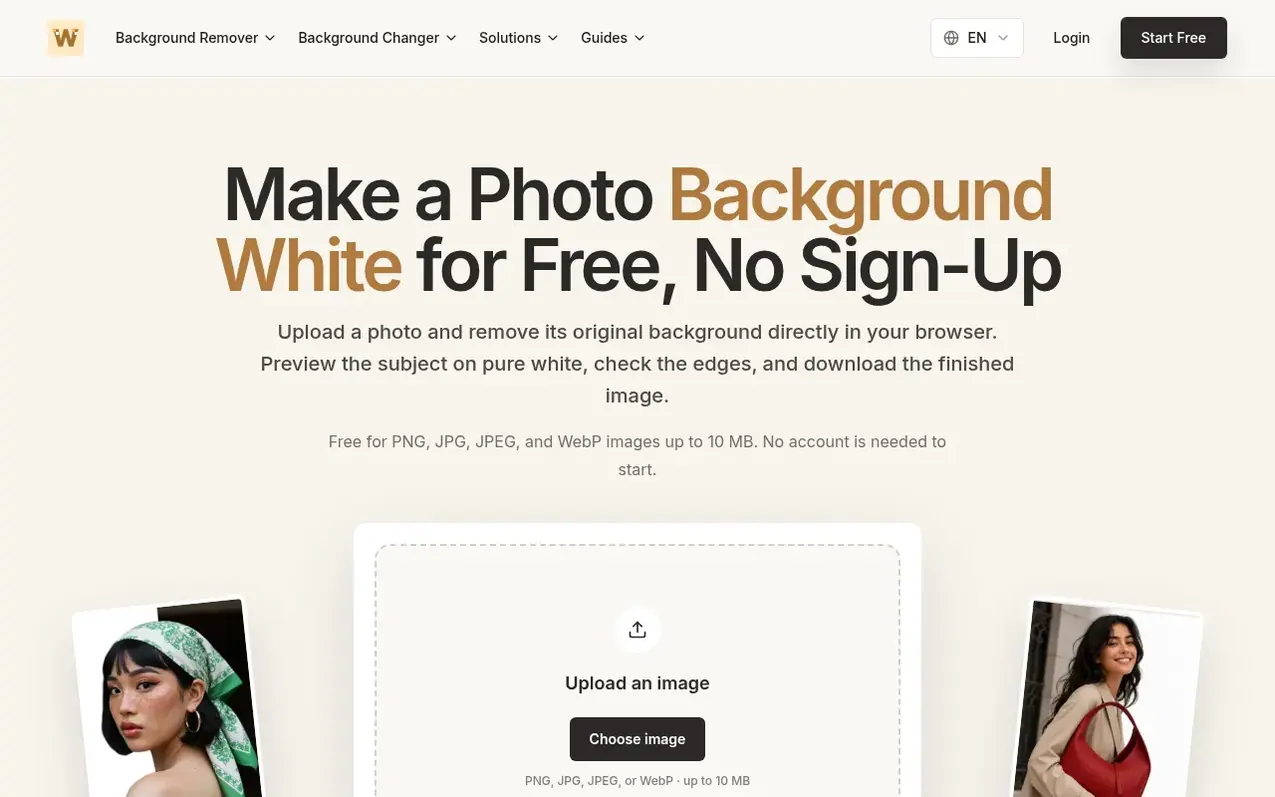
WhiteBackground is a free online background remover that lets you replace any photo background with pure white. Upload PNG, JPG, JPEG, or WebP images up to 10 MB and the tool processes them directly in your browser without requiring an account. After removing the original background, you can review the result at full size, inspect edges and details, and download the finished image. For users who need more control or want to process videos, the platform offers professional API-powered image cutouts and a dedicated video background replacement workflow that require login.
What it does
- Browser-local background removal for still images
- Support for PNG, JPG, JPEG, and WebP formats up to 10 MB
- Preview results before downloading
- Multiple background options including white, presets, or custom images
- Professional API-powered image cutout with login
- Video background replacement for MP4, MOV, M4V, or MKV up to 100 MB
- Full-size result inspection tools
Pricing
Pricing model: Freemium
Shopper questions
How can I make a photo background white for free?
Upload a PNG, JPG, JPEG, or WebP image to the free tool. It removes the original scene in your browser, places the subject on pure white, and lets you review the result before download.
Do I need to create an account?
No account is needed to start the free still-image workflow. Professional API image removal and video background processing require login.
Is my source photo uploaded for free background removal?
The free image remover runs locally in your browser, so the source photo is not sent to WhiteBackground servers for that removal step.
Can WhiteBackground remove a video background?
Yes. Use the dedicated video background workflow for MP4, MOV, M4V, or MKV clips up to 100 MB. Video processing uses an API and requires login.
Can I use a custom background instead of white?
Yes. After isolating the subject, the image workflow can use white, a preset, or an image you upload as the replacement background.
WhiteBackground has a free listing. The owner can unlock the full profile with a paid launch for $5:
- Founder story (locked)
- Milestones (locked)
- Demo video (locked)
- Dofollow website link (locked)
Shoppers also viewed
- Apptune
Design tools
- ProofOkay
Design tools
- Cursive Generator
Design tools
- Pixlub
Design tools