
Pixlub
Browser-based image, video and document editor with local processing and end-to-end encrypted cloud storage
A browser-based editor for images, videos and documents with local processing, cloud storage with end-to-end encryption, and a developer API for automation.
About this launch
Pixlub is an image, document and video editor that runs directly in your web browser with no software installation required. The platform prioritizes data security through local processing by default, local file storage on your device, and end-to-end encrypted cloud storage for regular users. When processing involves Pixlub servers, a yellow warning icon is displayed to inform users.
The editor includes 95 image tools, 6 video tools and 21 document tools with unlimited editing and preview across all plans. Users can export up to 10 times daily on the Free plan, with higher limits on paid tiers. The platform includes AI-powered modules like background removal, face blurring, transcription and PDF conversion.
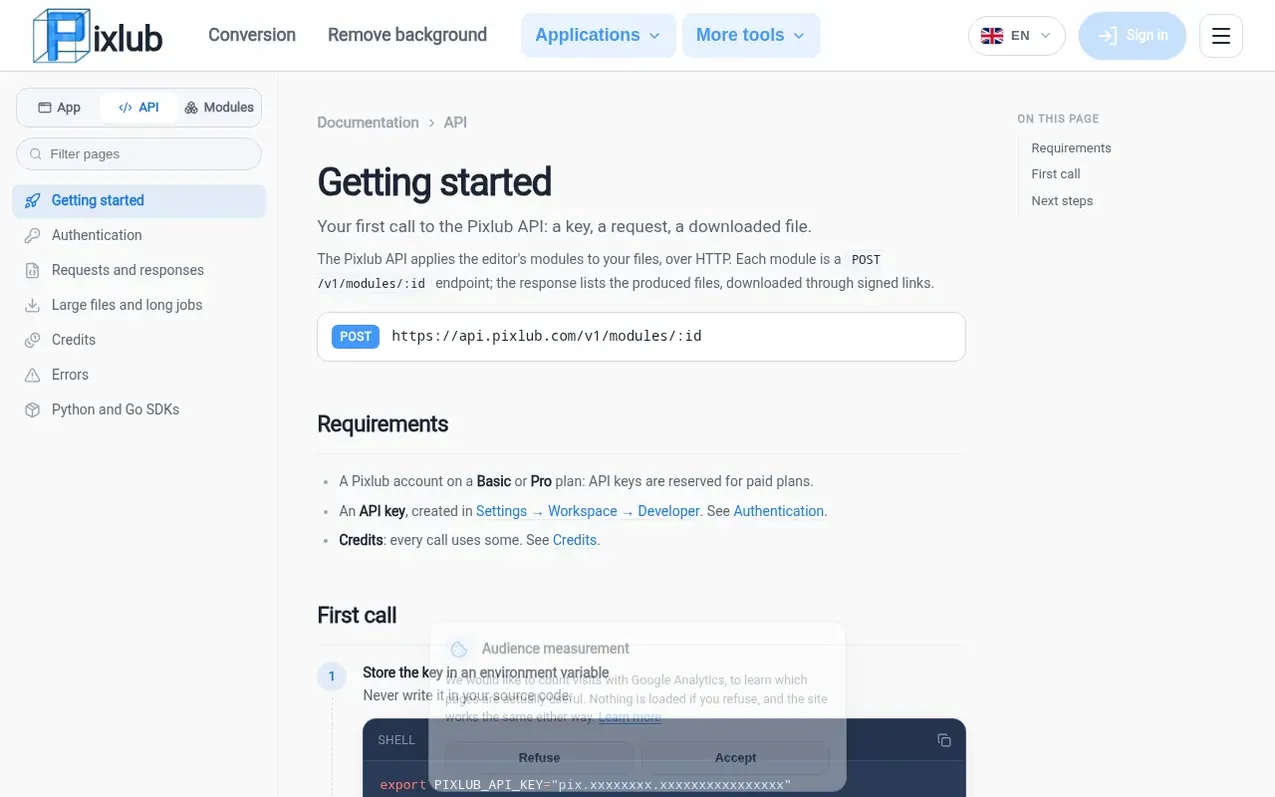
Pixlub offers a developer API that provides access to most tools for integration into custom projects and workflows. The API uses a credit system, with credits available through subscriptions or one-time purchase packs that never expire. The platform serves developers and automation enthusiasts with both Python and Go SDKs.
What it does
- 95 image editing tools
- 6 video editing tools
- 21 document editing tools
- Background removal and face blurring
- Office and HTML to PDF conversion
- Transcription service
- End-to-end encrypted cloud storage
- Local file storage on device
- Watermark-free exports
Pricing
Free plan: €0/month with 30 credits per month, 10 exports per day, files up to 10 MB. Basic: €4.05/month (€48.60 yearly) with 300 credits, 150 exports per day, files up to 50 MB. Pro: €7.20/month (€86.40 yearly) with 1,000 credits, unlimited exports, files up to 3072 MB. Enterprise: Custom quote. Cr
Shopper questions
Is Pixlub really free?
Yes. The Free plan opens every lightweight tool, with unlimited editing and preview, no credit card and no time limit. It also gives 30 credits each month to try heavy modules, with exports counted daily.
How are exports counted?
Each delivery of files counts as one export: a download, a copy to clipboard, a batch exported at once, or files of a document. The counter resets daily at midnight UTC. Editing and preview are never counted.
What are heavy modules?
They are processing done on Pixlub servers: background removal, face blurring, Office and HTML to PDF conversion, transcription, and decals. Each plan opens a list of them and sets a daily number, on top of their cost in credits.
Can I cancel my subscription at any time?
Yes, with no commitment. You cancel from payment settings and your plan stays active until the end of the period already paid, then you move back to the Free plan.
What is the difference between monthly and yearly billing?
The plans are the same. Yearly billing is paid once for twelve months, at a lower price than twelve months paid separately.
Pixlub has a free listing. The owner can unlock the full profile with a paid launch for $5:
- Founder story (locked)
- Milestones (locked)
- Demo video (locked)
- Dofollow website link (locked)
Shoppers also viewed
- Apptune
Design tools
- ProofOkay
Design tools
- Cursive Generator
Design tools
- WhiteBackground
Design tools