Apptune
Design App Store and Google Play screenshots with templates or AI, translate them into 87 languages and A/B test them.
A screenshot studio for iOS and Android apps that lets you design store listings from templates or AI, translate them into 87 languages, and publish to both app
About this launch
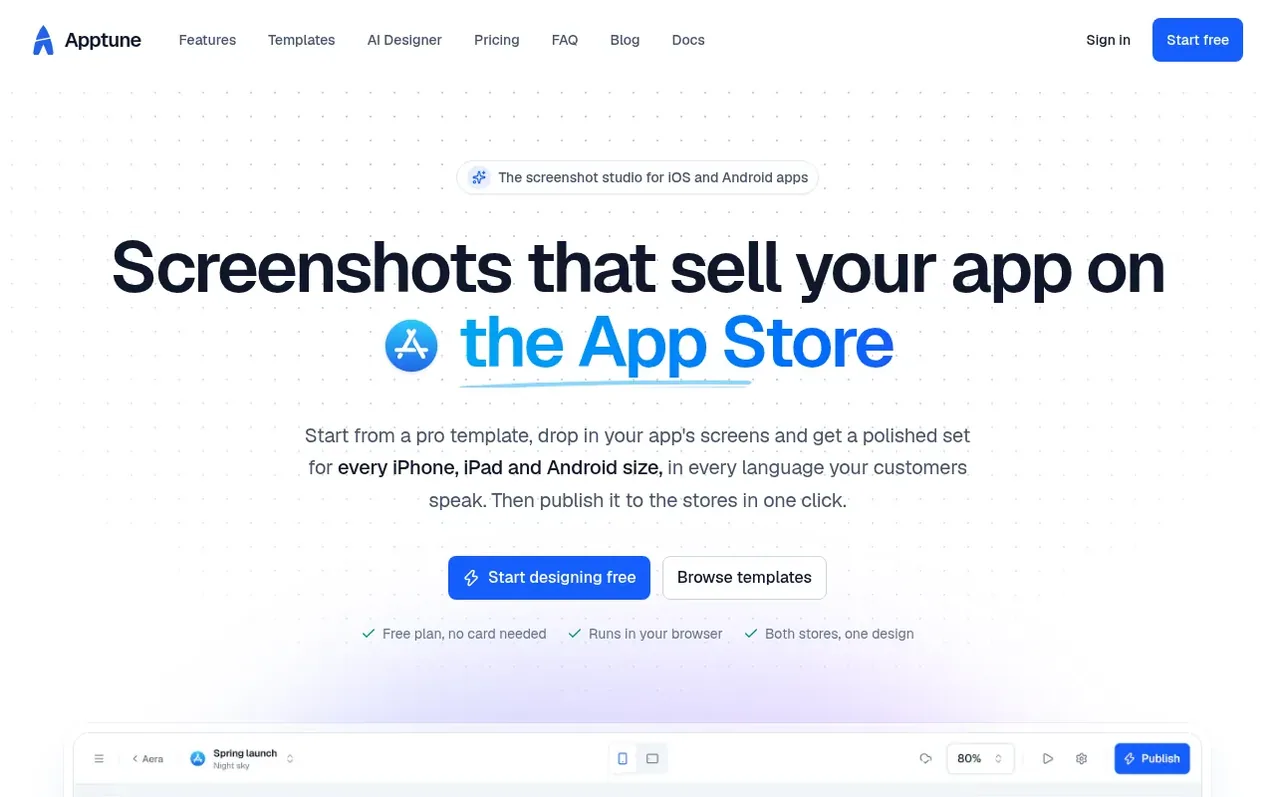
Apptune is a screenshot design tool for App Store and Google Play listings. Designers can start from templates or use the AI Designer to create original designs from a description of the app. The tool includes a snap grid for precise layout, device frames, graphics, fonts and the ability to design once and automatically adapt to all 16 App Store and Google Play sizes. It translates text into all 87 store languages with AI translation or manual editing, supports right-to-left languages, and lets you publish directly to App Store Connect and Google Play or export files. Features include A/B testing product pages and support for designing screenshots for client apps.
What it does
- Snap grid for precise alignment on every screen size
- Design once for all 16 App Store and Google Play sizes automatically
- AI Designer that creates three original designs with headlines
- Translate text into all 87 App Store and Google Play languages
- Publish directly to App Store Connect and Google Play in one click
- A/B test product page variants and track results
- Pro templates built around real app screens
- Realistic device frames in multiple styles and finishes
- Library of 1,512 icons, 69 brand logos and other graphics
- Access to all Google Fonts and 1,900+ typefaces
Pricing
Pricing model: Freemium
Lite: Free forever. Pro: $19/mo or $228/year (save $120). Studio: $49/mo or $588/year (save $360). Founding offer: FOUNDING30 takes 30% off the first year of a yearly plan, for the first 200 customers.
Shopper questions
Is Apptune really free?
Yes. The Lite plan is free for as long as you like and includes 1 app with 2 collections, your app's language plus 1 more with 200 AI translations a month, every layout, free device frames, graphics and fonts, and exports at every App Store and Google Play size, with no credit card required.
Does it work for Google Play as well as the App Store?
Yes. One design covers both stores: Apptune lays it out for all 13 App Store sizes (8 iPhone and 5 iPad) and for Google Play's phone, 7" and 10" tablet sizes. Elements meant for one store can show on that store only.
What does the AI Designer do?
It designs screenshots for your app. Describe what your app does, pick a style and the screenshots to show, and in a couple of minutes it returns three original designs, each with its own layout, palette and type, and a headline written for every screen in your app's language.
Do I need design experience?
Not at all. Start from a template or one of 15 layouts, drop in your app's screenshots and change the copy. The snap grid keeps everything aligned and evenly spaced, and your design adapts to every device size by itself.
Can I design on my phone or tablet?
Not currently. The editor needs room for its canvas, drawers and toolbar, so it opens on screens at least 1024 pixels wide: a laptop or desktop. On a phone or tablet you can sign in and see your apps, but the editor shows a note to switch to a bigger screen.
Apptune has a free listing. The owner can unlock the full profile with a paid launch for $5:
- Founder story (locked)
- Milestones (locked)
- Demo video (locked)
- Dofollow website link (locked)
Shoppers also viewed
- ProofOkay
Design tools
- Cursive Generator
Design tools
- WhiteBackground
Design tools
- Pixlub
Design tools