
VoiceTaking
The meeting note taker that hears the whole room
Transcribe Google Meet, Zoom and Teams calls directly from your browser, capturing every participant's voice separately. Get structured summaries and action
About this launch
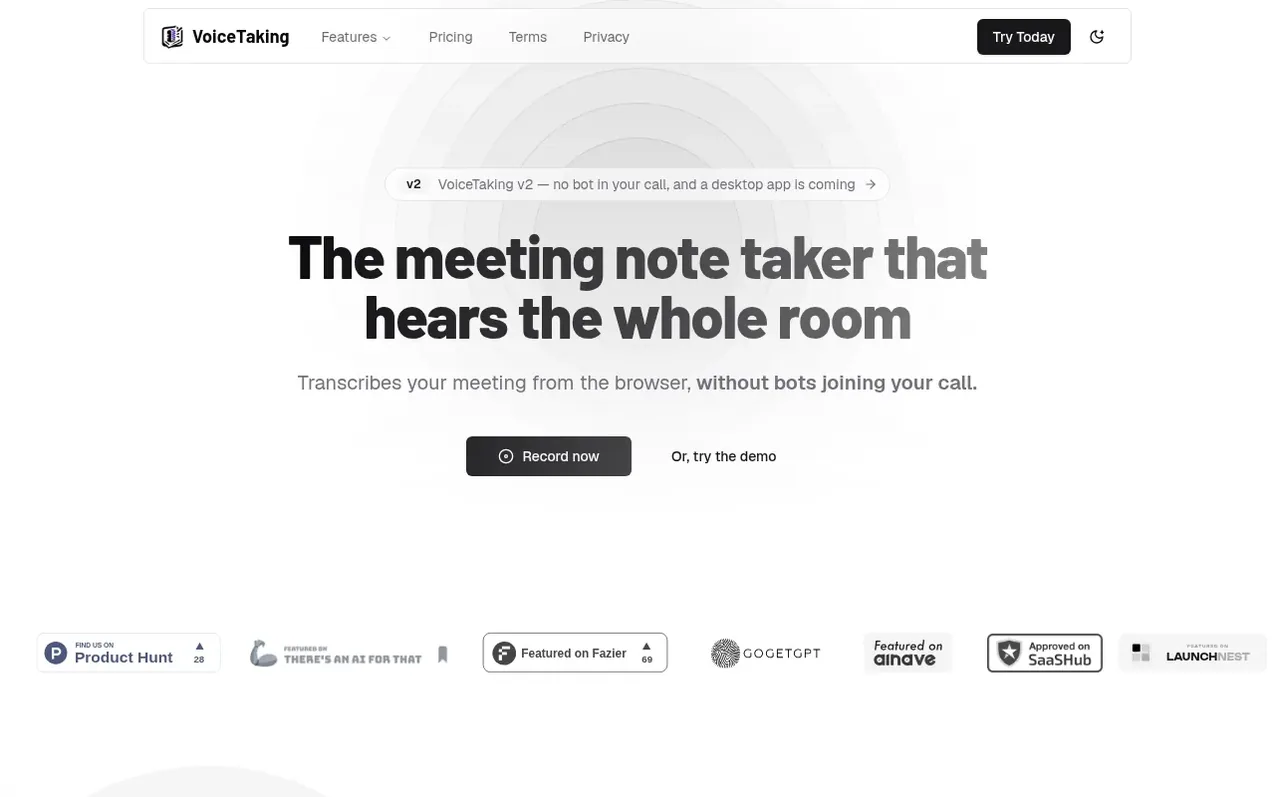
VoiceTaking is an AI-powered meeting transcription tool that records calls from Google Meet, Zoom, and Teams without requiring a bot to join the meeting. The application captures audio from both the meeting tab and your microphone simultaneously, keeping each side transcribed separately so you always know who said what.
The platform uses templates to shape summaries according to meeting type—for example, a technical interview can use a scorecard template while a strategy review can focus on decisions and metrics. Users can add context, documents and links before calls, and a live guide suggests what to say during meetings, citing prepared materials.
VoiceTaking v2 operates entirely from the browser with no bot participant list entry, and a desktop app is coming. The service generates AI summaries and extracts action items automatically.
What it does
- Transcribe calls from browser without bot joining
- Capture meeting tab and microphone audio separately
- Live transcription of both sides
- Meeting templates for different call types
- AI-generated summaries and action items
- Pre-call context and live guide
- Add your own notes during call
- 30 hours of transcription per month
- Unlimited meetings and templates
- 24/7 support
Pricing
Pro: $10/month (30 hours of meeting transcription per month, unlimited meetings and templates, unlimited AI summaries and action items, 24/7 support). Pro Annual: $68/year (same features as Pro).
Shopper questions
Can I cancel my subscription at any time?
You can cancel your subscription anytime. Once canceled, you won't be charged for the next billing cycle, and you'll retain access to the service until the end of your current billing period. You can manage your subscription through the Settings page.
How does VoiceTaking capture meeting audio?
Open your meeting in VoiceTaking and start capture. Pick the browser tab running your call and tick "Also share tab audio" to hear the other participants, while your microphone covers you. Both sides are transcribed live and kept separate.
What happens after transcription is complete?
After transcription, you can add your own notes, pick a template that matches your meeting type, and VoiceTaking automatically writes the summary and pulls out action items.
VoiceTaking has a free listing. The owner can unlock the full profile with a paid launch for $5:
- Founder story (locked)
- Milestones (locked)
- Demo video (locked)
- Dofollow website link (locked)
Shoppers also viewed
- TokScript
Audio, Voice & Podcasting
- Relayo
Audio, Voice & Podcasting
- hearlog
Audio, Voice & Podcasting
- Audionarrator
Audio, Voice & Podcasting