Audionarrator
Convert PDFs into chapter-aware audiobooks with smart chapter detection
A web application that converts PDFs, DOCX, and EPUB files into chapter-aware audiobooks with automatic chapter detection and natural-sounding narration.
About this launch
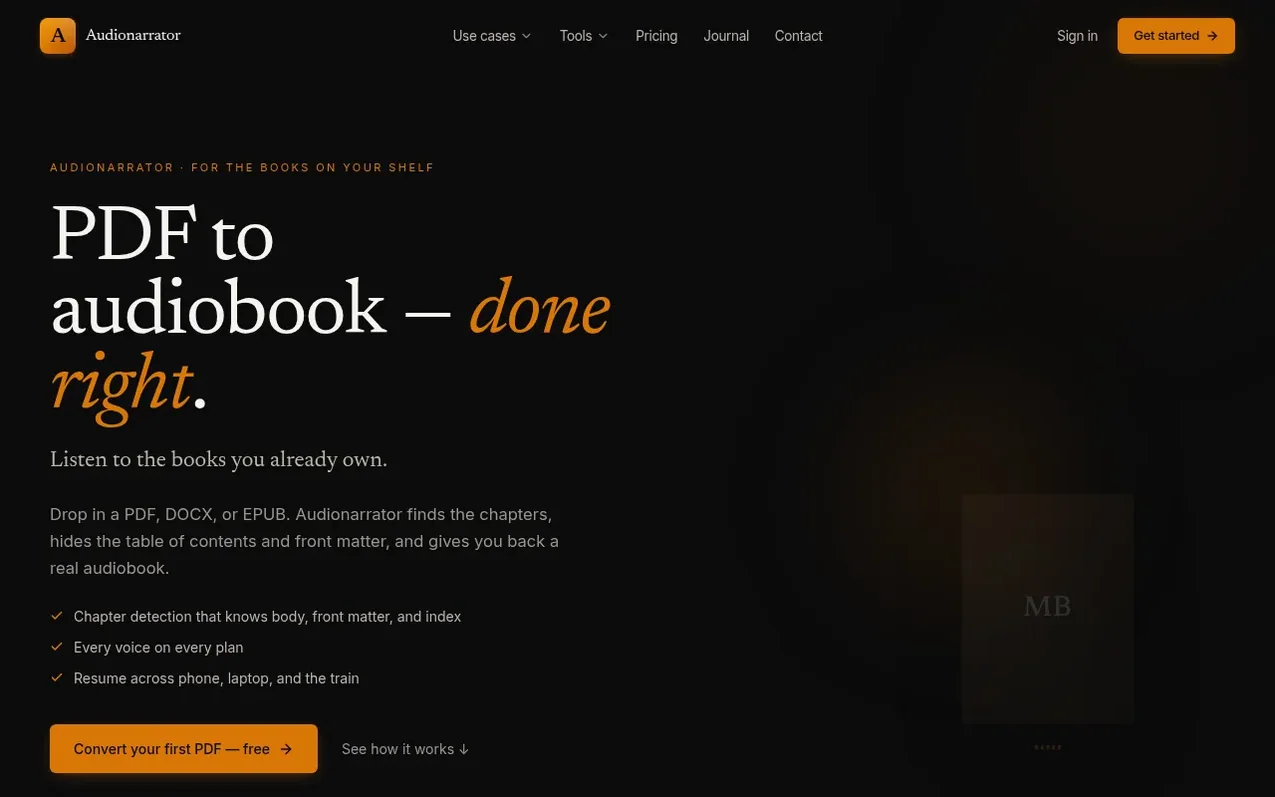
Audionarrator converts your personal PDFs, DOCX, and EPUB files into chapter-aware audiobooks designed for textbooks, research papers, and technical books. The tool automatically detects chapter structure and classifies front matter and back matter, so table of contents and headers aren't narrated. It generates natural-sounding narration and provides a library and player built for studying. You can resume playback across devices, download chapters as MP3 and WAV files, and access chapter-grounded Q&A features on paid plans. The service is built for the books publishers haven't recorded—works on your shelf that aren't available as commercial audiobooks.
What it does
- Convert PDF to audiobook
- Convert DOCX to audiobook
- Convert EPUB to audiobook
- Automatic chapter detection
- Front matter and table of contents skipping
- Chapter-grounded Q&A
- Multiple narration voices
- Resume playback across devices
- MP3 and WAV downloads
Pricing
Pricing model: Freemium
Free: 5,000 words on signup plus 500 words monthly. Creator: $9/month with 50,000 words. Pro: $45/month with 200,000 words. Studio: $149/month with 600,000 words. Additional words available at $0.40 per 1,000 words.
Shopper questions
Will Audionarrator work with my textbook PDF?
Almost always, if the PDF has a text layer, which most modern textbooks, papers, and technical books do. Audionarrator reads the document structure to find chapters, classifies front matter so the table of contents isn't narrated, and produces a real audiobook with chapter-aware navigation.
What about scanned books or screenshots?
Audionarrator detects when a PDF is scanned (image-only, no text layer) and tells you up front. OCR isn't live yet, but screenshot upload and OCR for scans are on the roadmap.
Is it legal to make audiobooks of books I own?
Your file, your use. Audionarrator processes your PDFs privately for you and never redistributes, shares, or sells access to your books. This is the same legal ground as using a screen reader on a PDF you bought.
What happens to my files after I upload them?
Source PDFs and generated audio live encrypted in private storage, accessible only to your account. Nothing is used for training. Delete a book and the file is removed from storage and your library. Delete your account and everything goes with it.
How does Audionarrator handle equations, figures, and code blocks?
Narration carries the prose, and the pages that hold figures, code, and equations aren't lost — Audionarrator detects them and surfaces them as source pages alongside the chapter, so you can open the original page image while you listen. The pages are filterable by figure, code, or equation. Only tables are skipped today.
Audionarrator has a free listing. The owner can unlock the full profile with a paid launch for $5:
- Founder story (locked)
- Milestones (locked)
- Demo video (locked)
- Dofollow website link (locked)
Shoppers also viewed
- TokScript
Audio, Voice & Podcasting
- Relayo
Audio, Voice & Podcasting
- hearlog
Audio, Voice & Podcasting
- Memory Notch
Audio, Voice & Podcasting