Relayo
Screen mirroring for iPhone and Mac to Chromecast, Google TV, Samsung and LG TVs
Screen mirroring app that lets you mirror your iPhone or Mac display to Chromecast, Google TV, Samsung, LG and other smart TVs without installing anything on
About this launch
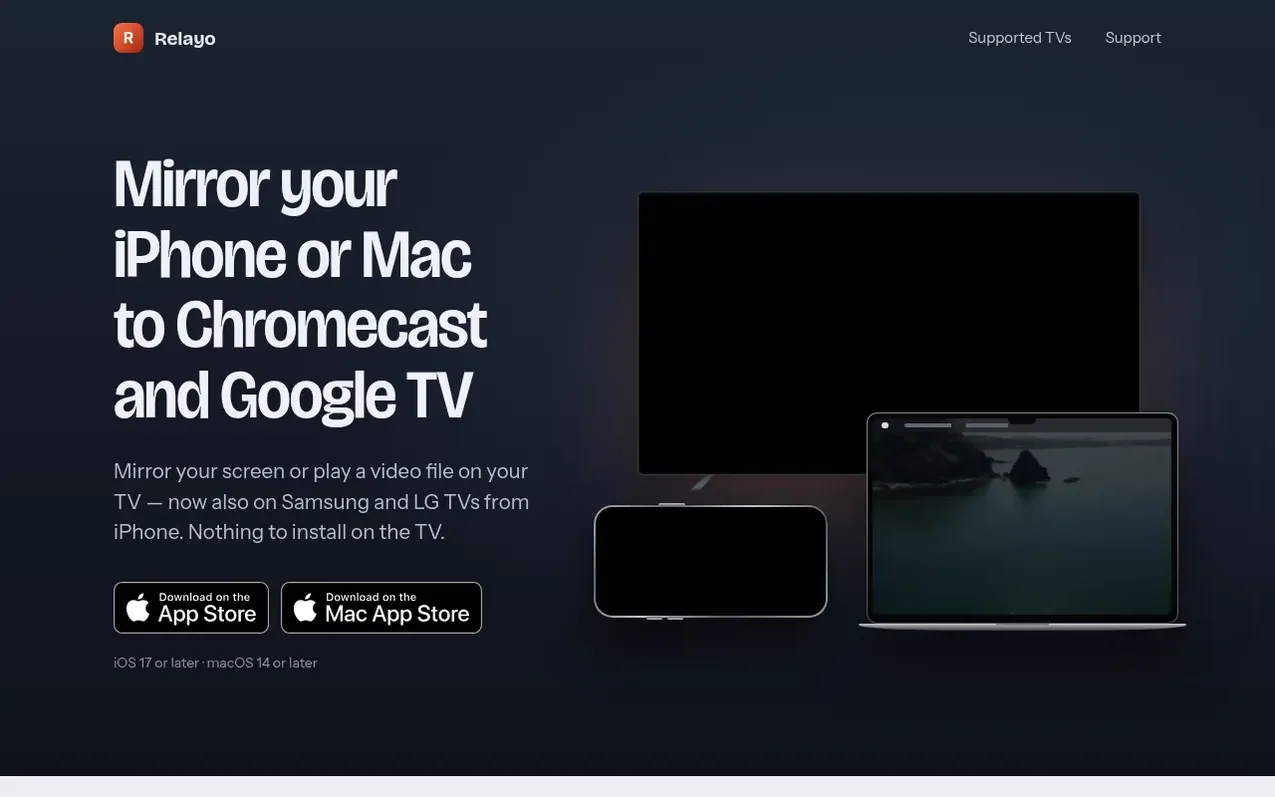
Relayo is a screen mirroring application for iPhone and Mac that enables you to cast your display or video files to smart TVs. It works with Chromecast and Google TV on both devices, and with Samsung, LG and other DLNA-compatible smart TVs on iPhone. The app requires no account setup, no pairing codes, and nothing needs to be installed on your TV—it automatically discovers compatible devices on your Wi-Fi network. You can mirror your entire screen, cast video files in full quality, send audio only, or play photos and music. Screen mirroring introduces a 2–3 second delay, which is suitable for presentations and video playback but not for gaming. The app respects privacy by keeping all data local to your home network with no servers, analytics or data collection.
What it does
- Mirror entire iPhone or Mac display to TV
- Cast video files in full quality without re-encoding
- Automatic TV discovery on Wi-Fi network
- No app or account required on TV
- Audio-only casting mode
- Adaptive quality based on Wi-Fi strength
- Menu bar integration on Mac
- Converts unsupported video formats while playing
- No data collection or servers
Shopper questions
Can I mirror my iPhone to a Chromecast?
Yes. iPhone cannot mirror to Chromecast on its own because AirPlay only works with Apple TV and AirPlay-compatible TVs. Relayo adds that missing capability: open the app, pick your Chromecast or Google TV and start mirroring without needing to install anything on the TV.
Does it work with Samsung or LG TVs?
Yes, on iPhone. Relayo automatically finds Samsung, LG and other smart TVs that support DLNA on your Wi-Fi network, allowing you to mirror your screen or send videos and photos without installing anything on the TV. On Mac, Relayo works with Chromecast and Google TV.
Is there a delay when screen mirroring?
Screen mirroring runs about 2–3 seconds behind, which is suitable for video, photos and presentations but not for gaming. For watching films, you can send the video file instead, which plays in full quality with no visible delay.
Is my privacy protected when using Relayo?
Yes. Relayo collects no data, uses no servers, and has no analytics. Your screen and files travel directly from your device to your TV over your own Wi-Fi network and never leave your home.
Can I mirror my Mac to Google TV?
Yes. Relayo lives in your Mac's menu bar. Pick your TV, choose Mirror screen, and your display appears on the TV within a few seconds.
Relayo has a free listing. The owner can unlock the full profile with a paid launch for $5:
- Founder story (locked)
- Milestones (locked)
- Demo video (locked)
- Dofollow website link (locked)
Shoppers also viewed
- TokScript
Audio, Voice & Podcasting
- hearlog
Audio, Voice & Podcasting
- Audionarrator
Audio, Voice & Podcasting
- Memory Notch
Audio, Voice & Podcasting