
VocalDock
AI vocal remover and audio toolkit for separating vocals, instrumentals, and creating karaoke tracks
Browser-based AI audio and video toolkit for vocal separation, stem splitting, noise removal, text-to-speech, and other audio editing tasks.
About this launch
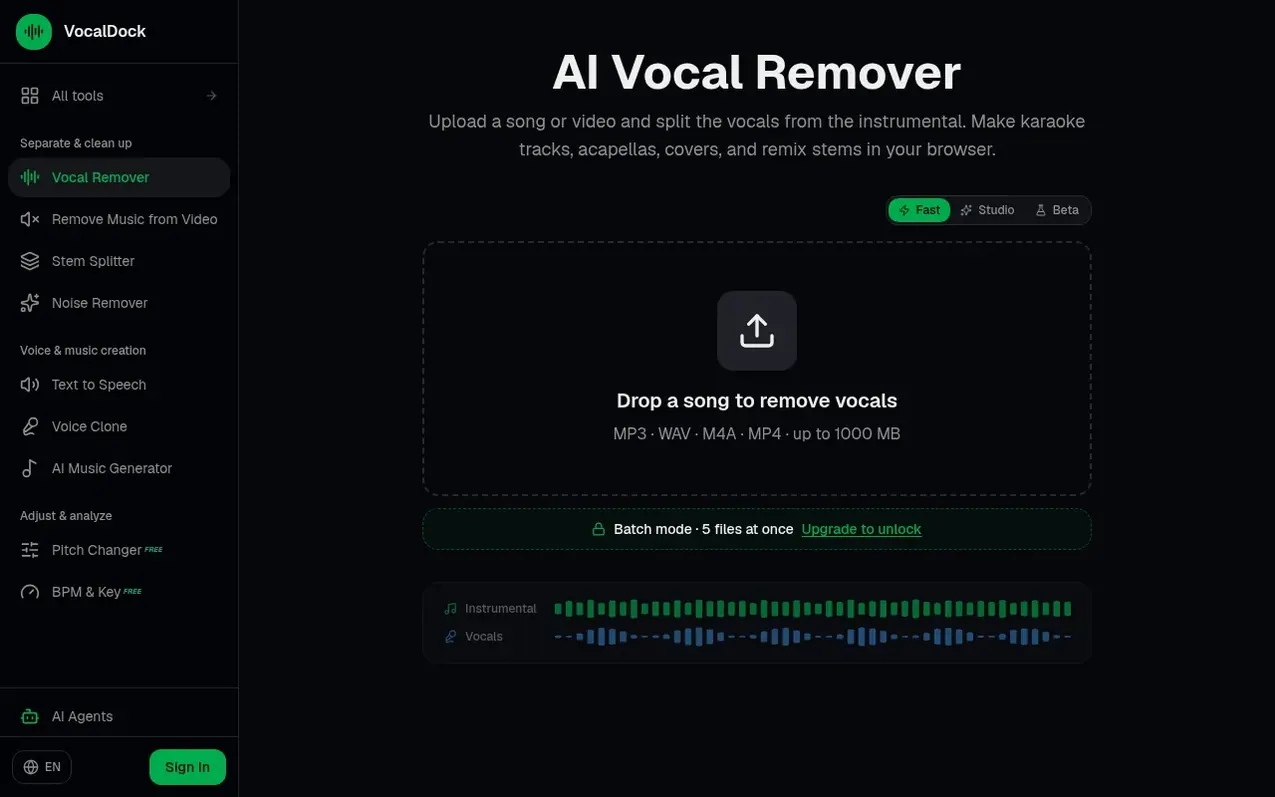
VocalDock is an independent online audio and video toolkit that helps musicians, singers, video creators and everyday users work with their own recordings. The main tool is an AI vocal remover that separates songs into vocal and instrumental tracks, usable for karaoke, acapella extraction, covers, and remixing. Beyond vocal separation, VocalDock offers stem splitting to separate songs into six components (vocals, drums, bass, guitar, piano, other), noise removal for podcasts and recordings, text-to-speech with 300+ voices, voice cloning, AI music generation, pitch changing, BPM and key detection, and video tools including subtitle removal and quality enhancement. Some tools like the pitch changer, key finder, and audio cutter run freely in the browser without uploading; AI tools require credits purchased as one-time packs or through optional monthly membership.
What it does
- Vocal and instrumental separation with AI
- Batch processing up to 5 files for paid users
- Stem splitting into 6 components
- Support for multiple audio and video formats
- Noise removal for podcasts and recordings
- Text-to-speech with 300+ voices
- Voice cloning from authorized recordings
- AI music generation from text descriptions
- Automatic BPM and key detection
Pricing
Pricing model: Freemium
Free starter credits included with signup. One-time credit packs available for purchase. Monthly Pro membership with recurring credits and no daily limits; cancel anytime.
Shopper questions
How clean is the vocal separation?
Quality depends on the source recording. Clean masters usually produce better results than heavily compressed rips or noisy live recordings.
Which audio formats do you accept?
VocalDock accepts MP3, WAV, M4A, AAC, OGG, FLAC, and video files (MP4, MOV, WebM) from which it extracts audio. Maximum file size is 1000 MB.
Can I process multiple files at once?
Paid users can batch process up to 5 files at a time, with each file uploading and processing in turn. Free accounts process one file at a time.
Can I use this as a voice remover, vocal isolator, or vocal extractor?
Yes. Upload a song once, then download the instrumental to remove the lead vocal or download the vocal stem to isolate the singer. For additional stems like drums, bass, guitar, and piano, use the AI stem splitter.
Do you train AI models on my uploads?
No. Uploads are deleted after 3 days, and generated results after 30 days. VocalDock never uses uploads for model training.
VocalDock has a free listing. The owner can unlock the full profile with a paid launch for $5:
- Founder story (locked)
- Milestones (locked)
- Demo video (locked)
- Dofollow website link (locked)
Shoppers also viewed
- Music Remover
Audio editing
- GeeksKai
Audio editing
- Background Audio Remover
Audio editing
- Unmix Studio
Audio editing



