
UniScribe
AI-powered audio and video to text converter supporting 60+ languages
UniScribe converts audio and video files to text using AI, supporting over 60 languages with export to multiple formats including Word, PDF, and SRT.
About this launch
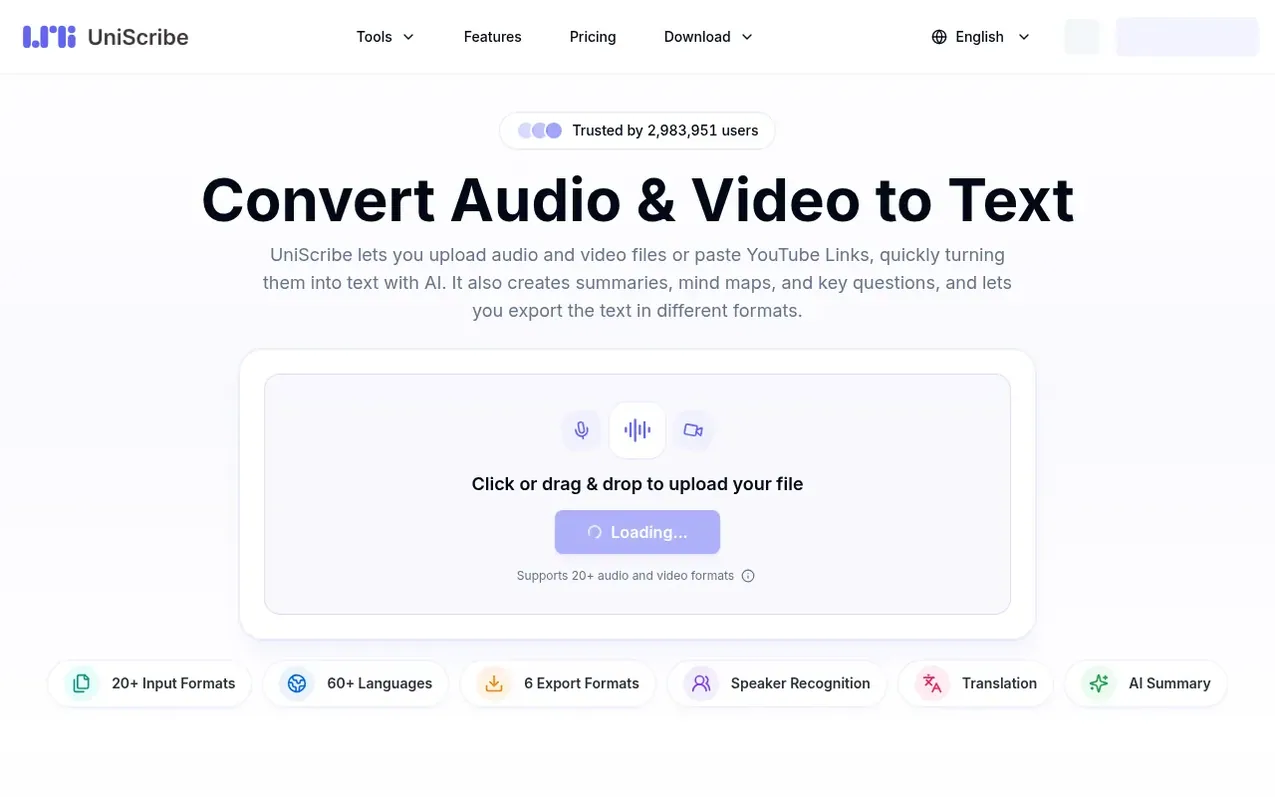
UniScribe is an AI-powered transcription service that converts audio and video files to text. Users can upload files directly or paste YouTube links, and the service produces transcriptions with timestamps and speaker labels in about a minute for hour-long recordings. The platform supports 20+ audio and video formats and 60+ languages.
Beyond basic transcription, UniScribe generates AI-powered summaries, mind maps, and key questions from the transcribed content. Users can translate transcripts into other languages and export results in multiple formats including TXT, DOCX, PDF, SRT, VTT, and CSV. The service includes full-text search across all transcripts and allows users to share transcripts via shareable links.
The platform offers both free and paid subscription plans, as well as one-time purchase packages. Free users receive 120 minutes of transcription per month with files limited to 30 minutes each, while paid plans support files up to 5 hours long and 5GB in size with batch upload capabilities.
What it does
- AI transcription in 60+ languages
- Speaker recognition and identification
- AI-generated summaries and mind maps
- Multiple export formats: TXT, PDF, DOCX, SRT, VTT, CSV
- YouTube and online video transcription
- Batch upload up to 50 files
- Full-text search across transcripts
- Transcript sharing via shareable links
- Supports 20+ audio and video formats
- AI translation of transcripts
Pricing
Pricing model: Freemium
Free: 120 minutes/month. Basic: $6/month or $10 billed yearly ($72/year, save 40%); 1200 minutes/month, $10 per 500 extra minutes. Standard: $12/month or $20 billed yearly ($144/year, save 40%); 3000 minutes/month, $15 per 1000 extra minutes. Pro: $18/month or $30 billed yearly ($216/year, save 40%)
Shopper questions
How do I convert audio to text online?
Upload your audio file and click Transcribe. The transcript is ready in about a minute for a one-hour recording. You can then edit it online or export it as TXT, DOCX, PDF, SRT, VTT or CSV.
Can I convert a video to text, including an online video link?
Yes. You can upload video files like MP4, MOV, and WEBM, or paste a link from YouTube and other supported video sites. UniScribe extracts the audio track and turns the video into text with timestamps.
Is it free to convert video and audio to text?
Yes. The Free plan includes 120 minutes of transcription per month, up to 3 files per day, with each file up to 30 minutes long. For longer files and more minutes, see the paid pricing plans.
What can I do after turning audio or video into text?
UniScribe generates an AI summary, mind map and key questions from the transcript, translates it into other languages, and lets you share it with a link. Full-text search across all your transcripts is built in.
Can I transcribe long audio or video files to text?
Yes. On paid plans each file can be up to 5 hours long or 5 GB, supporting hour-long meetings, lectures, podcasts and phone recordings. Free plan files are limited to 30 minutes each.
UniScribe has a free listing. The owner can unlock the full profile with a paid launch for $5:
- Founder story (locked)
- Milestones (locked)
- Demo video (locked)
- Dofollow website link (locked)
Shoppers also viewed
- TokScript
Audio, Voice & Podcasting
- Relayo
Audio, Voice & Podcasting
- hearlog
Audio, Voice & Podcasting
- Audionarrator
Audio, Voice & Podcasting