
Tapelark
Record what your Linux desktop plays into your own library
Audio recording application for Linux that captures sound from apps, internet radio and podcasts into a personal library, available as a Flatpak.
About this launch
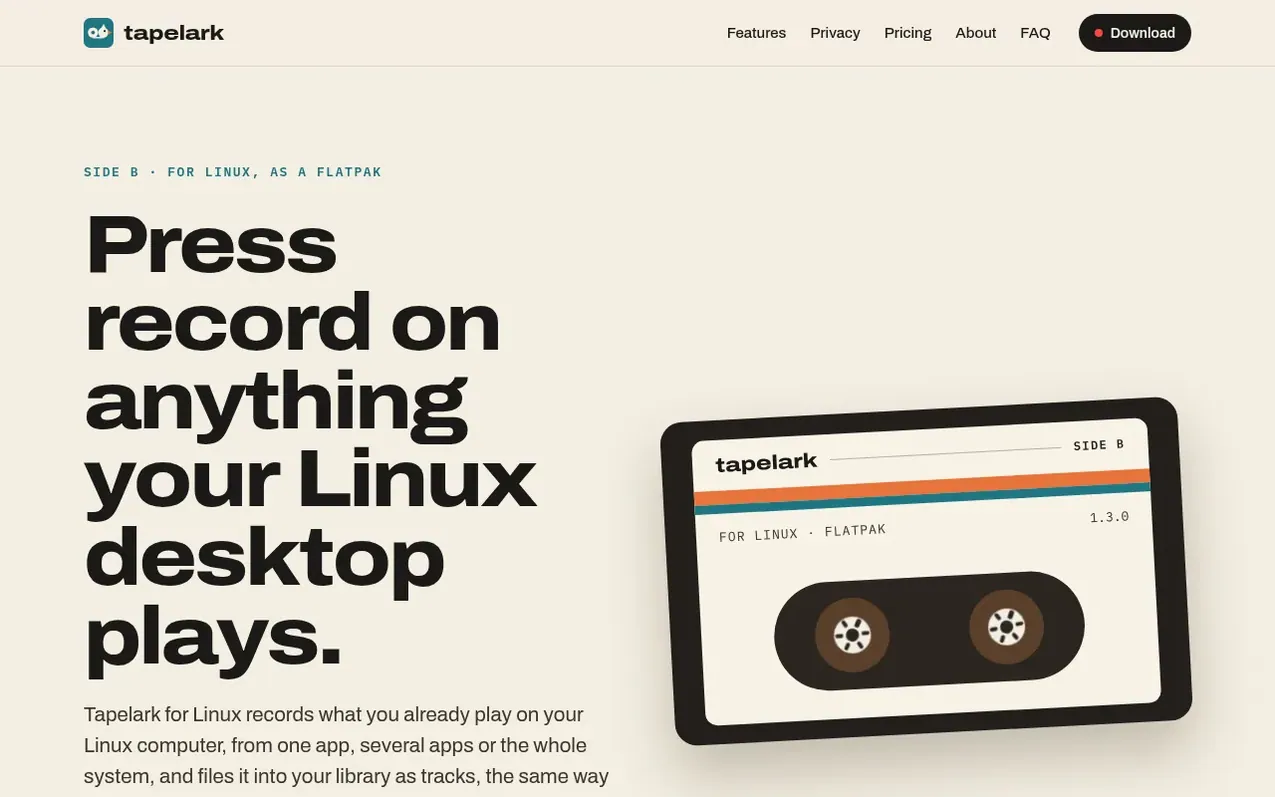
Tapelark for Linux records audio from your Linux desktop applications, internet radio streams, and podcasts directly from PipeWire without using a microphone or cable. It organizes recordings into a personal library where you can browse by artist and album, edit tags, find duplicates, and export to multiple audio formats including AAC, Apple Lossless, FLAC, WAV and MP3.
The application works with music players and browsers that announce track information, automatically naming and organizing recordings. For streams without metadata, Tapelark splits audio at silences to create separate tracks. You can search thousands of radio stations, record streams song by song, schedule recordings, and follow podcasts to keep their episodes.
Tapelark requires a Linux desktop with PipeWire, GNOME or KDE Plasma, and is installed as a Flatpak with automatic updates. The free 14-day trial includes all features with a 10-minute recording limit per track. A one-time purchase removes the limit and works on all your Linux computers.
What it does
- Record any app with PipeWire without microphone or cable
- Automatic track naming from player metadata
- Search and schedule internet radio recordings
- Follow and save podcast episodes
- Browse library by artist and album
- Export to multiple audio formats
- Find and remove duplicate recordings
- Edit track tags and metadata
Pricing
Pricing model: Paid
Tapelark for Linux: 39 EUR, 39 USD, 39 CHF, 35 GBP, 9800 JPY (one-time purchase for all Linux computers). Free 14-day trial with 10-minute recording limit per track.
Shopper questions
What is the difference between Tapelark for Linux and Tapelark Pro on Linux?
Tapelark Pro for Linux is on its way and will include Pro features like window video recording, Isolate Voice, and Smooth Motion, which are currently Mac-only. On Linux, Pro gives you what the Linux licence provides, with Mac features through the Pro app. Currently, Tapelark Pro only removes the 10-minute recording limit on Linux.
How do I install Tapelark for Linux?
Install the Flatpak using one command that adds Tapelark's repository, or download the bundle for your processor (Intel/AMD x86_64 or ARM aarch64) and open it with your software centre. Flatpak keeps Tapelark up to date automatically with your other apps.
What are the system requirements for Tapelark on Linux?
You need a Linux desktop with PipeWire (the sound system of current Fedora, Ubuntu and Debian releases), GNOME or KDE Plasma, and Flatpak installed for updates.
Do I need to buy a separate license for Linux if I already have Tapelark Pro?
No. If you already have Tapelark Pro, your key works with Tapelark for Linux too. Tapelark Pro includes Tapelark for Linux with one licence for both Mac and Linux.
What formats can I export my recordings to?
You can export to AAC, Apple Lossless, FLAC, WAV or MP3. On Linux, MP3 is one of the export formats available.
Tapelark has a free listing. The owner can unlock the full profile with a paid launch for $5:
- Founder story (locked)
- Milestones (locked)
- Demo video (locked)
- Dofollow website link (locked)
Shoppers also viewed
- Music Remover
Audio editing
- GeeksKai
Audio editing
- Background Audio Remover
Audio editing
- Unmix Studio
Audio editing



