Strophe
Turn any book into an audiobook with on-device text to speech
A native iPhone ebook reader with on-device text to speech for EPUBs, PDFs and web articles that works offline with no account required.
About this launch
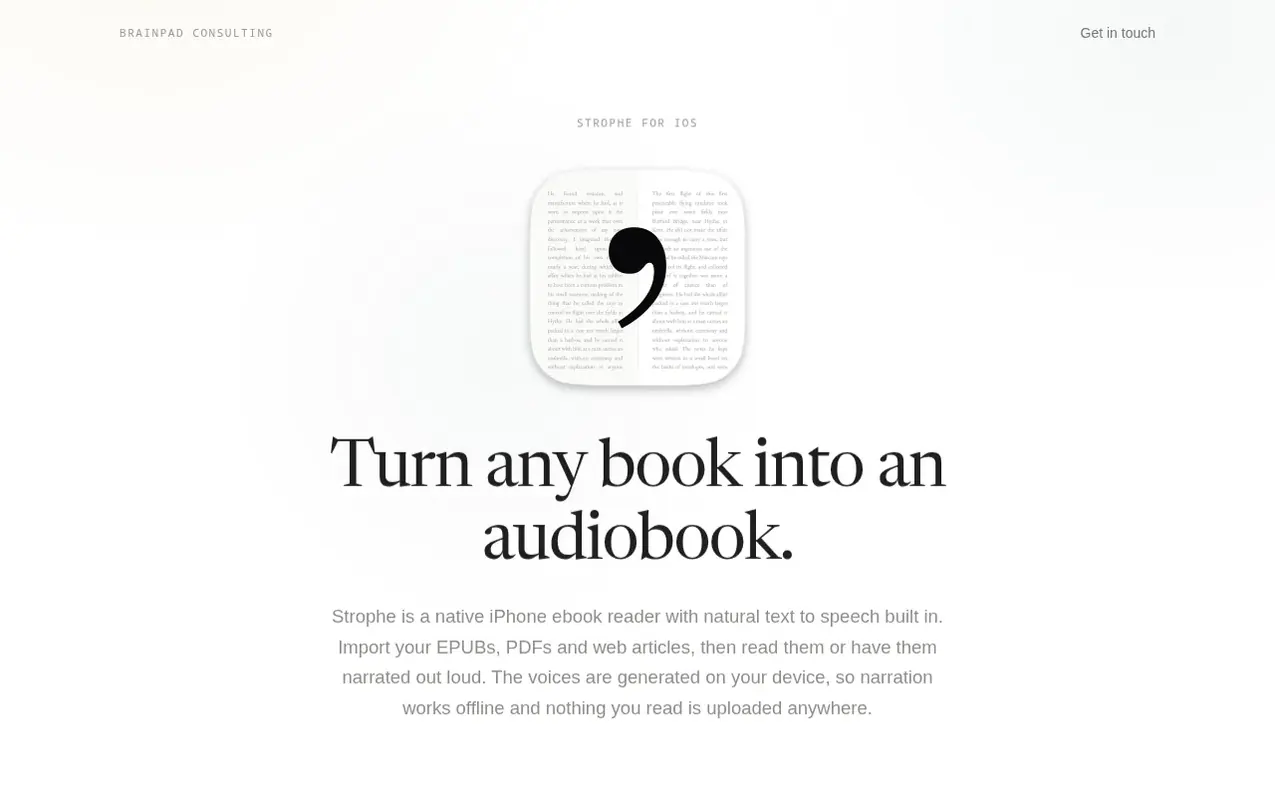
Strophe is a native iPhone ebook reader that transforms written content into natural narration using on-device text-to-speech technology. Users can import EPUBs, PDFs, and web articles, then read them or listen to them being read aloud with word-by-word highlighting.
The app generates all speech locally on the device, meaning narration works entirely offline and nothing you read leaves your phone. There is no account to create, no server storing your library, and no analytics or tracking. Your library is stored as ordinary files on your device and can be synced through iCloud.
Strophe includes thousands of free public domain books from Project Gutenberg, browsable within the app. Users can customize fonts, themes, page layout, and playback speed from 0.5x to 3x, with background playback and Lock Screen controls. Reading and listening positions stay in sync, and the app supports highlights, notes, bookmarks, and reading goals with streaks and statistics.
What it does
- EPUB and text-based PDF reading
- On-device text to speech that works offline
- Word-by-word highlighting during narration
- Web article saving from Safari and other apps
- Playback speed control from 0.5x to 3x
- Background playback and Lock Screen controls
- Reading and listening position sync
- Highlights, notes and bookmarks
- iCloud sync across devices
- Free Project Gutenberg classics library
Pricing
Pricing model: Freemium
Shopper questions
Can Strophe read EPUB files aloud?
Yes. Strophe reads imported EPUBs as normal ebooks with your choice of font, theme and layout. Press play at any point and it narrates from there, highlighting each word as it goes. Text-based PDFs work the same way.
Does the narration work offline?
Yes. The speech models are bundled inside the app rather than called from a server, so narration works with no connection at all, including in airplane mode. The only thing that needs internet is saving a new web article, since Strophe has to fetch the page.
Do I need an account?
No. There is no sign up, no password and no profile. Strophe does not operate a server that stores your library, so there is nothing to log in to.
How is Strophe different from cloud text-to-speech apps?
Strophe generates speech on your device, so it works offline and your text never goes out to be processed. Many alternatives generate speech on their servers, which needs a connection and sends them your text. Strophe asks for no account, does not meter listening time, and is a reader rather than a converter, so your EPUBs, PDFs, saved articles and the Project Gutenberg catalog all sit in the same library.
What can I do without paying?
You can hold five books and read and listen to them with no limit on listening time. Web articles and pasted text are unlimited on the free tier, and every voice and reading feature is included. Strophe Plus removes the five book limit and adds Instapaper import.
Strophe has a free listing. The owner can unlock the full profile with a paid launch for $5:
- Founder story (locked)
- Milestones (locked)
- Demo video (locked)
- Dofollow website link (locked)
Shoppers also viewed
- TokScript
Audio, Voice & Podcasting
- Relayo
Audio, Voice & Podcasting
- hearlog
Audio, Voice & Podcasting
- Audionarrator
Audio, Voice & Podcasting