Splitwave
Free, open-source, node-based audio routing for macOS, Windows and Linux
About this launch
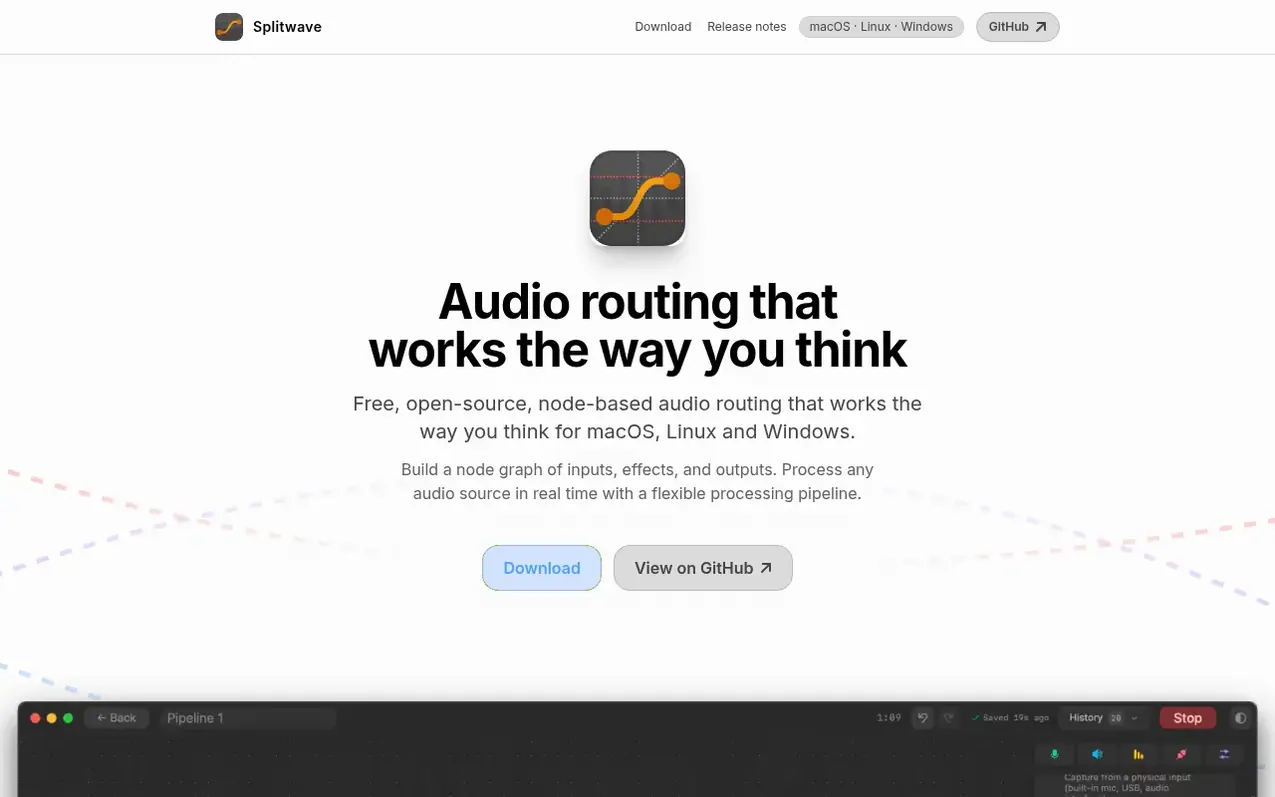
A desktop audio router that lets you build node graphs to capture, process and route audio sources through effects and plugins in real time.
What it does
- Node-based audio routing graph
- Unlimited virtual audio devices
- System audio and per-app audio capture
- Microphone capture with noise suppression, gate, compressor and EQ
- CLAP, AU and VST3 plugin hosting
- Multi-format recording including WAV, FLAC, AIFF, Opus, MP3, AAC
- Audio streaming over network via WebRTC and UDP
- Real-time resampling between different sample rates
Pricing
Pricing model: Open source
Free. Source code available under MIT license on GitHub.
Shopper questions
What is Splitwave?
Splitwave is a desktop audio router where you build a node graph by dragging in sources like microphone, system audio, a single app or a file, wiring them through effect nodes, and ending at outputs such as speakers, recording files, or virtual devices. The graph runs in real time and you can rewire it while audio is playing.
What is a virtual audio device and why would I need one?
A virtual device is a fake sound card that other applications can select as an input or output. You can send Splitwave audio into a virtual output, then pick that device as the microphone in Zoom, Discord, OBS, or your DAW so those apps receive your processed signal as real hardware. On macOS and Linux, Splitwave creates as many virtual devices as you need. On Windows, you install VB-Cable or similar and Splitwave uses it like any other device.
Can I use Splitwave with Discord, Zoom, OBS, or a streaming setup?
Yes, that is the common case. You can build a chain such as microphone into noise suppression, gate, compressor and EQ, end it at a virtual output device, then select that device as the microphone inside the app you are calling or streaming from. You can also branch the same processed signal into a File Recording node to keep a local copy.
Is Splitwave an alternative to BlackHole, Loopback, VB-Cable or VoiceMeeter?
Splitwave covers the same ground and more. Tools like BlackHole and VB-Cable provide a plain virtual audio cable; Loopback and VoiceMeeter add a mixer. Splitwave gives you a full node graph on macOS, Linux and Windows with noise suppression, EQ, compression, third-party VST3/AU/CLAP plugins, recording, and network streaming, all free and MIT licensed.
Does Splitwave send my audio anywhere?
No. All processing happens locally on your machine, and there is no account, analytics, or cloud rendering. Audio leaves your computer only when you deliberately add a network node like WebRTC or UDP sender and point it at a peer yourself.
Splitwave has a free listing. The owner can unlock the full profile with a paid launch for $5:
- Founder story (locked)
- Milestones (locked)
- Demo video (locked)
- Dofollow website link (locked)
Shoppers also viewed
- Music Remover
Audio editing
- GeeksKai
Audio editing
- Background Audio Remover
Audio editing
- Unmix Studio
Audio editing



