
Sound to MIDI
Convert audio to MIDI free in your browser
A browser-based audio to MIDI converter that transcribes recorded music into editable notes locally on your device, free and without sign-up.
About this launch
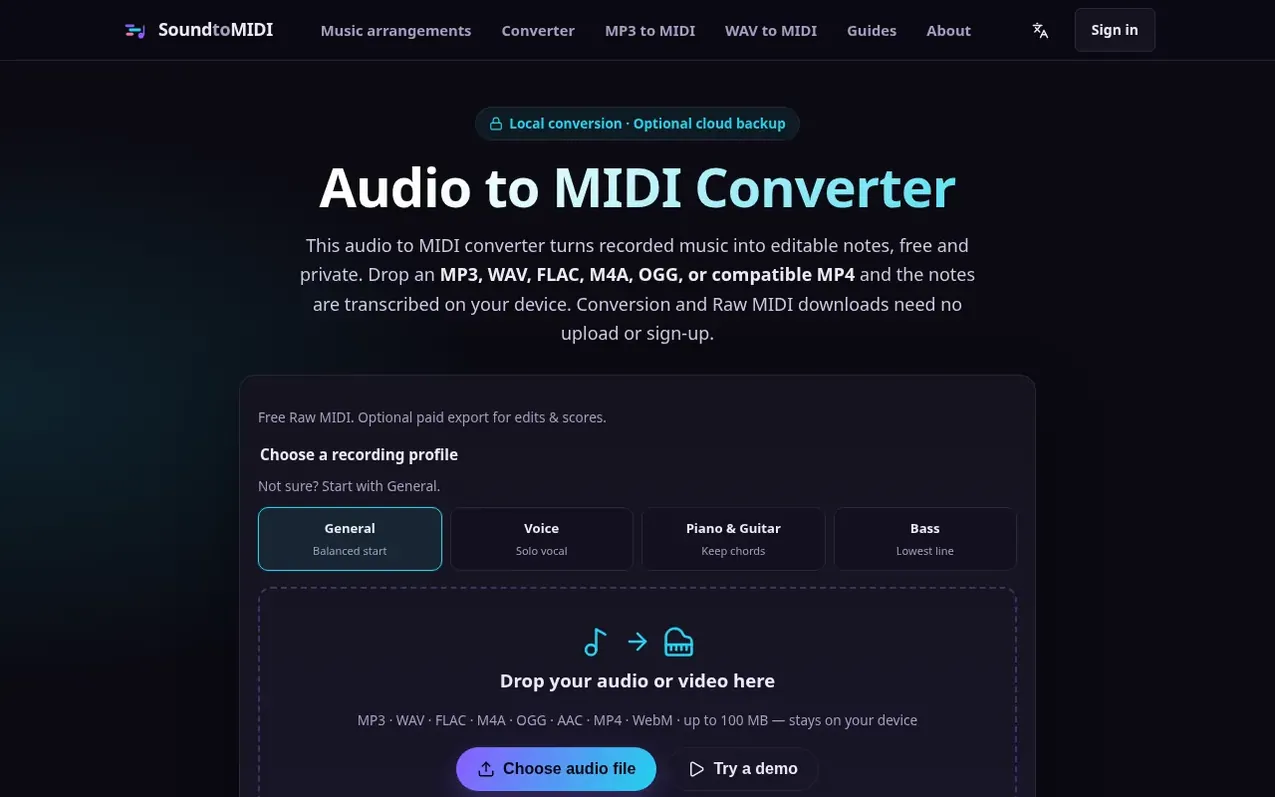
Sound to MIDI is a browser-based audio-to-MIDI converter that estimates notes, timing and dynamics from recorded music. The transcription model runs locally in your browser using Spotify's Basic Pitch neural network, which works across instruments and is polyphonic, so it can transcribe chords, piano, guitar, vocals and leads. Conversion does not upload your source audio; optional cloud audio backup requires your explicit selection.
You can download Raw MIDI free without signing in. The optional Music Export Pack includes your edited MIDI, an automatic piano score draft in PDF and MusicXML, a labeled note-map image, original- and half-speed synthesized practice WAVs, a precise note list CSV and an export guide. You can listen and preview the draft before buying. One export unlocks one project, including later edits, and purchased exports do not expire.
The tool supports MP3, WAV, FLAC, M4A/AAC, OGG, and MP4/WebM files with a browser-compatible audio track. Clean, isolated parts like piano, guitar, vocals or leads usually give more workable results than a mastered song with several parts playing at once.
What it does
- Free Raw MIDI download without sign-up
- Local audio processing on device
- Polyphonic AI pitch detection using Spotify's Basic Pitch
- Multiple input formats: MP3, WAV, FLAC, M4A, OGG, MP4, WebM
- Edit and refine detected notes before export
- Automatic sheet music draft in PDF and MusicXML
- Practice WAVs at original and half speed
- Source-aware detection profiles: Voice, Piano & Guitar, Bass, General
- Adjustable onset and note confidence thresholds
- Works on mobile browsers
Pricing
Pricing model: Freemium
Raw MIDI downloads are free. Sign in for your first complete project export free. Additional project exports available in one-time packs with no subscription. First-time users get one free complete export after signing in.
Shopper questions
Is this audio to MIDI converter really free?
Audio conversion, Raw MIDI, editing and score previews are free without sign-up or daily limits. You can sign in for your first complete project export free. Additional project exports are available in one-time packs that do not expire. Each project unlock includes later edits and downloads.
Is my audio uploaded anywhere?
Conversion does not upload your audio. Saving a project uploads your edits, settings and MIDI. Original audio is uploaded only if you select the audio-backup checkbox.
What audio formats can I convert to MIDI?
The converter accepts MP3, WAV, FLAC, M4A/AAC, OGG, and MP4/WebM files with a browser-compatible audio track. Codec support depends on the browser. For the cleanest result, use a clear recording where the melody or instrument stands out.
How accurate is the AI transcription?
The converter uses Spotify's Basic Pitch model, which is polyphonic and works across instruments. Clean, isolated parts like piano, guitar, vocals and leads transcribe best; dense full mixes are harder. You can fine-tune onset and note thresholds in Advanced settings.
Which apps can open the MIDI file?
The exported .mid is standard MIDI and opens in any DAW or notation software including Ableton Live, FL Studio, Logic Pro, GarageBand, Cubase, Reaper, and MuseScore.
Sound to MIDI has a free listing. The owner can unlock the full profile with a paid launch for $5:
- Founder story (locked)
- Milestones (locked)
- Demo video (locked)
- Dofollow website link (locked)
Shoppers also viewed
- Music Remover
Audio editing
- GeeksKai
Audio editing
- Background Audio Remover
Audio editing
- Unmix Studio
Audio editing



