Scriber Pro
Offline AI transcription for macOS
Native macOS app that transcribes audio and video files entirely offline using Whisper AI, with support for YouTube links and web videos including M3U8 streams.
About this launch
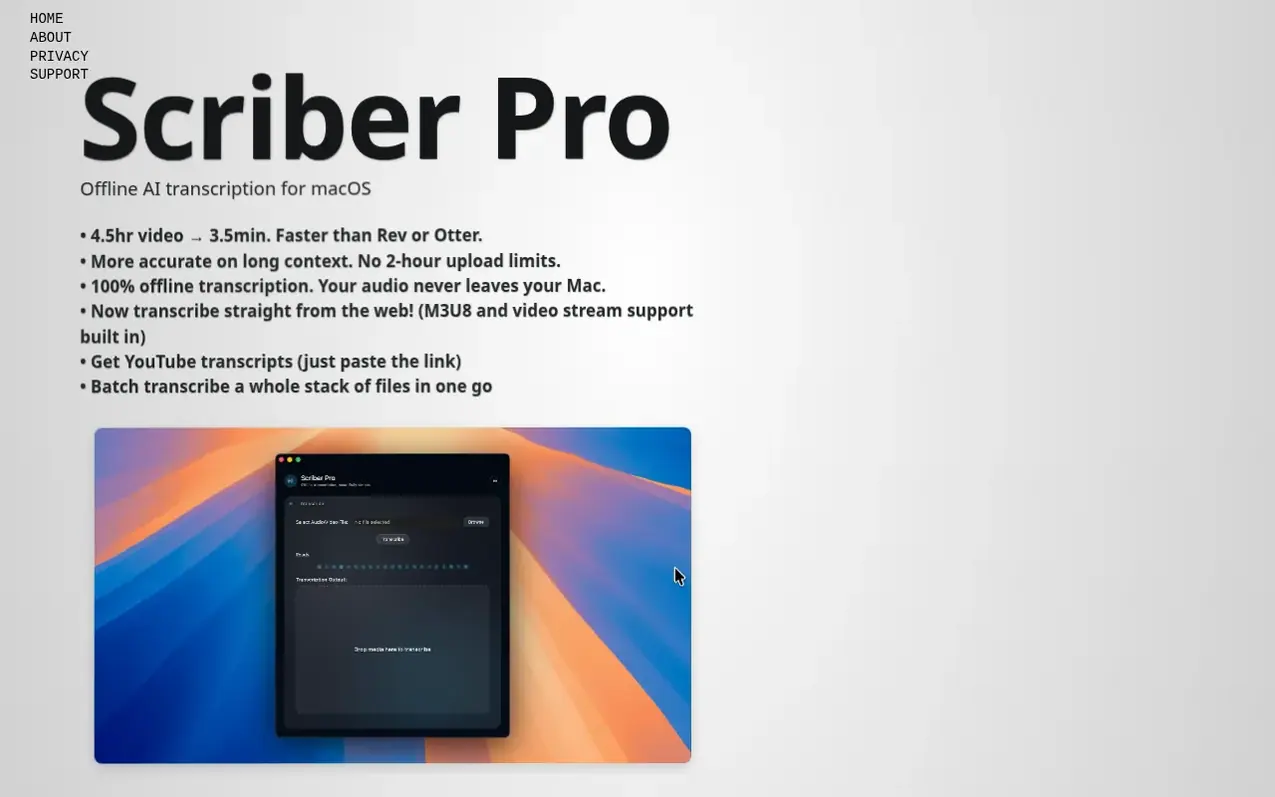
Scriber Pro is a native macOS application that transcribes audio and video into text using OpenAI's Whisper model, running entirely on your Mac without uploading files to the cloud. The app supports multiple formats including MP3, WAV, MP4, MOV and others, and can process 4.5 hours of video in approximately 3.5 minutes.
Version 2.0 introduces Web Fetch, which allows users to paste links to web pages and transcribe videos directly from M3U8 (HLS) streams, including videos behind sign-in pages like Canvas and Kaltura. The app also retrieves YouTube transcripts by pasting a link. All transcripts are saved to a searchable library with categories and favorites, synced through iCloud.
Scriber Pro is a one-time purchase with no subscriptions or recurring fees. Transcription happens locally on your Mac with no data collection, analytics, or network requirements for file processing.
What it does
- Transcribe audio and video files in multiple formats (MP3, WAV, MP4, MOV, M4A, FLAC, AIFF, CAF, 3GP, TS, MPEG, M4V)
- Process multi-hour recordings with automatic splitting and rejoining
- Batch transcription for multiple files
- YouTube transcript retrieval by pasting links
- Transcribe lectures and videos behind login pages like Canvas and Kaltura
- Searchable library with categories, favorites and iCloud sync
- Export to multiple formats (TXT, PDF, DOCX, RTF, Markdown, JSON, SRT, VTT, CSV)
- Process 4.5 hours of video in approximately 3.5 minutes
- No account or subscription required
Pricing
Pricing model: Paid
$3.99 one-time purchase on the Mac App Store
Shopper questions
How do I transcribe a video on a web page or an M3U8 link?
Click Web Fetch, paste the link to the page or a direct .m3u8 link and click Find Videos. Pick the video from the list and click Transcribe. Scriber finds the M3U8 (HLS) streams behind the page's video player and transcribes the audio on your Mac without needing a browser extension or developer tools.
Can Scriber Pro transcribe lecture videos behind a login, like Canvas or Kaltura?
Yes. If a page requires you to sign in, Scriber opens the site's own sign-in window. Sign in once and Scriber remembers you for next time. Copy-protected (DRM) videos and live streams cannot be transcribed.
Does Scriber Pro transcribe in the cloud?
No. Transcription always runs on your Mac. YouTube and Web Fetch are the only features that fetch anything from the web, and you can turn them off in Settings.
Does Scriber Pro need an internet connection?
Not for transcribing files—transcription runs entirely on your Mac and works offline. YouTube and Web Fetch need a connection only while they fetch.
Is there a subscription?
No. Scriber Pro is a one-time $3.99 purchase on the Mac App Store with no subscription or recurring fees.
Scriber Pro has a free listing. The owner can unlock the full profile with a paid launch for $5:
- Founder story (locked)
- Milestones (locked)
- Demo video (locked)
- Dofollow website link (locked)
Shoppers also viewed
- TokScript
Audio, Voice & Podcasting
- Relayo
Audio, Voice & Podcasting
- hearlog
Audio, Voice & Podcasting
- Audionarrator
Audio, Voice & Podcasting