
Screenify Studio
Mac screen recorder that turns rough captures into polished product demos and stages them in device mockups
About this launch
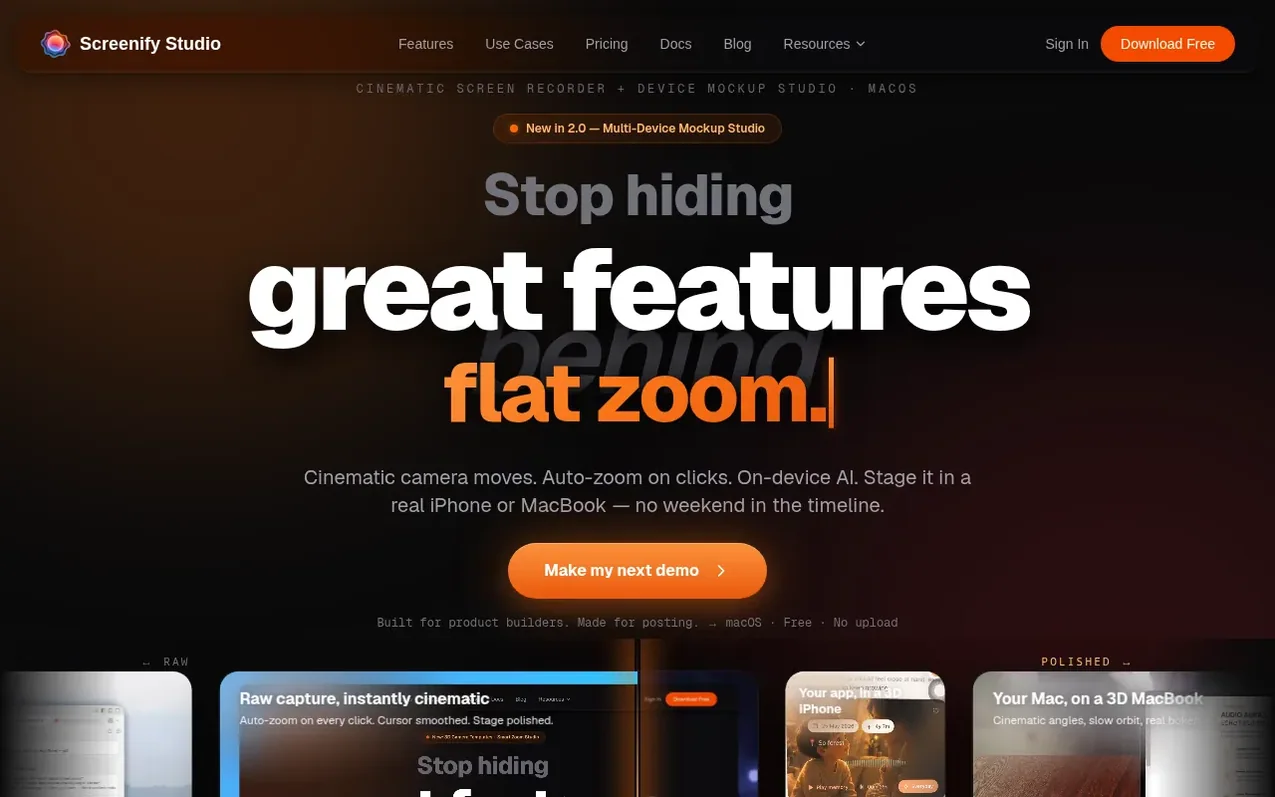
Screenify Studio is a native macOS screen recorder designed for product builders, indie hackers, and solo founders to create polished product demonstrations and build-in-public content. It features cinematic camera effects with 30+ templates, AI-powered auto-zoom on clicks and typing, and the ability to stage recordings in 3D iPhone or MacBook mockups. The application includes AI background removal, subtitle generation with Whisper technology, and runs entirely on-device with no cloud uploads required. All recording, editing, and AI features work offline on Apple Silicon Macs, with export speeds 3× faster than competitors using native Metal GPU acceleration.
What it does
- 3D cinematic camera with 30+ templates and keyframe support
- AI smart auto-zoom on clicks, typing and mouse dwell
- AI background removal with blur, color, or custom image
- AI captions and subtitles with 98%+ accuracy
- 3D iPhone and MacBook device mockups with multi-device staging
- Native Metal GPU acceleration for 3× faster export
- Multi-track timeline with cuts, trims and per-clip properties
- Screenify CLI with AI web demo automation
Pricing
Pricing model: Freemium
Shopper questions
What operating system is required?
Screenify Studio runs on macOS 13 and later, optimized for Apple Silicon Macs.
Is there a free plan available?
Yes, there is a free tier available forever with full recording suite and watermark, no credit card required.
What is the refund policy?
Screenify offers a 14-day money-back guarantee on all paid plans with no questions asked. Refunds are processed within 5-10 business days.
Does Screenify require internet or cloud upload?
No, Screenify is 100% local with zero upload. All AI features including background removal, captions, and voice cloning run entirely on your Mac and work offline.
Can I voice clone with Screenify?
Yes, Screenify includes AI voice cloning from a 3-second sample with text-to-speech in 30+ languages. The feature only records live from your microphone and cannot upload audio files.
Screenify Studio has a free listing. The owner can unlock the full profile with a paid launch for $5:
- Founder story (locked)
- Milestones (locked)
- Demo video (locked)
- Dofollow website link (locked)
Shoppers also viewed
- Music Remover
Audio editing
- GeeksKai
Audio editing
- Background Audio Remover
Audio editing
- Unmix Studio
Audio editing



