
Screen Records
Free Mac screen recorder with built-in editor and AI-assisted editing
Native Mac app for recording screen, camera and audio with built-in editing, captions and AI assistance through Claude, ChatGPT or Cursor.
About this launch
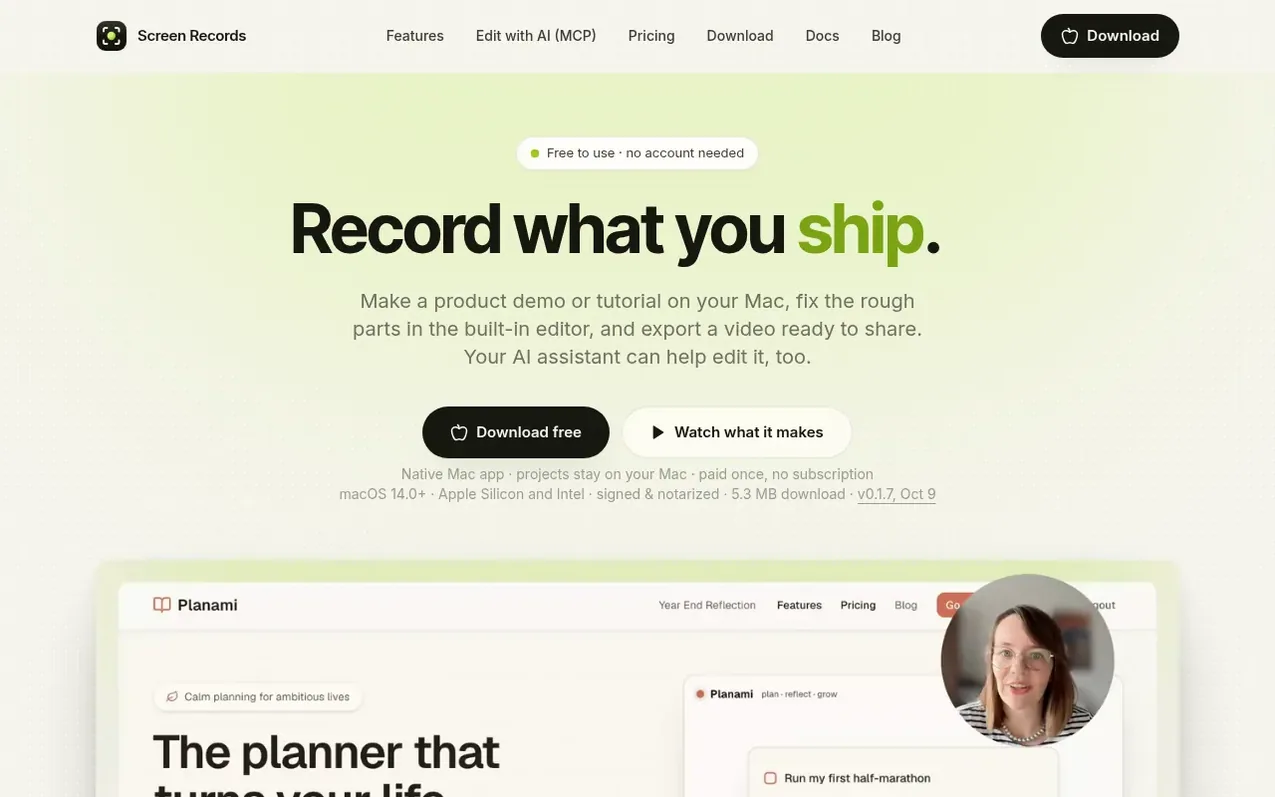
Screen Records is a native macOS screen recorder with a built-in editor. You can record your display, a window or region, along with camera, microphone and system audio on separate tracks. The recording opens directly in the editor where you can cut pauses, add zooms, captions and text overlays, re-record sentences without redoing the entire take, and export as MP4 or GIF. The full app is free to use with a small badge on exports. A one-time lifetime license removes the badge and adds AI editing: Claude, ChatGPT, Codex or Cursor can edit your project through a built-in MCP server. The app stores everything locally on your Mac—no cloud uploads, no subscription.
What it does
- Record full display, window or region with outline
- Separate audio tracks for screen, camera, microphone, system audio and voiceover
- Cut and split on timeline, remove pauses automatically
- Zooms with depth choice and eased motion
- Push-to-talk voiceover re-recording
- Captions transcribed locally on Mac
- AI editing through Claude, ChatGPT, Codex or Cursor via MCP
- Export as MP4 in five aspect ratios, GIF, audio-only or captions
- Non-destructive edits with raw capture never overwritten
- Camera in multiple shapes with blur and resize after recording
Pricing
Pricing model: Freemium
Free version with full recording and editing, small badge on exports. One Mac license: $29 one-time. Three Macs license: $49 one-time. Next batch: $39 for One Mac, $59 for Three Macs.
Shopper questions
What do I get for free?
The whole recorder and editor with no recording limit or time limit. Video and GIF exports carry a small screenrecords.app badge in a corner. No account or email needed.
What does a license add?
Exports without the badge and AI editing: Claude, ChatGPT, Codex or Cursor can cut, zoom and caption your project through MCP.
Do my recordings go to a server?
No. Recording, editing and captions happen on your Mac. The app only contacts the backend to verify your license and check for updates. If you connect an AI client like Claude or ChatGPT, that client reads the transcript and sends it to its own company.
Can I move my license to a new Mac?
Yes. A one-Mac license activates on one machine at a time; email support and they will free the old seat. The three-Mac license covers a desktop, a laptop and a spare without asking.
Is this a subscription?
No. It is a one-time payment for a lifetime license: $29 for one Mac, $49 for three at the current price. The price steps up as licenses sell, and the pricing page shows the live count. Every future update is included, with no paid upgrades.
Screen Records has a free listing. The owner can unlock the full profile with a paid launch for $5:
- Founder story (locked)
- Milestones (locked)
- Demo video (locked)
- Dofollow website link (locked)
Shoppers also viewed
- Music Remover
Audio editing
- GeeksKai
Audio editing
- Background Audio Remover
Audio editing
- Unmix Studio
Audio editing



