SAM TTS
Free Microsoft SAM voice generator online for classic Windows XP text-to-speech
A free browser-based tool that recreates the classic Microsoft SAM voice from Windows XP. Users can type text, adjust pitch and speed, and download audio as WAV
About this launch
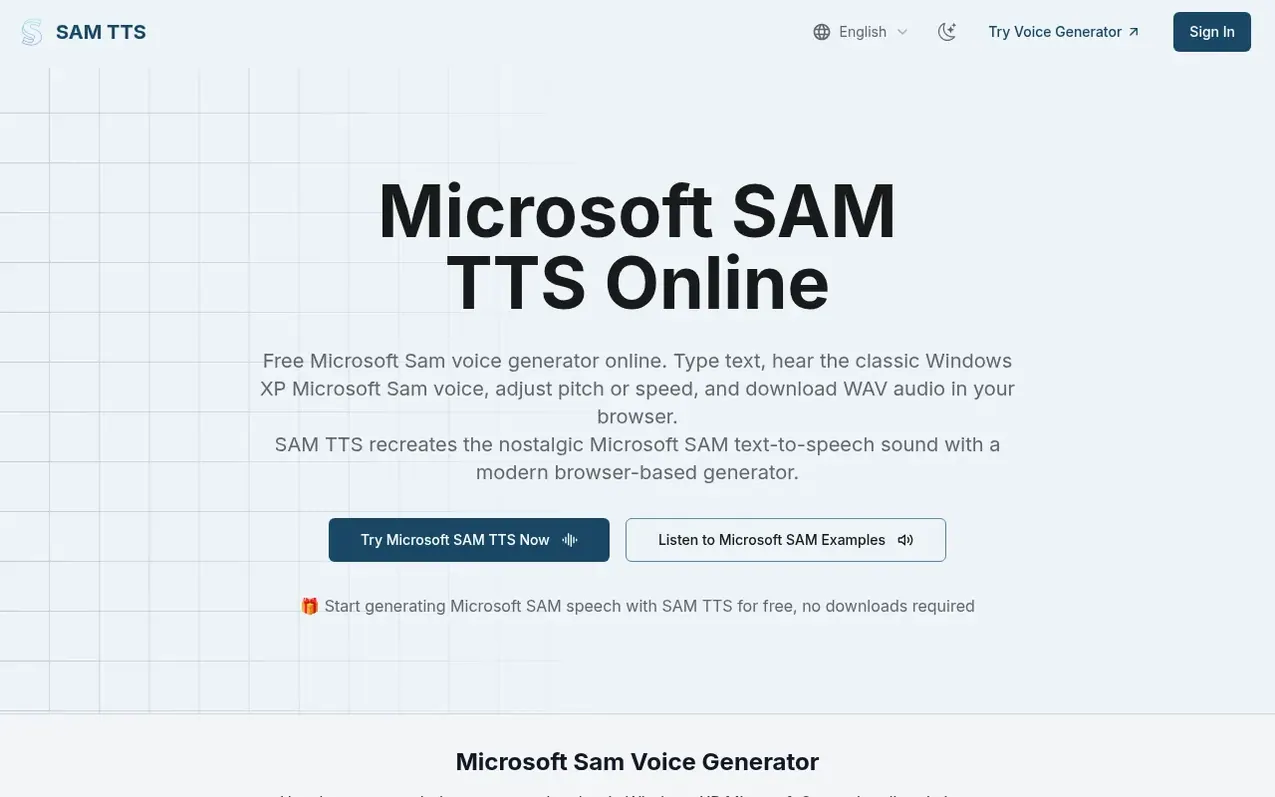
SAM TTS is a free, browser-based text-to-speech generator that faithfully recreates the iconic Microsoft SAM voice from Windows XP. The tool allows users to enter any text, customize voice parameters like pitch, speed, mouth, and throat settings, and instantly preview or download audio as WAV files without requiring any downloads or installations.
The platform offers multiple classic SAPI4 voices including Microsoft Sam, Microsoft Mike, Microsoft Mary, and BonziBUDDY, along with preset voice profiles such as Elf, Little Robot, Stuffy Guy, Little Old Lady, and Extra-Terrestrial. All generation happens directly in the user's browser using JavaScript and Web Audio APIs, ensuring privacy and fast performance.
SAM TTS preserves the nostalgic charm of early 2000s Windows computing while adding modern conveniences. The tool works across all modern browsers including Chrome, Firefox, Safari, and Edge, on both desktop and mobile devices.
What it does
- Generate Microsoft SAM voice online in browser
- Adjust pitch, speed, mouth, and throat parameters
- Download audio as WAV files
- Multiple classic SAPI4 voices available
- Preset voice profiles for instant character voices
- Works on all modern browsers and mobile devices
- Runs entirely in browser with no server processing
- JavaScript API for integration into applications
- Lightweight implementation under 100KB JavaScript code
Pricing
Pricing model: Free
Shopper questions
What is Microsoft SAM Text to Speech?
Microsoft SAM (Speech Articulation Module) was a classic speech synthesizer originally included with Windows XP as part of Microsoft Speech API (SAPI). SAM TTS is a modern JavaScript implementation that brings this iconic voice to your browser, faithfully recreating the distinctive robotic speech that defined early Windows computing.
How do I download Microsoft SAM TTS audio?
After generating speech in the browser, you can click to download a WAV file directly with one click. The download is completely free and works on all modern browsers. The WAV file is ready to use in videos, memes, games, or any project.
What voice customization options are available?
Microsoft SAM offers four main adjustable parameters: Pitch to change voice height, Speed to change talking rate, Mouth to adjust resonance, and Throat to adjust tone. You can also choose from preset voice profiles including Default SAM, Elf, Little Robot, Stuffy Guy, Little Old Lady, and Extra-Terrestrial.
Can I use SAM TTS in my own projects?
Yes, you can use the Microsoft SAM speech output for both personal and commercial purposes. You can play audio directly or download WAV files, and there is a simple JavaScript API available for integration into websites, games, and applications.
Is SAM TTS free to use?
Yes, SAM TTS is completely free. There are no subscriptions, no sign-ups, and no software to download. The tool runs entirely in your browser, and you can generate and download audio at no cost.
SAM TTS has a free listing. The owner can unlock the full profile with a paid launch for $5:
- Founder story (locked)
- Milestones (locked)
- Demo video (locked)
- Dofollow website link (locked)
Shoppers also viewed
- TokScript
Audio, Voice & Podcasting
- Relayo
Audio, Voice & Podcasting
- hearlog
Audio, Voice & Podcasting
- Audionarrator
Audio, Voice & Podcasting