PressPlayed
RSS and news reader that reads article text aloud as continuous audio briefings
Follow publishers, topics, or RSS feeds and listen to articles read aloud as one continuous briefing instead of scrolling through text.
About this launch
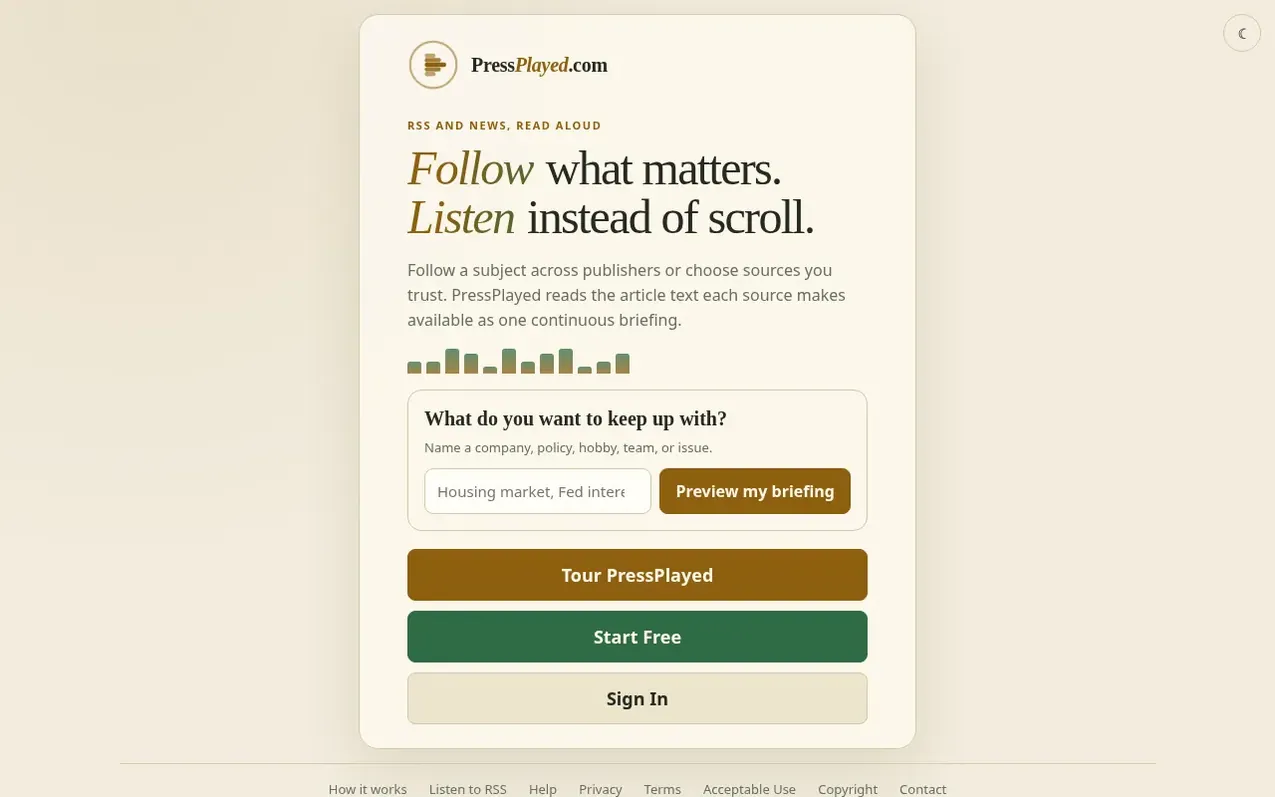
PressPlayed is an RSS and news reader that converts article text into continuous audio briefings. Users can follow specific publishers, track topics across multiple sources, or import RSS feeds and OPML files. The service reads available article text aloud in a natural voice, allowing listeners to consume news while doing other activities.
The platform offers customization options including multiple natural voice narrators, playback speed adjustment, muted word filters, article length preferences, and language selection. Briefings can be accessed on phones with lock-screen controls and work in cars with hands-free playback.
PressPlayed does not use engagement algorithms or advertising trackers, instead curating content based on user-selected publishers and topics. The service operates on a best-effort basis and respects publisher paywalls and access controls.
What it does
- Follow publishers, topics, or import RSS/OPML feeds
- Natural voice narration with multiple voice options
- Adjustable playback speed
- Lock-screen playback controls
- Muted words, article length, language, and played-article controls
- Private accounts with no advertising trackers
- Install as home screen app on iPhone and Android
- Ready-made starter briefings
- Continuous listening without algorithm curation
Pricing
Pricing model: Free
Free with no credit card required. New accounts include approximately two hours of newly generated narration per day. Future paid pricing has not been set.
Shopper questions
What does PressPlayed cost?
PressPlayed is completely free with no credit card required. New accounts include approximately two hours of newly generated narration per day, resetting at midnight Pacific. Cached narration does not use this allowance. Future paid pricing has not been set.
How do I install PressPlayed on my phone?
On iPhone, open pressplayed.com in Safari, tap the Share button, scroll down, and tap Add to Home Screen. On Android, open pressplayed.com in Chrome and accept the install prompt, or open Chrome's menu and choose Install app or Add to Home screen.
Why might an article not play?
Some publishers block automated retrieval, require a subscription, or publish only a short summary in their feed. PressPlayed does not bypass paywalls, sign-ins, or publisher access controls. You can use the flag beside an article when the wrong text is read or playback fails unexpectedly.
What can I customize in my briefings?
You can choose different natural voice narrators, adjust playback speed, set muted words, control article length, select language preferences, and manage which articles have already been played.
PressPlayed has a free listing. The owner can unlock the full profile with a paid launch for $5:
- Founder story (locked)
- Milestones (locked)
- Demo video (locked)
- Dofollow website link (locked)
Shoppers also viewed
- TokScript
Audio, Voice & Podcasting
- Relayo
Audio, Voice & Podcasting
- hearlog
Audio, Voice & Podcasting
- Audionarrator
Audio, Voice & Podcasting