Phrase
AI note taker for meetings, lectures and voice notes
Record conversations on iPhone, iPad, Mac or Apple Watch, and Phrase automatically creates a transcript, summary and editable notes with action items and
About this launch
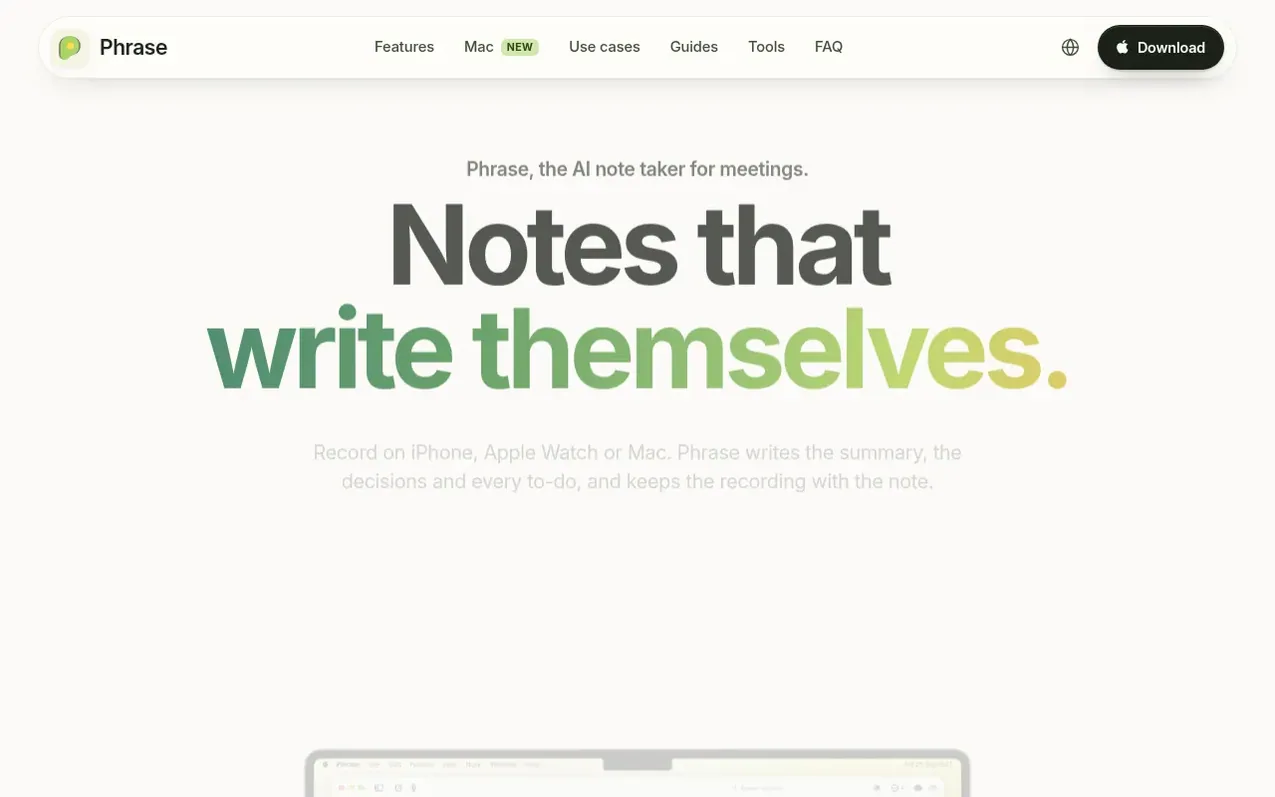
Phrase is an AI note-taking app for iPhone, iPad, Mac and Apple Watch that records conversations and automatically generates structured notes. When you record a meeting, lecture or voice memo, Phrase transcribes the audio, identifies decisions and action items, and creates an editable note you can refine.
The app works entirely on your devices with iCloud sync available in Pro. You can import audio, video, PDFs and photos, and edit every line of the generated note using a native editor with support for headings, to-dos, code, formulas and diagrams. Phrase detects over 100 languages automatically and includes an AI assistant that can search across your notes, generate slide decks and study flashcards, and draft follow-up emails and reminders for your approval.
What it does
- Record meetings, lectures and voice notes on iPhone, iPad, Mac or Apple Watch
- Automatic transcription in over 100 languages
- AI-generated summaries, decisions and action items with owners and dates
- Native editor with support for headings, to-dos, code, formulas and diagrams
- Import audio, video, PDFs and photos
- AI assistant that searches notes, generates slides and study sets
- iCloud sync across iPhone, iPad and Mac with Pro
- Source verification with timestamps linked to recordings
- Control Center and Lock Screen recording shortcuts
- Cross-device compatibility including iPhone Duo dual-screen support
Pricing
Pricing model: Freemium
Free: up to 100 notes and one free media-to-note conversion. Pro: $20 a month in the US, includes unlimited notes, additional media-to-note conversions, AI features and iCloud sync.
Shopper questions
Does Phrase join my meetings as a bot?
No. Phrase records the room with the microphone on your iPhone, iPad, Mac or Apple Watch. It does not capture audio from Zoom, Teams or FaceTime; to use a call, import its recording.
What languages does Phrase transcribe?
More than 100. Phrase detects the language on its own, even when a conversation switches language partway through. Every line of the transcript has a timestamp, and speakers are labeled.
Can I edit the notes Phrase writes?
Yes, every line. A note is a document where you can retype anything, drag sections, check off to-dos, and add photos, diagrams, formulas or code.
Where are my notes stored?
On your devices. With Pro they sync through your own iCloud, and there is no Phrase account. To make a note, Phrase uploads the recording for processing in the cloud.
Is Phrase free?
Phrase is free to download. The free tier keeps up to 100 notes at a time and includes one free recording-to-note conversion. Pro adds unlimited notes, more conversions, the AI features and iCloud sync.
Phrase has a free listing. The owner can unlock the full profile with a paid launch for $5:
- Founder story (locked)
- Milestones (locked)
- Demo video (locked)
- Dofollow website link (locked)
Shoppers also viewed
- TokScript
Audio, Voice & Podcasting
- Relayo
Audio, Voice & Podcasting
- hearlog
Audio, Voice & Podcasting
- Audionarrator
Audio, Voice & Podcasting