Openbroca
AI dictation for Mac that turns natural speech into clear, polished text
Native Mac app that converts voice to text with AI cleanup, personal dictionary, and translation into 28 languages.
About this launch
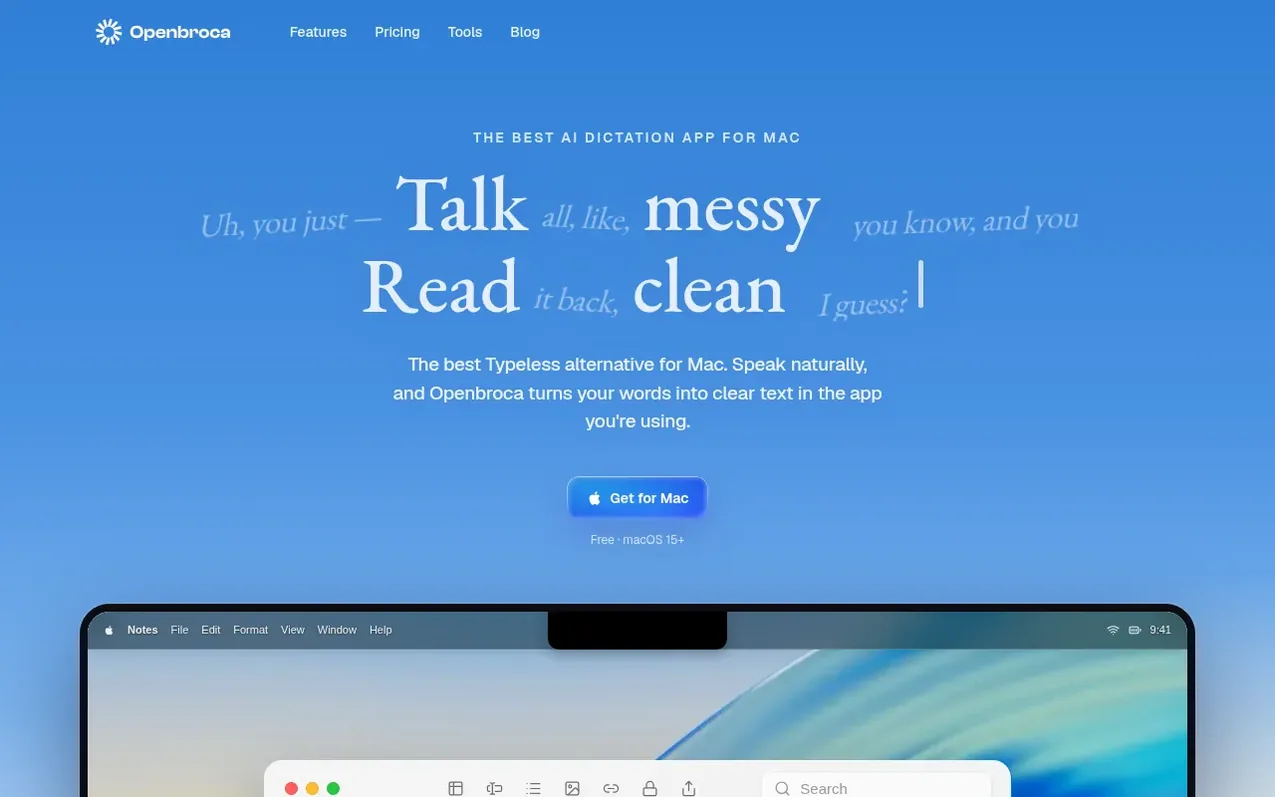
Openbroca is an AI voice dictation app for Mac that converts natural speech into clean, ready-to-send text. Users press a keyboard shortcut and speak naturally in any Mac application; the app processes their words through cloud-based speech recognition and text cleanup, then inserts the polished result at the cursor.
The app includes a personal dictionary where users can add names, terms, and preferred spellings, and it learns from corrections made after dictation. Openbroca supports dictation in 30 languages with automatic language detection and can translate dictation into 28 output languages. An optional Screen Context feature uses visible text as spelling hints.
Openbroca is a universal native Swift app for Apple silicon and Intel Macs running macOS 15 or later. It requires an internet connection for cloud-based processing. The free plan includes 3,000 text units refreshed weekly; paid plans offer unlimited dictation.
What it does
- Multilingual voice-to-text with automatic language detection
- Translation into 28 target languages
- AI text cleanup that preserves tone and style
- Personal dictionary with learning from corrections
- Optional Screen Context for spelling hints
- System-wide text insertion with copy fallback
- Dictation history and transcript recall
- Custom keyboard shortcuts
- Native Swift app for macOS
- Lightweight 6.5 MB application
Pricing
Pricing model: Freemium
Free: 3,000 text units per week, all features included. Unlimited: $6.99/month or $59.99/year (equivalent to $5/month). Prepaid credits: CNY 9.90 one-time for 30,000 usage units.
Shopper questions
What is Openbroca?
Openbroca is an AI voice dictation app for Mac. Press a shortcut, speak, and it turns your words into clear text in the field you are using. A personal dictionary, optional Screen Context, and translation help you write across apps and languages.
Which languages are supported?
Openbroca supports dictation in 30 languages with automatic language detection and can translate your dictation into 28 output languages.
Does Openbroca work offline?
No. Openbroca uses cloud speech recognition and text cleanup, which require an internet connection.
What Mac does it require?
Openbroca is a universal Apple silicon and Intel build that requires macOS 15 or later.
How can I copy or recover my last transcript?
You can recall your previous transcript to use it again. If direct insertion is unavailable, Openbroca copies the text so you can paste it.
Openbroca has a free listing. The owner can unlock the full profile with a paid launch for $5:
- Founder story (locked)
- Milestones (locked)
- Demo video (locked)
- Dofollow website link (locked)
Shoppers also viewed
- TokScript
Audio, Voice & Podcasting
- Relayo
Audio, Voice & Podcasting
- hearlog
Audio, Voice & Podcasting
- Audionarrator
Audio, Voice & Podcasting