
Notify Sound
Shape custom notification sounds with AI
Browser-based notification sound editor that synthesizes custom tones from layers. Edit pre-made sounds or describe what you want to an AI assistant connected
About this launch
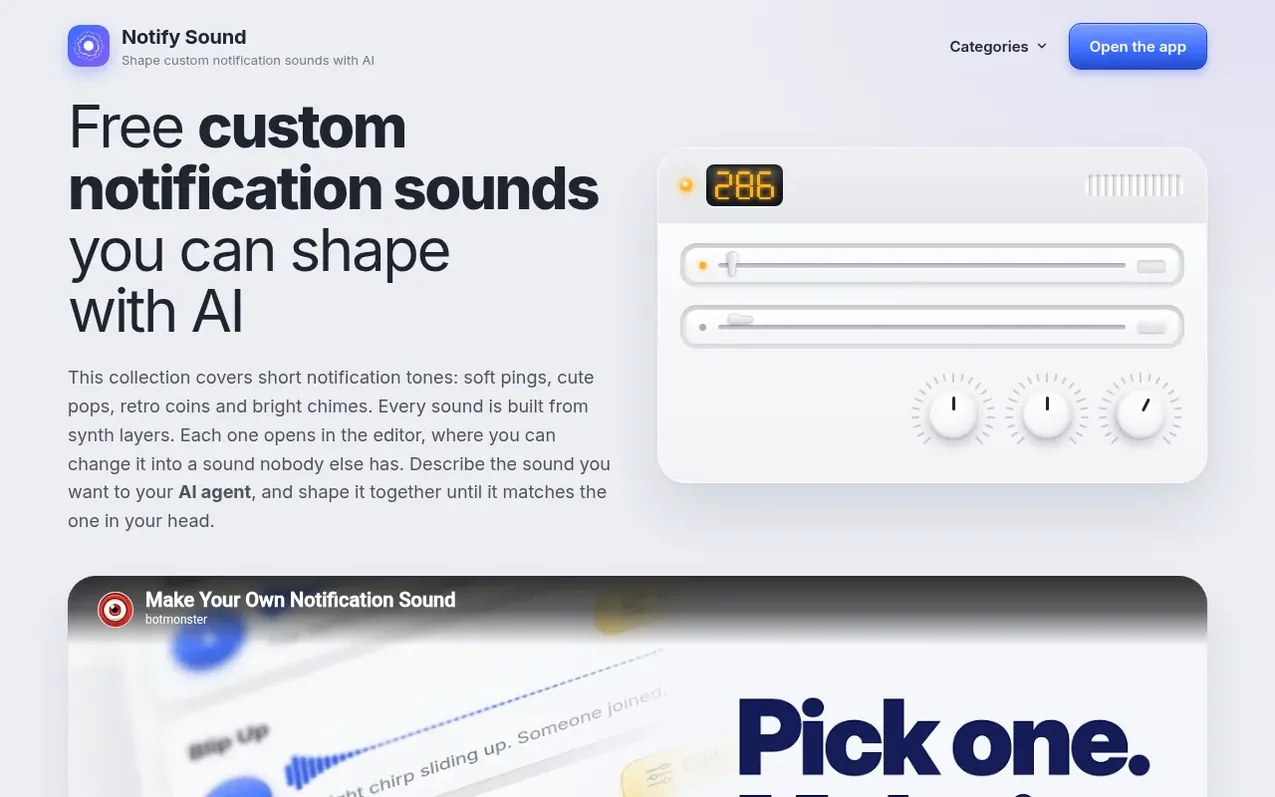
Notify Sound is a browser-based sound editor for creating notification tones, alerts, UI clicks and game effects. It synthesizes every sound from scratch using oscillators and noise, with no recordings or samples. Sounds are built from stackable layers, each with controls for pitch, wave shape, attack, decay and effects like reverb and echo. The editor runs in any modern browser with no installation or account required, and saves sounds locally in your browser.
The tool integrates with AI assistants through an MCP server. Claude, ChatGPT, Cursor and VS Code can connect to Notify Sound and design sounds by describing them in natural language. Each sound downloads as MP3 and works as a notification sound on Android, a ringtone or text tone on iPhone, or in apps, games and video editors. All sounds are royalty-free under the CC BY 4.0 license and free for commercial use with credit.
What it does
- Synthesize sounds from oscillators and noise layers
- Stack multiple layers with individual pitch and envelope controls
- Adjust wave shape: sine, triangle, saw, square or noise
- Real-time visualization of sound waves
- Apply effects: reverb, chamber, echo, chorus, phone filter and crunch
- Share sounds via URL link carrying full sound data
- Download sounds as MP3 files
- Connect with Claude, ChatGPT, Cursor and VS Code via MCP server
- Save sounds to personal browser library
- No account or installation required
Pricing
Pricing model: Free
Shopper questions
How do I download a notification sound?
Press Edit on a card to open the sound in the editor. Change what you like, then press Download.
Can I use these sounds in my own work?
Yes. The sounds are shared under the CC BY 4.0 license. You can use them anywhere, even in something you sell, as long as you credit Notify Sound. You need no account to open the editor.
Can an AI assistant make a notification sound?
Yes. Notify Sound works as an MCP server at https://notifysound.com/mcp. Claude, ChatGPT, Cursor and VS Code connect to it. The assistant designs the layers of a sound, and its link opens the sound in the editor.
Which file format do I get?
Sounds download as MP3. The file works in apps, games and video editors, as a notification sound on Android, and as a ringtone or text tone on an iPhone.
Notify Sound has a free listing. The owner can unlock the full profile with a paid launch for $5:
- Founder story (locked)
- Milestones (locked)
- Demo video (locked)
- Dofollow website link (locked)
Shoppers also viewed
- Music Remover
Audio editing
- GeeksKai
Audio editing
- Background Audio Remover
Audio editing
- Unmix Studio
Audio editing



