
MuteVid
Small tools for everyday audio jobs
Browser-based audio and video tools that work locally on your device. Remove audio from videos, split recordings, trim or cut audio without uploading files.
About this launch
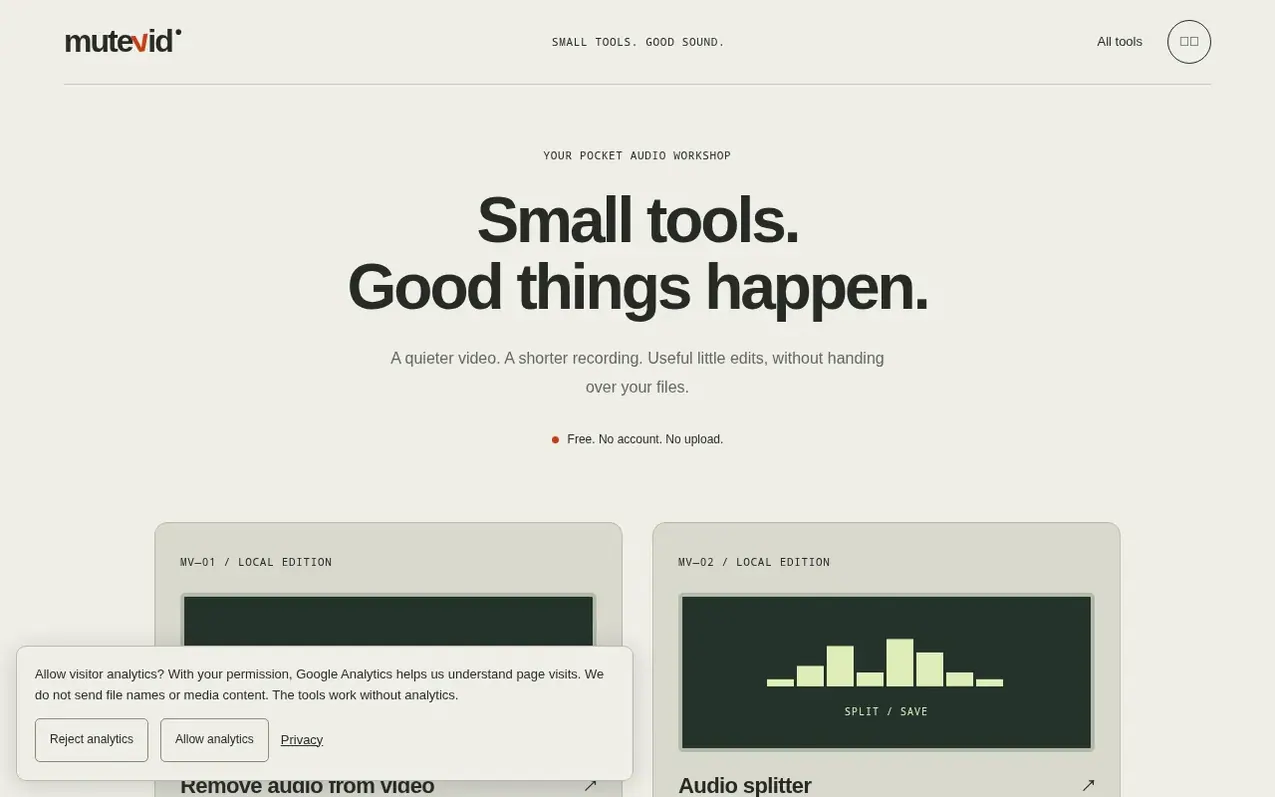
MuteVid offers four small tools for audio and video editing that process files locally in your browser. You can remove audio from videos, split recordings into multiple files, trim the ends of audio, or cut out selected sections. The tools are free to use with no account required and no file upload needed. Media processing happens directly on your device, which means your files stay private and the tool comes to your file rather than requiring you to upload it to a server.
What it does
- Split recordings into multiple files
- Trim audio start and end points
- Cut out sections and join remaining audio
- Local browser processing
- No file upload required
- Works without account
- 100 MB input limit
- 60-minute audio processing limit
Pricing
Pricing model: Free
Shopper questions
Where does audio and video processing happen?
Media processing happens in your browser on your device. Files do not need to be uploaded to a server.
What are the processing limits for MuteVid?
The first release has a 100 MB input limit and a 60-minute audio limit based on your file and device capabilities.
Do I need to create an account to use MuteVid?
No, MuteVid is free with no account required. You can start using the tools immediately after selecting a file.
What tools does MuteVid offer?
MuteVid offers four tools: remove audio from video, split a recording into multiple files, trim audio ends, or cut out a selected section.
Is my media content sent to MuteVid's servers?
No, your media stays on your device. The browser downloads the processing engine and does the work locally without uploading your files.
MuteVid has a free listing. The owner can unlock the full profile with a paid launch for $5:
- Founder story (locked)
- Milestones (locked)
- Demo video (locked)
- Dofollow website link (locked)
Shoppers also viewed
- Music Remover
Audio editing
- GeeksKai
Audio editing
- Background Audio Remover
Audio editing
- Unmix Studio
Audio editing



