
Kiiwi
Menu bar app that plays 30+ real mechanical keyboard sounds in every Mac application
Kiiwi is a macOS menu bar app that plays recorded mechanical keyboard switch sounds for every keystroke across all applications.
About this launch
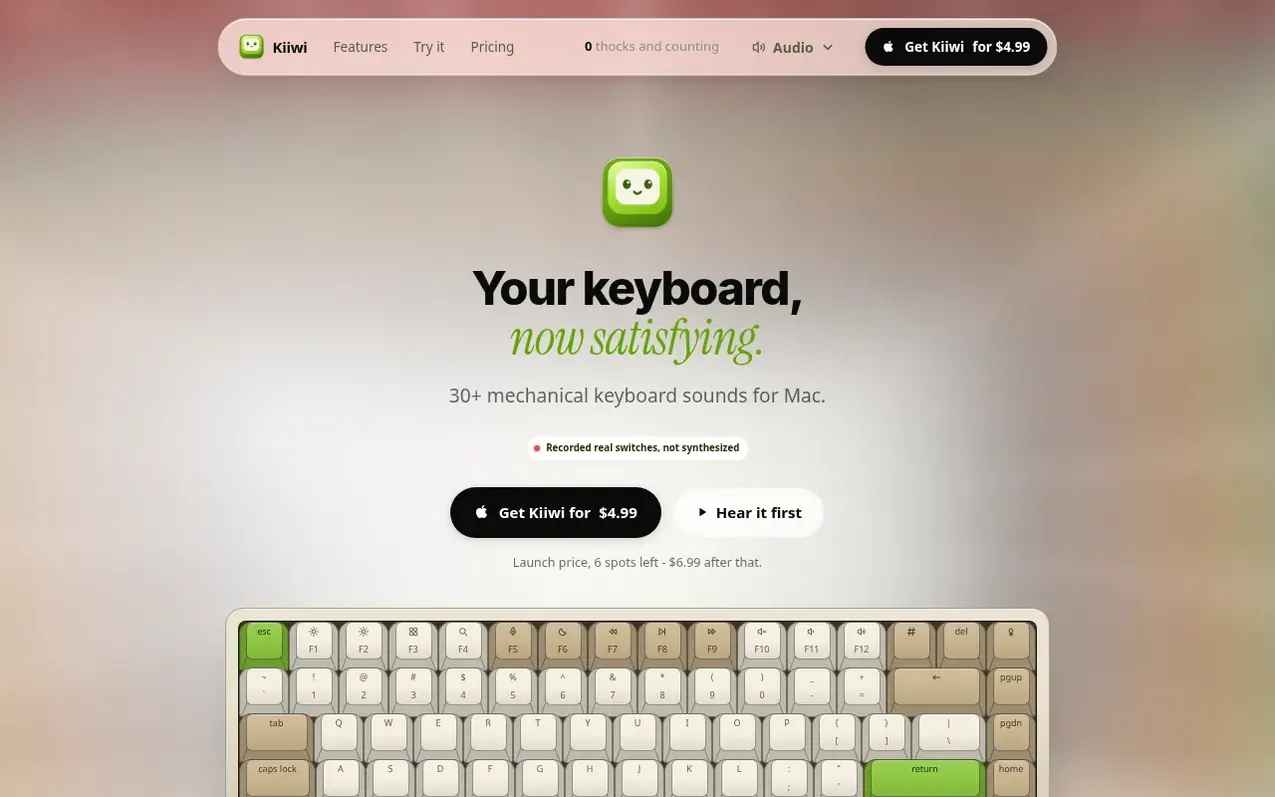
Kiiwi is a macOS utility app that adds mechanical keyboard sounds to your typing. It features over 30 real recorded switch sounds from various mechanical keyboard brands, with eight samples and five pitch variants per switch to create variety. The app lives in the menu bar and works system-wide across every application, from text editors to browsers to Slack.
The app includes spatial audio that places sounds based on key position, so typing Q sounds from the left and P from the right. It offers typing statistics and streaks, mouse click sounds, scroll tick styles, and the ability to share weekly typing cards. Kiiwi requires no setup beyond granting Accessibility permission and choosing a switch sound.
Privacy is built in: the app never records what you type, only counts keystrokes, and stores all statistics locally on your Mac. It is notarized by Apple and works on Apple silicon and Intel Macs with macOS Sonoma 14.0 or later.
What it does
- 30+ mechanical switch sounds with real recordings
- Works system-wide in every application
- Spatial audio positioning by key location
- Five pitch variants per switch sample
- Typing statistics and streak counter
- Mouse click and scroll sound packs
- Quick mute with keyboard shortcut
- Share weekly typing cards with nine themes
- Privacy-focused with local storage only
- Zero CPU usage when idle
Pricing
Pricing model: Paid
$4.99 USD one-time purchase (launch price for first 100 customers); $6.99 USD after launch period. Includes 14-day money-back guarantee, lifetime updates, and use on up to 2 Macs.
Shopper questions
Does Kiiwi work in every application?
Yes. Kiiwi listens at the system level, so it sounds the same in your editor, your browser, Slack, Terminal and Spotlight. It never intercepts or alters your keystrokes; it only listens for them, so nothing you type is changed, delayed or swallowed.
Is anything I type recorded or sent anywhere?
No. A key event is read only to decide which sound to play, then it is discarded. Your statistics count how many keys you typed and stay in a file on your Mac. Kiiwi sends only your licence key for validation checks and a daily update request; what you type never leaves your Mac.
Why does Kiiwi need Accessibility permission?
macOS requires Accessibility permission to observe key events system-wide. It is the same permission text-expanders and shortcut apps use. Kiiwi asks once, detects the grant within about a second and a half with no restart, and remains functional in its own window if permission is not granted.
Will Kiiwi slow down my Mac?
No. Idle CPU is 0% because nothing runs between keystrokes. A keypress costs one buffer schedule against already-decoded audio, and memory sits around 58 MB because only the switch you are using is loaded.
Can I see, export or delete my typing statistics?
Yes. Settings shows everything Kiiwi has counted. Export saves every day's counts as a JSON file, and Reset sets them back to zero and keeps one copy of the file so a reset can be undone. Nothing about your stats leaves your Mac unless you post a share card yourself.
Kiiwi has a free listing. The owner can unlock the full profile with a paid launch for $5:
- Founder story (locked)
- Milestones (locked)
- Demo video (locked)
- Dofollow website link (locked)
Shoppers also viewed
- Music Remover
Audio editing
- GeeksKai
Audio editing
- Background Audio Remover
Audio editing
- Unmix Studio
Audio editing



