
GIFUP
GIF tools that run in your browser with no upload, sign-up, watermark or file size limits
Browser-based GIF creation and editing tools that process files locally without uploads, accounts or watermarks.
About this launch
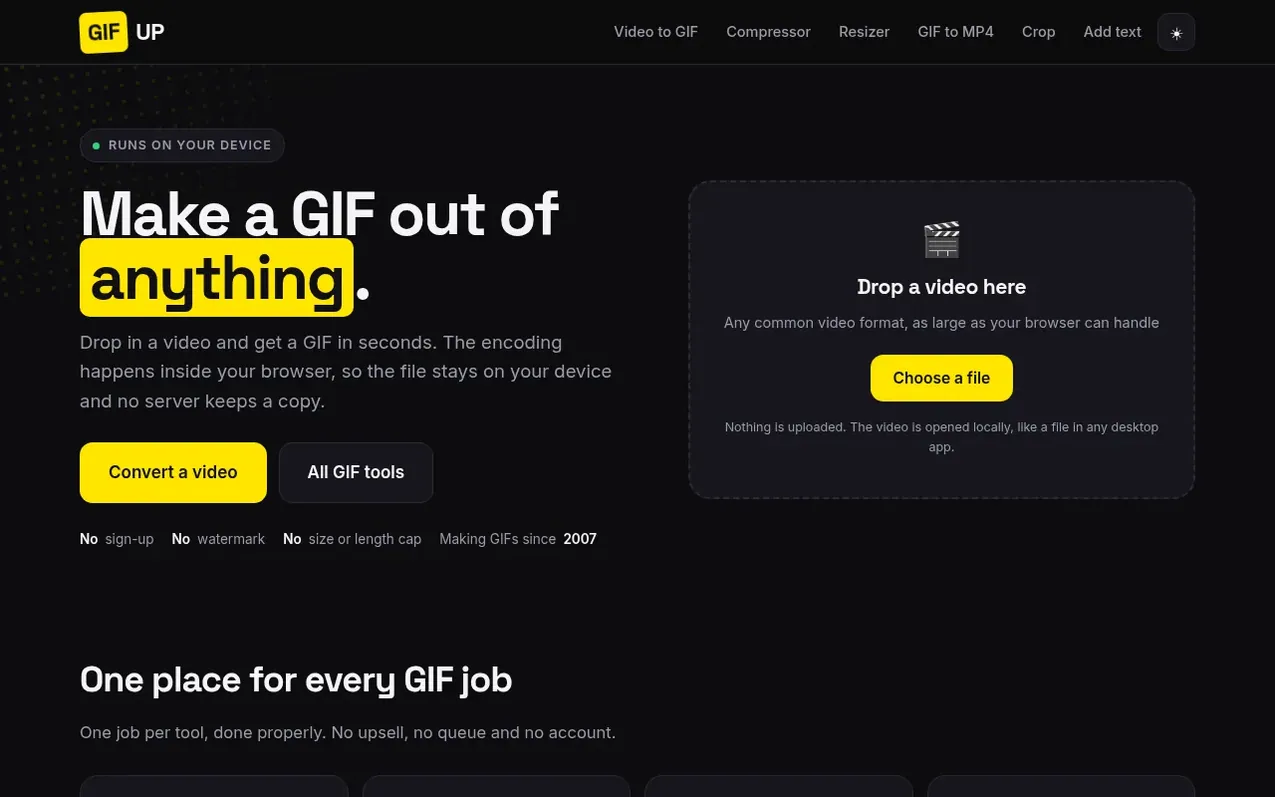
GIFUP is a collection of GIF tools that run entirely in your browser. Convert videos to GIFs, compress and resize GIFs, crop them, add text, convert GIFs to MP4, and MP4 to GIF—all without uploading files to a server. The encoding happens locally on your device using FFmpeg compiled to WebAssembly, so your files never leave your computer unless you explicitly choose to generate a shareable link.
The platform includes preset options for specific platforms like Discord emoji and profiles, Slack emoji, Twitch emotes, and WhatsApp stickers, each configured to meet that platform's size and format requirements. There are no accounts to create, no watermarks added, no file size limits, and no queues—what matters is only your computer's capability.
What it does
- Convert video to GIF with trim, width and frame rate controls
- Compress GIFs to meet platform size limits
- Resize GIFs by exact pixels or percentage
- Convert GIF to MP4
- Crop GIFs to remove empty space or reframe
- Add text to GIFs with caption options
- Convert MP4 to GIF directly from phone or screen recording
- Platform-specific presets for Discord, Slack, Twitch and WhatsApp
- Generate shareable links for converted files
- Local processing with no server uploads
Pricing
Pricing model: Free
Shopper questions
How is GIFUP different from other online GIF converters?
GIFUP processes all files locally in your browser using FFmpeg compiled to WebAssembly. Your video never uploads to a server unless you explicitly request a shareable link. There are no file size limits, no queues, no watermarks, and no accounts required. The only constraint is your computer's available memory.
What happens to my file after conversion?
Your file stays on your computer after conversion. If you press Get a link, the result is hosted on GIFUP's server at a public URL so you can share it, but this is optional and only happens when you request it. Stickers sent to WhatsApp are deleted after delivery.
What tools does GIFUP offer?
GIFUP includes six main tools: video to GIF, GIF compressor, GIF resizer, GIF to MP4, crop GIF, and add text to GIF. There are also platform-specific pages for Discord emoji and profiles, Slack emoji, Twitch emotes, and WhatsApp stickers.
How long does conversion take?
Conversion speed depends on your computer's speed. The FFmpeg encoder runs on a single thread because the multi-threaded version requires cross-origin isolation headers that would break other functionality, so a long clip may take a few seconds.
What is GIFUP's history?
GIFUP started in 2007 as an avatar and animation generator for forum signatures and MySpace profiles, producing 1,288,647 animations before going quiet. The domain returned in 2026 with a rebuilt version using current browser technology.
GIFUP has a free listing. The owner can unlock the full profile with a paid launch for $5:
- Founder story (locked)
- Milestones (locked)
- Demo video (locked)
- Dofollow website link (locked)
Shoppers also viewed
- Music Remover
Audio editing
- GeeksKai
Audio editing
- Background Audio Remover
Audio editing
- Unmix Studio
Audio editing



