
Get Vocal Remover
Remove vocals from songs online for free using AI
A free online tool that uses AI to separate vocals and instrumental stems from songs in seconds, with no signup required and studio-quality results.
About this launch
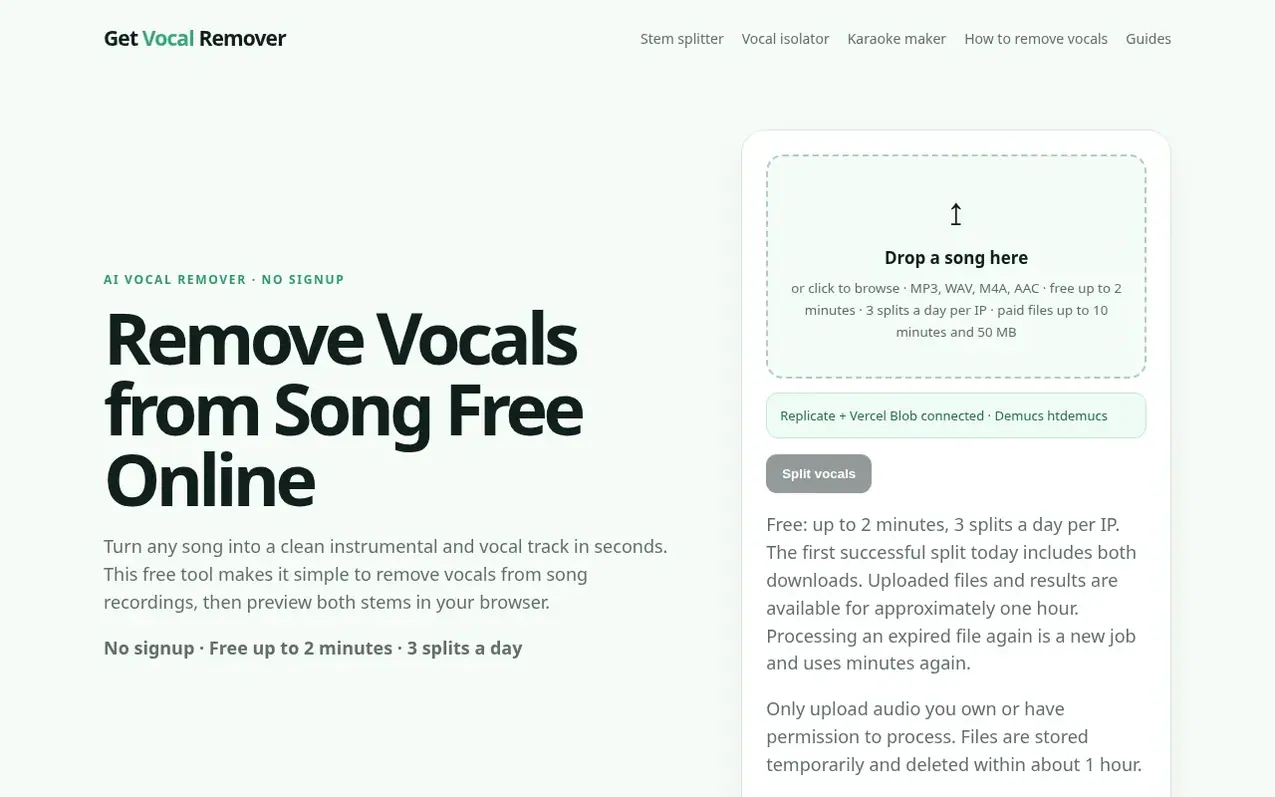
Get Vocal Remover is a free web-based tool that splits songs into vocal and instrumental stems using the Demucs htdemucs AI model. Users can upload MP3, WAV, M4A, or AAC files up to 50 MB without creating an account, and the tool separates the audio into a karaoke-ready instrumental track and an acapella vocal stem for remixing, practice, or other creative uses. The free tier allows 3 splits per day for files up to 2 minutes, while longer files up to 10 minutes require paid credits. All files are automatically deleted after approximately one hour. The service runs in the browser with no desktop installation required, making it practical for quick vocal removal tasks, cover rehearsal, karaoke backing tracks, remix preparation, and podcast voice cleanup.
What it does
- No signup required for free tier
- In-browser stem preview before downloading
- Supports MP3, WAV, M4A, and AAC formats
- Automatic file deletion after approximately one hour
- Usage metered fairly by processing time
- Demucs htdemucs AI model for source separation
- Privacy-minded with no account library
- Free tier up to 2 minutes with 3 daily splits per IP
Pricing
Pricing model: Freemium
Free tier: up to 3 splits per day for files up to 2 minutes and 50 MB. Paid credits: Starter $4.90 (20 minutes), Plus $9.90 (50 minutes), Pro $19.00 (120 minutes). Credits never expire and are billed per minute used (rounded up).
Shopper questions
Is it really free?
Yes. The free online vocal remover gives users up to 3 splits per day per IP, with files up to 2 minutes and 50 MB. After uploading an MP3, WAV, M4A, or AAC file and clicking split, both results can be listened to in the browser. The first successful split that day includes both downloads with no trial card or hidden checkout. Longer files up to 10 minutes and 50 MB require paid Credits.
Can I remove vocals online without signing up?
Yes. The core remove vocals workflow is anonymous: choose a local audio file, let the browser upload it for processing, and preview the instrumental and vocal results. Users do not create a password. Buying Credits asks for an email, and spending those minutes requires the sign-in link sent to that email.
What audio formats work?
Users can upload MP3, WAV, M4A, or AAC files up to 50 MB. For the most predictable result, use a clear stereo file rather than a recording of a speaker or heavily clipped export. Free uploads are limited to 2 minutes to keep the service fast and sustainable.
How good is the separation?
The site runs the Demucs htdemucs model which learns patterns that distinguish vocals from drums, bass, and other musical material, working well on many pop, rock, hip-hop, and electronic mixes. A centered lead vocal over a clean stereo master usually gives the most convincing result, though dense effects, doubled vocals, live rooms, and extreme mastering can leave artifacts. Users should preview outputs before using them in final production.
Are my files saved?
No account is needed and uploads plus generated results are temporary. Files are stored for processing and playback, then scheduled to auto-delete within about 1 hour, providing short-lived storage rather than permanent archiving.
Get Vocal Remover has a free listing. The owner can unlock the full profile with a paid launch for $5:
- Founder story (locked)
- Milestones (locked)
- Demo video (locked)
- Dofollow website link (locked)
Shoppers also viewed
- Music Remover
Audio editing
- GeeksKai
Audio editing
- Background Audio Remover
Audio editing
- Unmix Studio
Audio editing



