
Format Factory
Browser-based online video and audio converter with batch processing
Format Factory is an online video and audio converter that processes media files in a web browser. It supports batch conversions with tools for MP4, MOV, MKV
About this launch
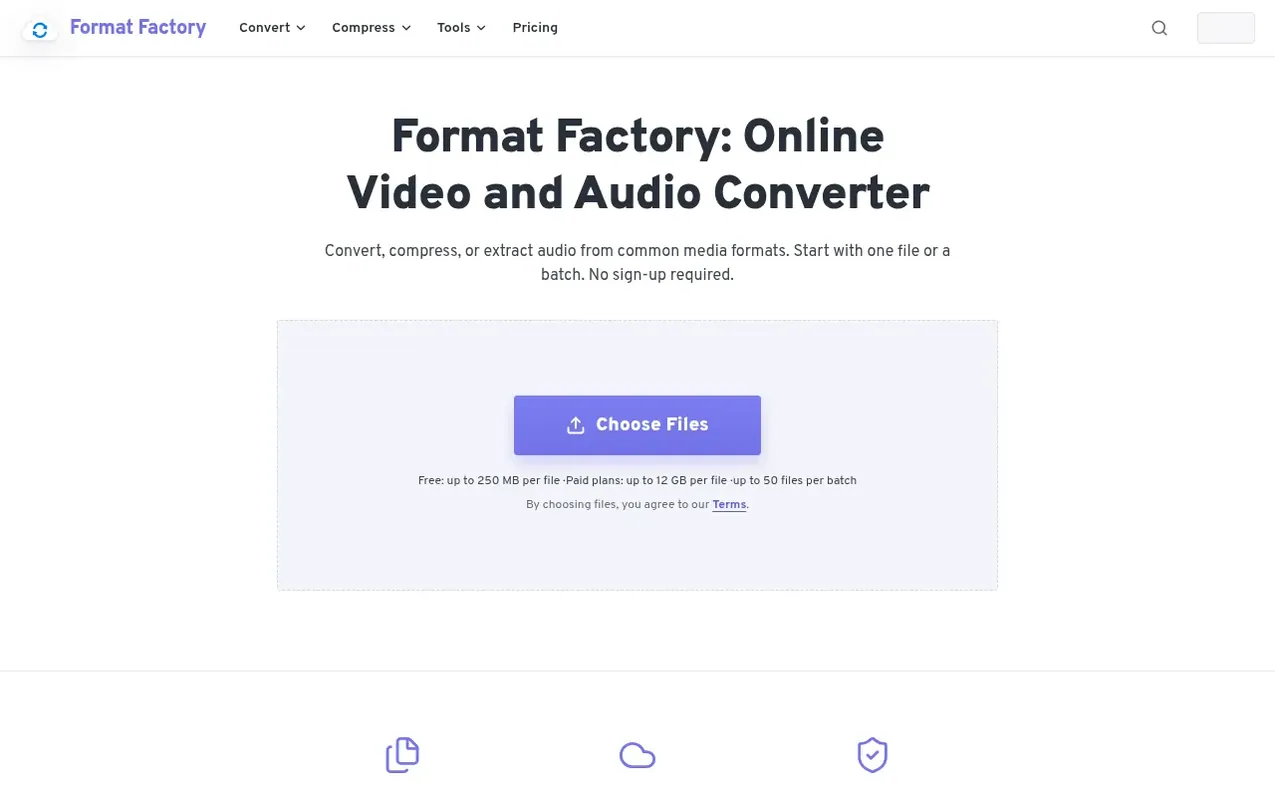
Format Factory is a browser-based workbench for converting video and audio files online. It handles common media processing tasks including converting video to MP4, converting audio files, compressing media, and extracting audio from video. Users upload files through the browser, select output formats and settings, and cloud workers process the media. The service supports batch conversions with up to 50 compatible files per batch, allowing users to set shared output options once and apply them across multiple files.
The converter maintains a consistent workflow across the homepage and focused conversion pages. Users provide media files, choose the result format, and manage the queue while tracking each file's progress separately. Available controls include CPU codec options, quality or bitrate, resize, frame rate, audio settings, subtitles, effects, trim, and crop. Files are processed only as needed for the requested conversion and are not used to train AI models.
What it does
- Batch conversion with up to 50 compatible files per batch
- Support for MP4, MOV, MKV, WEBM, AVI, WMV, FLV, OGV, and 3GP video formats
- Audio format support including MP3, WAV, AAC, AIFF, ALAC, AMR, M4A, OGG, FLAC, WMA, OPUS, and AC3
- Customizable output quality and bitrate settings
- Video editing options including trim, crop, resize, and frame rate adjustment
- Audio extraction from video files
- File and compression size controls
- Individual file overrides within batch settings
- Per-file progress tracking during conversion
- Download files immediately upon completion
Pricing
Pricing model: Freemium
Free: 10 credits per day, 250 MB max file size, 1 conversion at a time. Starter: $9/mo billed annually, 500 credits per month, 750 MB max file size, 5 conversions at a time. Plus: $12/mo billed annually (37% off), 1,500 credits per month, 4 GB max file size, 15 conversions at a time. Pro: $39/mo bil
Shopper questions
What is Format Factory?
Format Factory is an online video and audio converter that changes media formats, extracts MP3 audio from video, and compresses MP4 or MP3 files. Users manage jobs in a browser while cloud workers process the media.
Do I need to install anything?
No. The converter works through a modern web browser with no desktop application or local codec package to install. Users choose files, select the result, and manage the conversion online.
How many files can I convert at once?
A batch can contain up to 50 compatible files for video, audio, extraction, or compression jobs. The batch shares one output format and defaults, while individual files can keep advanced setting overrides.
Can I control output quality and file size?
Yes. Depending on the output, settings can include CPU codec, quality or bitrate, resize, frame rate, audio options, subtitles, effects, trim, and crop. Unsupported combinations are hidden instead of silently replaced.
What happens to uploaded files after conversion?
Uploaded media is used only for the requested conversion. Files and outputs are kept only as long as needed to process, deliver, troubleshoot, and expire results. Uploaded media is not used to train AI models and personal information is not sold.
Format Factory has a free listing. The owner can unlock the full profile with a paid launch for $5:
- Founder story (locked)
- Milestones (locked)
- Demo video (locked)
- Dofollow website link (locked)
Shoppers also viewed
- AudioScribe.io
Audio editing
- CleanAudio
Audio editing
- Mozonic
Audio editing
- Neirose
Audio editing