CleanAudio
AI audio cleaner for voice recordings that removes background noise, filler words, and silences in your browser
About this launch
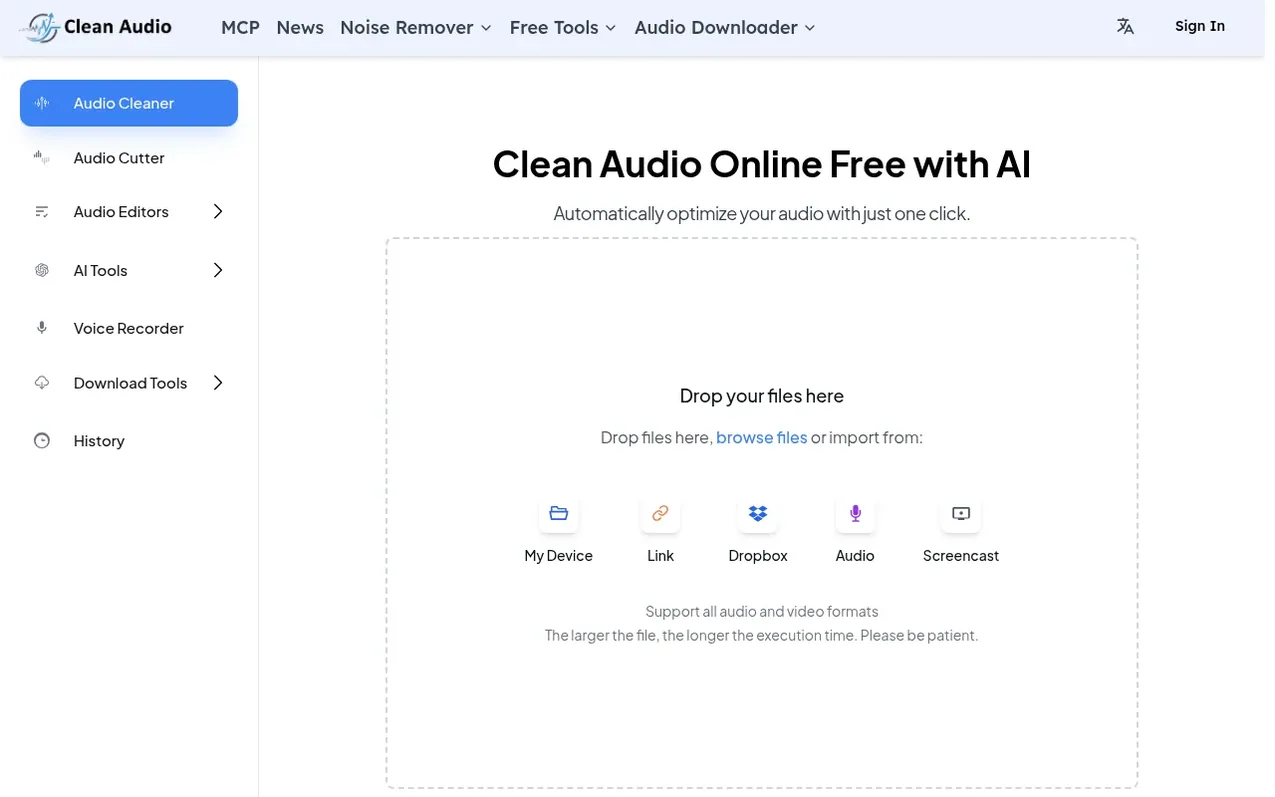
CleanAudio is an AI-powered platform that cleans audio online directly in your browser. Upload voice recordings and the AI automatically removes background noise, filler words like 'um' and 'uh', awkward silences, echo, reverb, and other audio issues in seconds. The platform supports major formats including MP3, WAV, M4A, and FLAC, with files up to 500MB. It serves content creators, YouTubers, educators, and customer support teams who need clean audio quickly without technical editing expertise. The workspace includes tools for noise removal, filler word elimination in over 20 languages, silence cutting, and audio enhancement. Results are typically processed under 30 seconds and can be previewed before download.
What it does
- Background noise removal with AI detection
- Filler word removal in 20+ languages
- Audio enhancement for studio sound
- Silence and dead air removal
- Mouth sounds and breath removal
- Podcast transcription and summarization
- Multitrack editing for multiple speakers
- Timeline export of removed segments
- MCP integration for AI agents
- Support for multiple audio formats
Pricing
Pricing model: Freemium
Free Trial: 30 minutes of processed audio with all cleaning tools included. Starter: $9/month for 10 hours of processed audio per month. Unlimited: $20/month for unlimited processing on every tool.
Shopper questions
What is CleanAudio and how does it work?
CleanAudio is an AI tool that cleans audio online. Upload a recording and it removes background noise, filler words, silence, echo, and other issues in seconds, providing clearer voice audio without requiring technical expertise.
What types of audio issues can CleanAudio fix?
CleanAudio can remove background noise, echo, reverb, clicks, pops, hum, filler words, and long silences. It works for podcasters, YouTubers, educators, and anyone who needs to clean voice recordings.
What audio formats does CleanAudio support?
CleanAudio supports major audio formats including MP3, WAV, M4A, FLAC, and more. You can upload files up to 500MB, and processed audio is available in the same format as your original file when possible.
How long does it take to process audio?
Most audio files are processed in under 30 seconds. The time depends on the length and complexity of the file, and you can preview results in the workspace when processing finishes.
Is my audio data secure and private?
Yes. Files are handled for processing only and are not sold or shared for marketing. CleanAudio is built for creators who need practical privacy on everyday voice recordings.
CleanAudio has a free listing. The owner can unlock the full profile with a paid launch for $5:
- Founder story (locked)
- Milestones (locked)
- Demo video (locked)
- Dofollow website link (locked)
Shoppers also viewed
- AudioScribe.io
Audio editing
- Mozonic
Audio editing
- Neirose
Audio editing
- Denoisr
Audio editing