DocsToAudio
Convert PDF, EPUB, DOCX and TXT files to MP3 or M4B audio online
DocsToAudio converts long documents like PDFs and ebooks into downloadable MP3 or M4B audio with natural-sounding voices, supporting multiple file formats and
About this launch
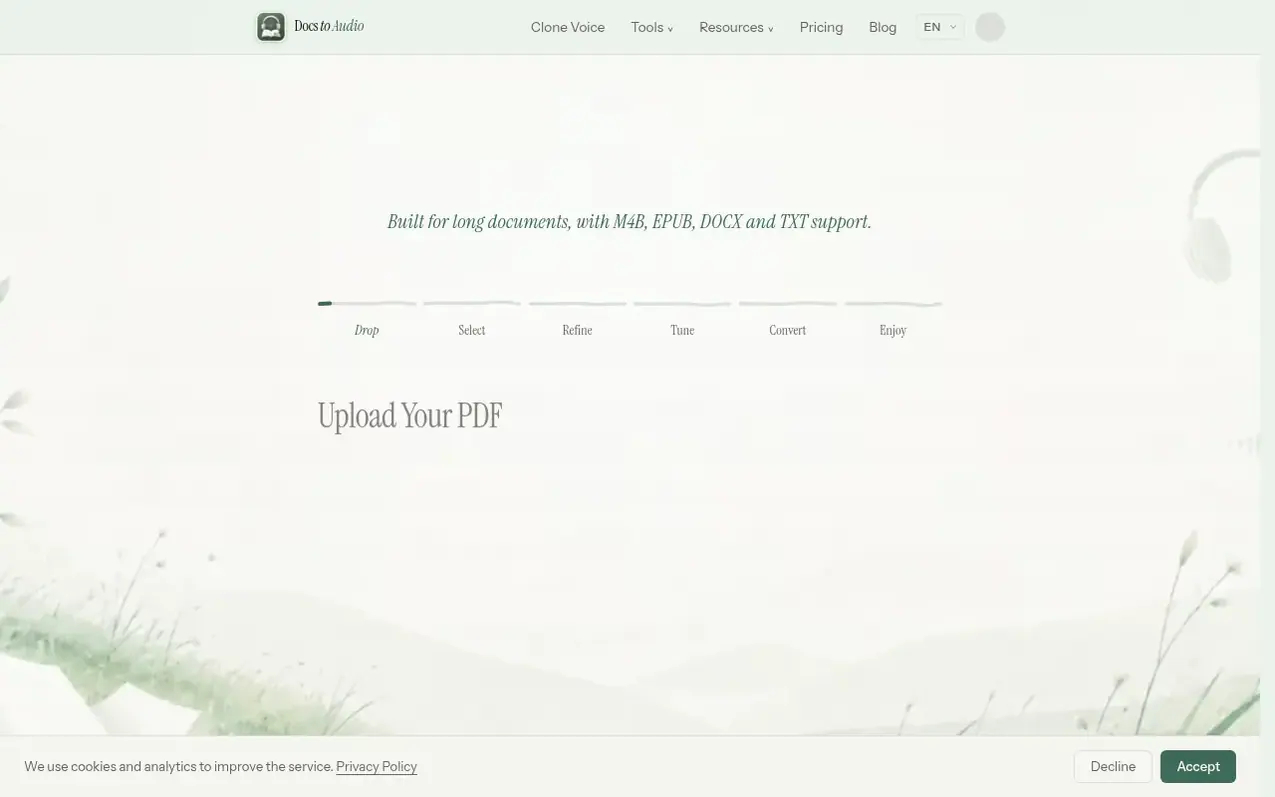
DocsToAudio is an online document-to-audio converter designed for long documents. Users can upload PDFs, EPUB files, DOCX documents, or TXT files, select specific pages or chapters, review the extracted text, choose from hundreds of natural-sounding voices, and download the result as MP3 files in a ZIP archive or as a single M4B audiobook with chapter marks.
The service offers two pricing tiers. The Standard tier is free and includes over 300 voices in 30+ languages with a daily allowance of 50,000 characters per day for signed-in users. The Premium tier uses pay-as-you-go credits starting from $5.99 and provides access to 800+ AI voices from ElevenLabs and Google Gemini, background conversion that continues after closing the browser, and the ability to re-download audio for 7 days. All processing preserves user privacy by parsing documents in the browser rather than uploading files to servers.
What it does
- Convert PDF, EPUB, DOCX and TXT files to MP3 or M4B audio
- 300+ Standard voices in 30+ languages
- 800+ Premium AI voices via ElevenLabs and Gemini
- Select pages or chapters before conversion
- Review and edit extracted text before converting
- Download as ZIP of MP3 files or single M4B audiobook
- Background conversion for Premium users
- Re-download audio for 7 days after generation
- Voice cloning with ElevenLabs
- Privacy-first: documents parsed in browser, never uploaded to servers
Pricing
Pricing model: Freemium
Free: Standard voices with 50,000 characters per day limit for signed-in users. Premium: Pay-as-you-go credits starting at $5.99 for 5,000 credits, $15 for 15,000 credits, $30 for 30,000 credits, or $50 for 50,000 credits. Credits are valid for 1 year.
Shopper questions
Can I convert PDF to MP3 for free?
Yes, you can sign in and use Standard voices for free with a daily allowance of 50,000 characters per day. Accounts with a positive credit balance have no daily Standard character limit and spend no credits on Standard voices. Premium voices use credits according to the selected model.
Which document and audio formats are supported?
You can upload PDF, EPUB, DOCX and TXT files. Converted audio is available as a ZIP of individual MP3 files, one per chapter, or as a single M4B audiobook with chapter marks.
Which languages and voices can I use for PDF to audio conversion?
The Standard tier offers dozens of languages and over 300 voices, including English, Spanish, French, German, Chinese, Japanese, and many more. The Premium tier offers 800+ AI voices in 30+ languages via ElevenLabs and Gemini.
Can I close the browser during PDF to audio conversion?
For Standard conversions, the process runs live in your browser tab, so you must keep it open until the download completes. Premium users with any credit balance above 0 can submit a background conversion job and close the browser—conversion continues on our servers and you'll receive an email when done.
Do I need to create an account?
Sign in to use Standard voices for free: 50,000 characters per day.
DocsToAudio has a free listing. The owner can unlock the full profile with a paid launch for $5:
- Founder story (locked)
- Milestones (locked)
- Demo video (locked)
- Dofollow website link (locked)
Shoppers also viewed
- Music Remover
Audio editing
- GeeksKai
Audio editing
- Background Audio Remover
Audio editing
- Unmix Studio
Audio editing



