
Clipy
Show your coding agent what to change
Screen recorder for coding agents that produces shareable links with agent-readable context, allowing Claude Code, Cursor, and Codex to understand bugs and UI
About this launch
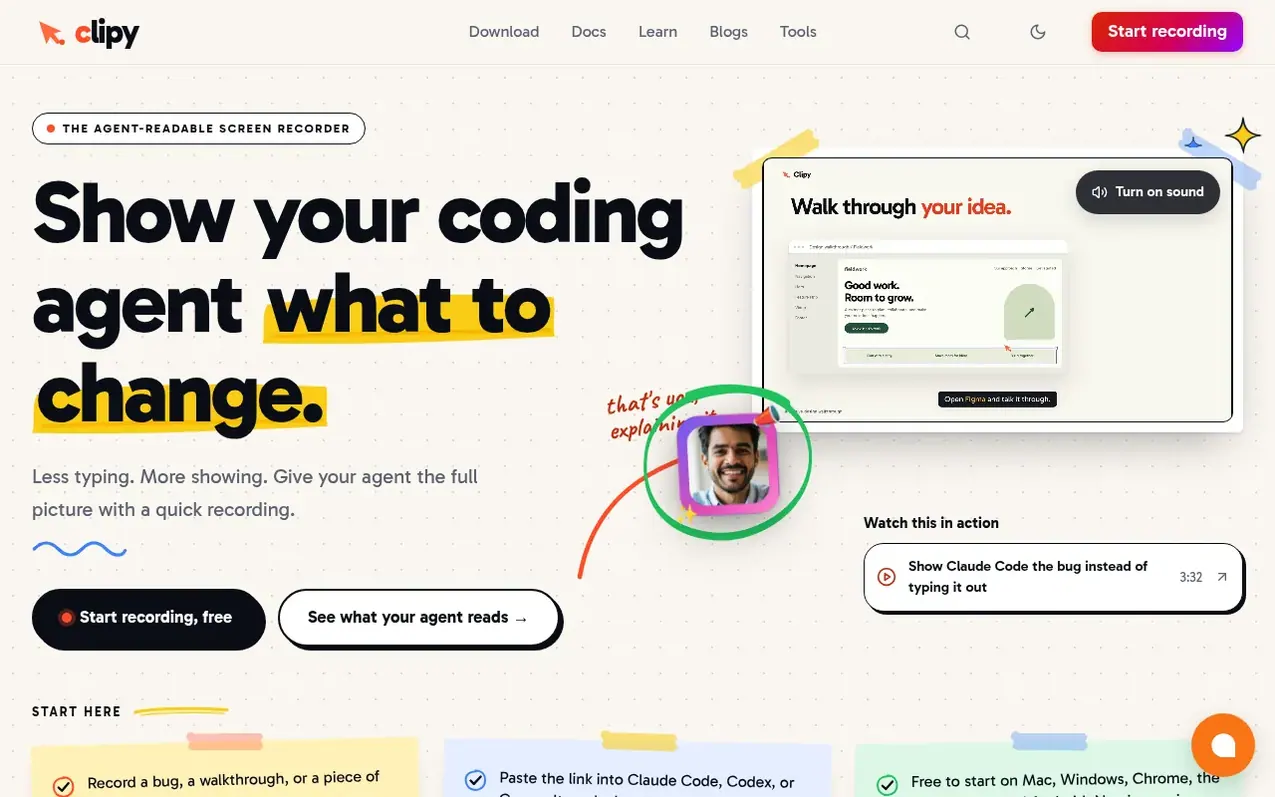
Clipy is a screen recorder that runs on Mac, Windows, Chrome, the web, and mobile platforms. Record bugs, design changes, or client feedback once and share an instantly-generated link. People watch a playable video; connected coding agents like Claude Code, Cursor, and Codex receive the summary, transcript, key-moment frames, and interaction context they need to act on the change.
Every recording produces an agent-readable document with timestamped narration, visual frames at key moments, and pointer or click coordinates when captured. The same link works for humans and agents with no viewer signup required. Recordings are unlisted by default, with no length caps or watermarks.
What it does
- One-click screen recording with instant shareable links
- System and microphone audio capture
- Agent-readable context with summary, transcript, and key moments
- Pointer highlighting with Flare feature for key-moment identification
- No viewer signup required for recording playback
- HD to 4K recording quality
- Free browser-based video tools
- Loom video import and migration
- Integration with Claude Code, Cursor, and Codex via links or MCP server
Pricing
Pricing model: Free trial
Free trial for 7 days with no card required. Pro: $9 per month or $72 per year (billed annually, 33% savings). Teams: $9 per seat per month or $72 per seat per year. Enterprise: custom pricing.
Shopper questions
What is Clipy for?
Clipy is a screen recorder for coding agents. Use it to show a UI bug, explain a design change, or walk through client feedback. Your team gets a playable video; a connected coding agent can retrieve the recording's available narration and visual context.
How do I use a recording with Claude Code, Cursor, or Codex?
Follow the agent setup guide once, then paste a normal Clipy video link into your agent session. Wait for processing and ask the agent to summarize the requested change and any missing evidence before it edits your code. The skill reads accessible links; authenticated MCP tools also support library workflows.
What context does my coding agent receive?
Depending on what was captured and processed, context can include a summary, timestamped narration, relevant frames, and pointer or interaction evidence. Microphone, system audio, and pointer capture depend on your recorder, browser, and selected source.
How is Clipy different from Loom?
Loom caps free recordings at 5 minutes, watermarks them, and requires viewer signup. Clipy has no length limits, no watermarks, and no signup required to watch. Clipy includes free AI summaries, transcripts, and agent context on all plans, plus it captures console and network logs for browser bugs and makes recordings readable by coding agents.
When should I use a recording instead of a screenshot?
A screenshot is often enough for one visible layout issue. A recording is useful when the order of actions, a changing state, or spoken feedback matters. Neither establishes the technical cause by itself. Your coding agent still needs the relevant repository and checks for the intended behavior.
Clipy has a free listing. The owner can unlock the full profile with a paid launch for $5:
- Founder story (locked)
- Milestones (locked)
- Demo video (locked)
- Dofollow website link (locked)
Shoppers also viewed
- Music Remover
Audio editing
- GeeksKai
Audio editing
- Background Audio Remover
Audio editing
- Unmix Studio
Audio editing



