CleanNoise
Free background noise remover for audio and video with studio-grade AI
An online tool that removes background noise from audio and video recordings using AI, offering a free 30-second preview and paid downloads from $0.99.
About this launch
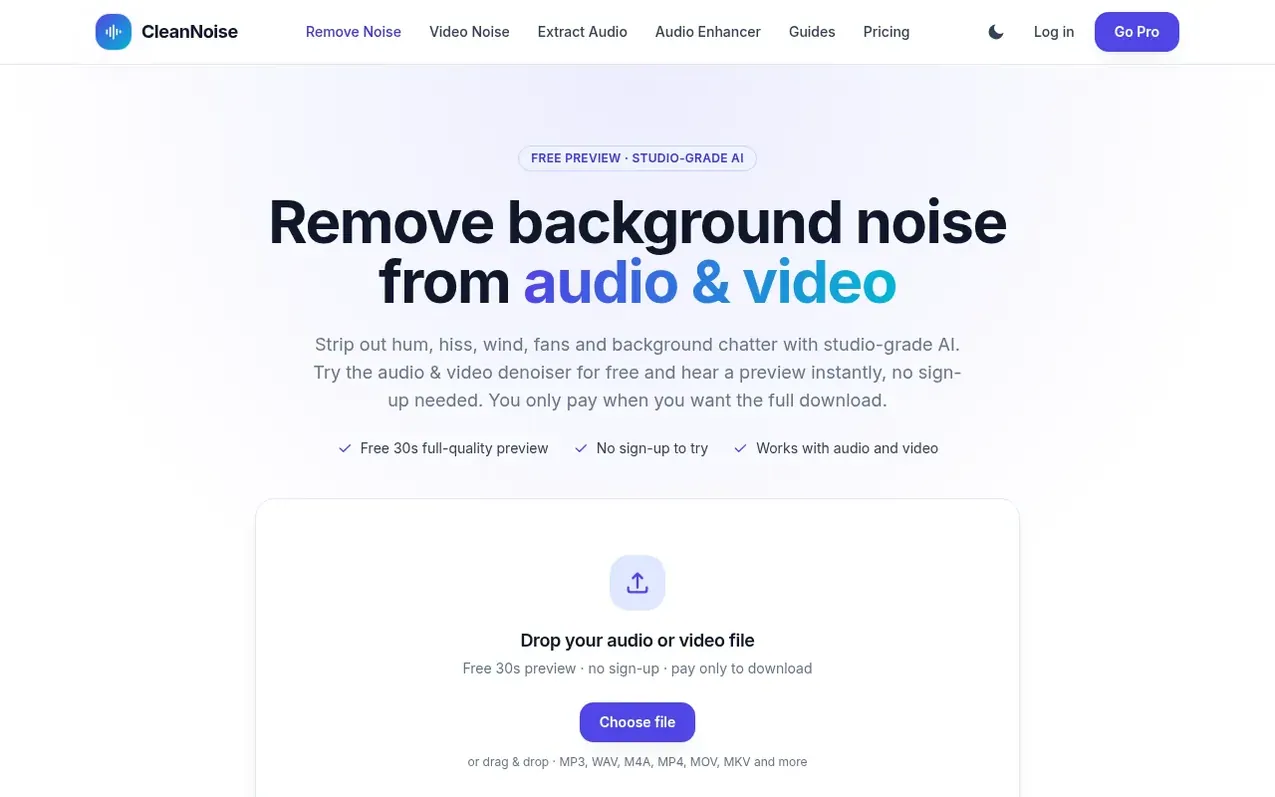
CleanNoise is an online noise removal tool that uses studio-grade AI to remove background noise from audio and video files. Users can drop in any audio or video file, receive a free 30-second full-quality preview with no sign-up required, and download the complete cleaned result for a one-time fee starting at $0.99 per file. The tool works with common formats like MP3, WAV, M4A, MP4, MOV, and MKV, and is tuned to remove steady background noise like air conditioner hum, fans, electrical hiss, street rumble, and crowd chatter while preserving voice clarity.
CleanNoise offers three payment options: pay-as-you-go at $0.99 per file (up to 30 minutes) or $1.99 (30-60 minutes), prepaid credit packs measured in processing hours starting at $3.99 for 2 hours, or CleanNoise Pro starting at $9.99 per month billed annually for 15 hours of monthly processing. All uploaded files are automatically deleted within 48 hours and are never shared.
What it does
- Free 30-second full-quality preview with no sign-up required
- Remove steady background noise including hum, hiss, wind, fans and crowd chatter
- Support for audio formats MP3, WAV, M4A/AAC, OGG and FLAC
- Support for video formats MP4, MOV, MKV and WebM
- Process files up to one hour in length
- Batch processing and cleaning history with Pro subscription
- Works in any web browser without installation
- Automatic file deletion within 48 hours
Pricing
Free 30-second preview with no sign-up. Single file downloads: $0.99 (up to 30 minutes), $1.99 (30-60 minutes). Credit packs: $3.99 for 2 hours, $6.99 for 5 hours (credits never expire). CleanNoise Pro: $9.99/month billed annually ($119.88/year) or $11.99/month billed monthly, includes 15 hours of p
Shopper questions
How do I remove background noise from audio?
Drop your file into the tool and CleanNoise runs a studio-grade AI model that detects the background noise and suppresses it while keeping the voice clear. You hear a free 30-second preview at full quality right away with no sign-up. If it sounds good, download the complete cleaned file for $0.99 or subscribe to Pro.
Is it free to try?
Yes. Cleaning any file and hearing the 30-second preview is completely free with no account and no card. You only pay when you want to download the full-length result.
What audio and video formats are supported?
You can drop in MP3, WAV, M4A/AAC, OGG and FLAC audio, or MP4, MOV, MKV and WebM video. The tool cleans the audio track and exports cleaned audio as a high-quality WAV file.
Can I remove background noise from a video?
Yes. Drop in a video file and CleanNoise cleans its audio track and plays a free 30-second preview. Your paid download is the full video with the cleaned audio muxed back in and the picture untouched.
Does my file get uploaded to a server?
Your file is uploaded only so the AI can clean it and produce your result. It is never shared with anyone and is automatically deleted within 48 hours. The free 30-second preview needs no sign-up.
CleanNoise has a free listing. The owner can unlock the full profile with a paid launch for $5:
- Founder story (locked)
- Milestones (locked)
- Demo video (locked)
- Dofollow website link (locked)
Shoppers also viewed
- AudioScribe.io
Audio editing
- CleanAudio
Audio editing
- Mozonic
Audio editing
- Neirose
Audio editing