
Captioner
AI subtitle generator and editor for videos
Add accurate subtitles to videos using AI transcription in 98+ languages, edit subtitles in your browser, and export in multiple formats.
About this launch
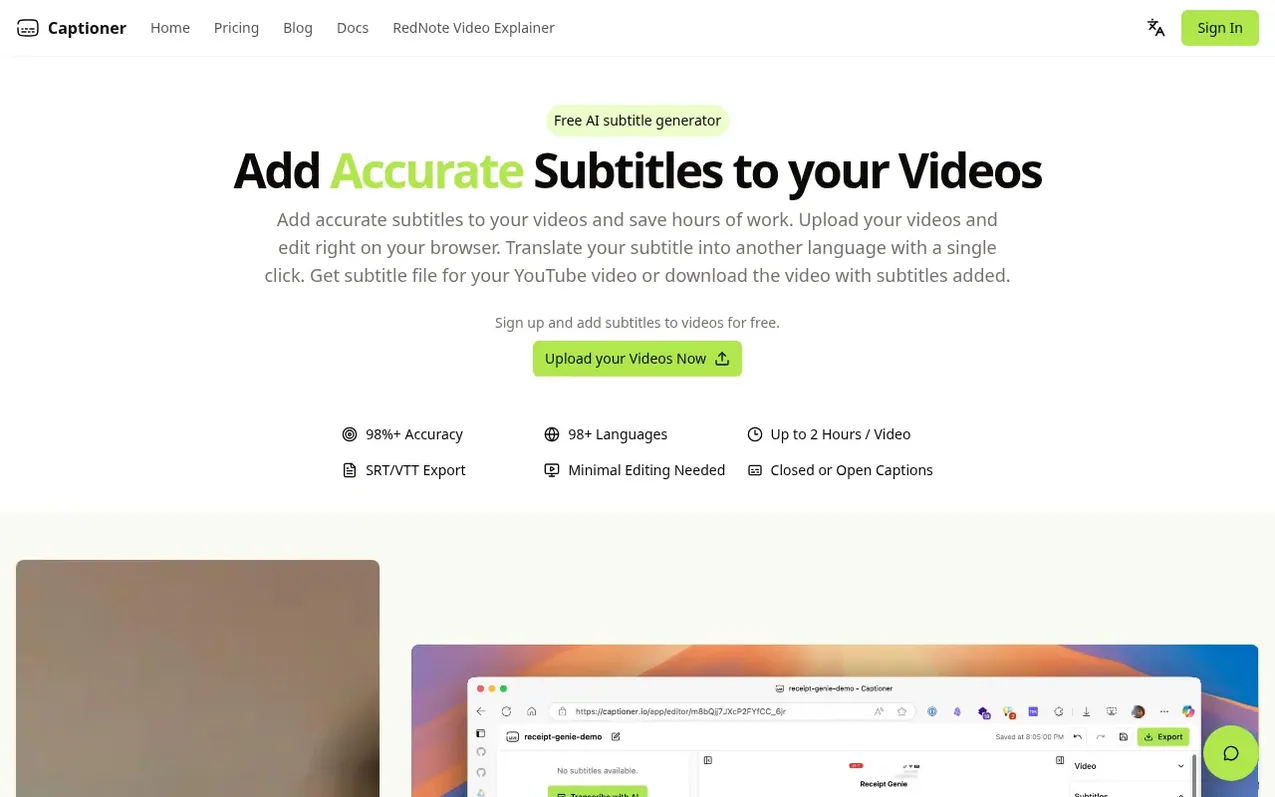
Captioner is an AI Speech-to-Text software that generates subtitles for videos with 98%+ accuracy in over 98 languages. Upload your videos and edit subtitles directly in your browser, with precise timestamps and word-level controls. The tool includes a smooth editing experience built by content creators, and supports importing existing transcripts with automatic alignment. Export subtitles in SRT, VTT, or SBV formats for use across platforms, or download videos with subtitles burned in. Translate subtitles into multiple languages with a single click, and the software is designed to handle background noise through built-in voice extraction.
What it does
- 98%+ accuracy AI transcription
- Support for 98+ languages
- Transcribe up to 2 hours per video
- Export in SRT, VTT, and SBV formats
- Precise word-level timestamps
- In-browser subtitle editing
- Automatic transcript alignment
- Video export with burned-in subtitles
- Subtitle translation to 15+ languages
- Built-in voice extraction for background noise
Pricing
Pricing model: Freemium
Free: 30 one-time credits. Basic: $10/month (300 credits) or $60/year. Creator: $20/month (1,200 credits) or $120/year. One-Week Pass: $7 one-time (120 permanent credits + 7 days Creator features). Additional permanent credits: $6 for 120 credits, $15 for 300 credits, $30 for 600 credits.
Shopper questions
What is Captioner?
Captioner is an AI Speech-to-Text software built to specialize in transcribing videos to text. It converts video files to text in 98+ languages with high accuracy and aligns subtitles closely to the speech in videos.
What is the difference between Basic and Creator plans?
Basic is for occasional publishing with 300 credits monthly, 1080p video export, and SRT/VTT subtitle exports. Creator includes 1,200 credits monthly, 4K video export, and priority rendering.
How long does it take to transcribe a video?
For an average 30-minute video, transcription usually takes around 5-6 minutes because the tool optimizes for accuracy rather than speed.
Can I edit the subtitles?
Yes, after transcription you can edit subtitle text and timing directly in Captioner, then export the result.
Captioner has a free listing. The owner can unlock the full profile with a paid launch for $5:
- Founder story (locked)
- Milestones (locked)
- Demo video (locked)
- Dofollow website link (locked)
Shoppers also viewed
- GeeksKai
Audio editing
- Background Audio Remover
Audio editing
- Unmix Studio
Audio editing
- AI Voice Cleaner
Audio editing



