
Cadence
AI screen recorder that fixes how you sound
Record your screen and fix your voice in one click by swapping your accent, cleaning audio, and adding AI avatars and captions.
About this launch
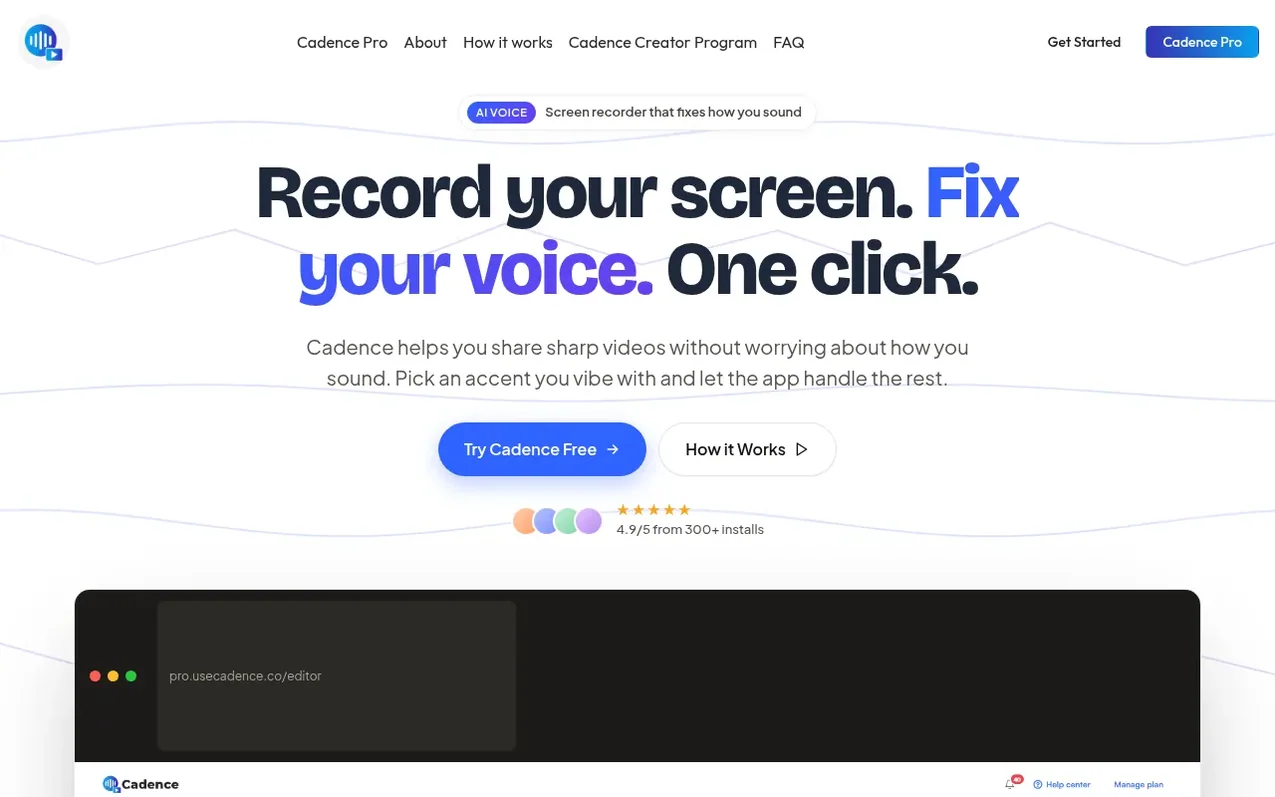
Cadence is a Chrome extension that combines screen recording with AI voice enhancement. It lets you record any tab, app, or entire screen, then instantly improve your audio by swapping accents, removing background noise, and adding professional touches like captions and AI avatars. Your recordings stay on your device for privacy, and you can share them via shareable links or export them directly. The editor lets you trim, cut, caption, and add audio without re-recording.
What it does
- AI Accent Swap - transform voice into cleaner accent while keeping pace and tone
- Screen recording of any tab, app, or full screen with markup and cursor highlights
- AI-generated captions with word-by-word highlighting
- AI Avatar generation for presentations without camera
- Video trimming, cutting, and cropping in editor
- Upload and layer custom audio over recordings
- Language translation into 25+ languages
- Cloud storage with 100GB capacity for Pro users
- Shareable links for videos with privacy controls
Pricing
Pricing model: Free trial
Free 7-day trial with unlimited screen recording and 60 seconds of AI Accent Change. Cadence Pro: $19.00 per month (or $16.58 per month annually), includes unlimited screen recording, 30 minutes total of AI functions per month, and 100GB cloud storage.
Shopper questions
Will I sound like a generic GPS robot?
No. Cadence uses advanced AI that preserves your emotion, pacing, and pauses. It just swaps the accent. The result sounds human, professional, and distinctively yours, just polished.
Can I switch back to my original audio after using AI?
Yes, always. Your original recording is safe. You can toggle between your raw audio and the AI-enhanced version instantly to see which one fits the vibe better.
My mic is a potato. Can you fix that?
Yes. Even on a built-in laptop mic in a noisy room, Cadence's AI reconstructs your voice to sound studio-quality. No need to buy an expensive microphone.
Does it work in real-time, like on a Zoom call?
Cadence is built for asynchronous communication like screen recordings, demos, and tutorials. You record first, then apply the AI magic, which keeps audio quality high without real-time lag.
Cadence has a free listing. The owner can unlock the full profile with a paid launch for $5:
- Founder story (locked)
- Milestones (locked)
- Demo video (locked)
- Dofollow website link (locked)
Shoppers also viewed
- Music Remover
Audio editing
- GeeksKai
Audio editing
- Background Audio Remover
Audio editing
- Unmix Studio
Audio editing



