
AudioMuse
Online audio tools to make every sound more professional
A browser-based audio editor and AI tools for cutting, mixing, enhancing, and separating audio tracks without software downloads.
About this launch
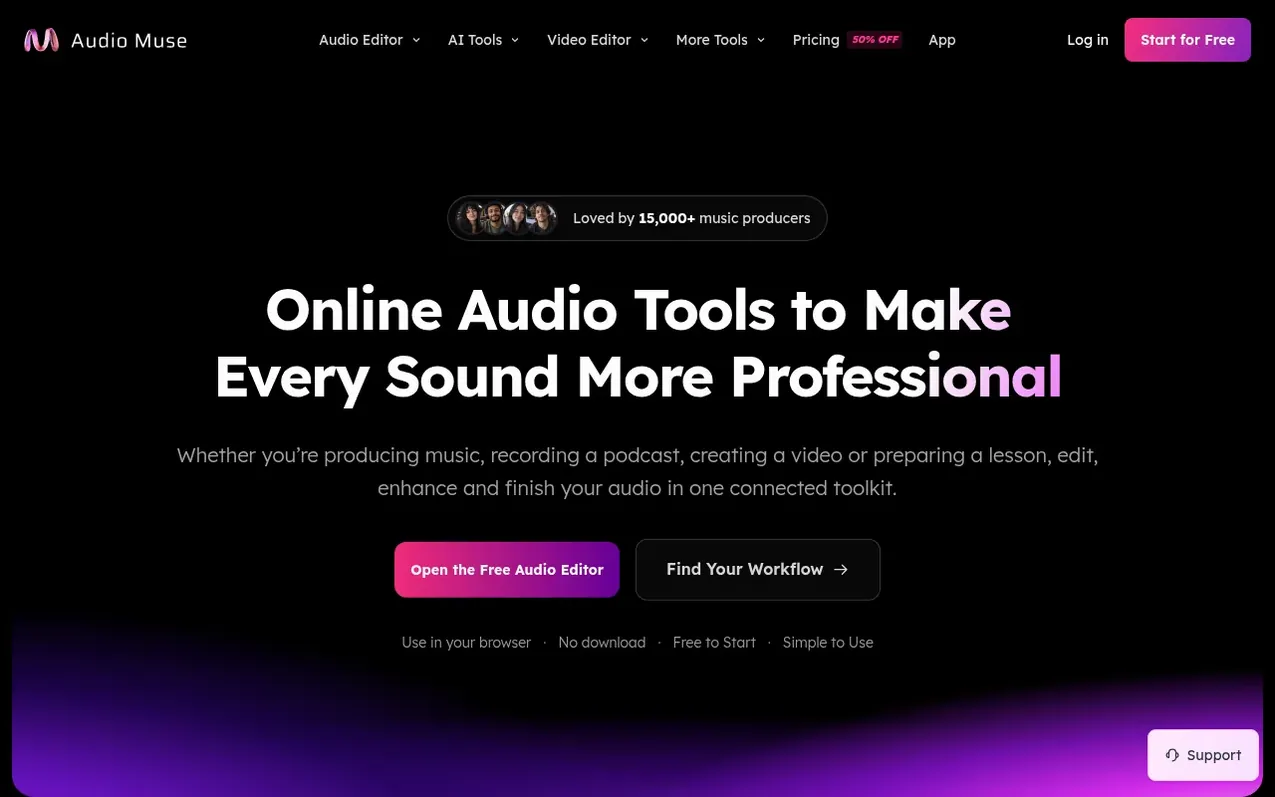
AudioMuse is a free online audio editor for cutting, trimming, merging, and mixing audio on a visual multitrack timeline, requiring no software downloads or sign-up. It combines browser-based editing tools with AI-powered features including audio enhancement, noise reduction, vocal separation, and mastering. The platform supports multiple audio formats (MP3, WAV, M4A, FLAC, OGG, AAC) and video files, allowing users to record, convert, compress, and analyze audio. Local editing operations run on your device, while AI processing features use cloud services. Processed files are stored for 30 days for paying users.
What it does
- Audio cutting and trimming with waveform precision
- Multitrack timeline editing with up to six tracks
- AI audio enhancement and noise reduction
- Vocal and instrument separation with Stem Splitter
- AI mixing and mastering
- Audio format conversion including MP3, WAV, M4A, FLAC, OGG, AAC
- Pitch and tempo adjustment from 0.25x to 4x speed
- Video audio editing and extraction
- Key and BPM detection and analysis
Pricing
Starter $9.99/month (1,000 credits/month), Creator $19.99/month (2,500 credits/month), Studio $39.99/month (5,000 credits/month). Credits required: Audio Enhancement & Noise Reduction 10 credits/minute, Vocal & Backing Vocal Separation 20 credits/minute, Stem Splitting 20 credits/minute per separati
Shopper questions
What audio formats does AudioMuse support?
AudioMuse supports popular formats including MP3, WAV, M4A, FLAC, OGG, AAC, and audio from MP4 files. You can mix different source formats in one project and export for sharing or further production.
How long are processed files stored?
Processed files are stored for 30 days for paying users. You should download the results you want to keep before they expire.
Does AudioMuse require a download or installation?
No, AudioMuse is a browser-based tool that requires no software download. You can open it and start editing right away without creating an account.
Are there free features available?
Yes, local audio and video editing are completely free to use. AI-powered features like enhancement, noise reduction, vocal separation, and mixing require credits.
AudioMuse has a free listing. The owner can unlock the full profile with a paid launch for $5:
- Founder story (locked)
- Milestones (locked)
- Demo video (locked)
- Dofollow website link (locked)
Shoppers also viewed
- Music Remover
Audio editing
- GeeksKai
Audio editing
- Background Audio Remover
Audio editing
- Unmix Studio
Audio editing



