
AudioEnhancer
Free online audio enhancer with no duration limit for cleaning speech
A free online tool that enhances speech by reducing noise, lifting quiet voices, and balancing volume across audio and video files without requiring login or
About this launch
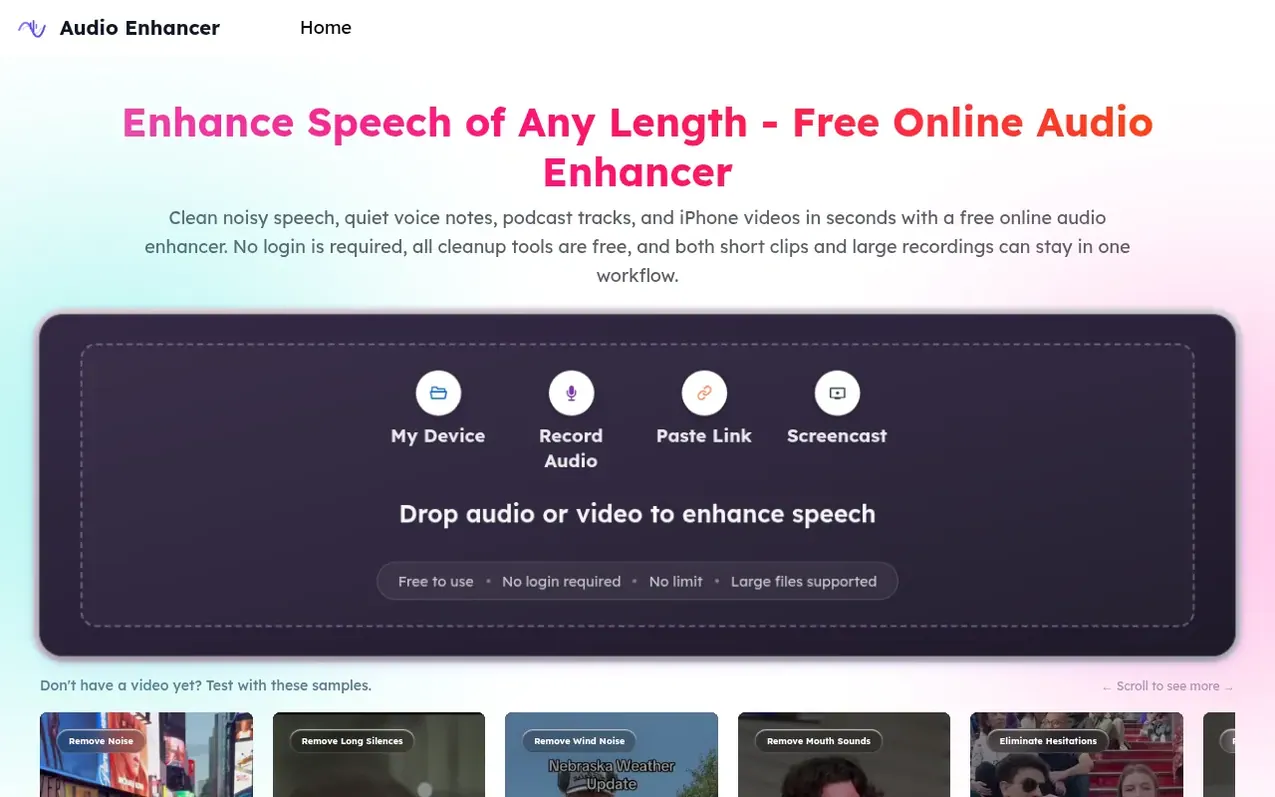
AudioEnhancer is a free online audio enhancement tool designed to improve speech clarity in recordings. It uses voice-first processing to separate speech from background noise, then applies noise reduction, level balancing, EQ adjustment, and artifact cleanup. The tool handles various audio problems including whispering, background noise, mouth sounds, long silences, hesitations, stuttering, echo, and reverb across multiple formats including MP3, WAV, M4A, MP4, MOV, AAC, and FLAC.
The workflow supports files of any length without requiring account creation. Users upload audio or video, select the primary problem from a list of specific issues, preview results in seconds for short clips, and export the enhanced file. The tool is suitable for podcast production, meeting recordings, video editing, lesson narration, and mobile video cleanup.
AudioEnhancer prioritizes the speech-band frequency range to maintain intelligibility, uses noise profile matching to distinguish between steady hum and transient sounds, and provides level and tone controls. A preview feature allows side-by-side comparison with the original to avoid over-processing.
What it does
- Long silence removal
- Real-time preview for quality control
- Support for multiple audio and video formats
Pricing
Pricing model: Free
Shopper questions
Is this audio enhancer free online?
Yes, AudioEnhancer is free to use with no login required.
Do I need to log in, and is there a duration or file-size limit?
No login is required. The service is designed for both small clips and larger recordings with no duration limit for spoken files.
How long does audio enhancement take?
Short voice clips usually preview in a few seconds. Longer meetings, podcasts, or video files take more time but stay in the same browser workflow.
What formats are supported?
AudioEnhancer supports common audio and video formats including MP3, WAV, M4A, MP4, MOV, AAC, and FLAC.
How to enhance audio quality?
Work on the loudest distraction around the voice first, then check volume, EQ, and naturalness before export. This is the simplest way to improve audio quality across both small clips and larger recordings.
AudioEnhancer has a free listing. The owner can unlock the full profile with a paid launch for $5:
- Founder story (locked)
- Milestones (locked)
- Demo video (locked)
- Dofollow website link (locked)
Shoppers also viewed
- Music Remover
Audio editing
- GeeksKai
Audio editing
- Background Audio Remover
Audio editing
- Unmix Studio
Audio editing



