
AudioEditorKit
Private audio tools for compression, conversion, and fading in your browser
Free browser-based audio tools for MP3 and WAV editing including compression, format conversion, fading, trimming, volume adjustment and more, with no uploads
About this launch
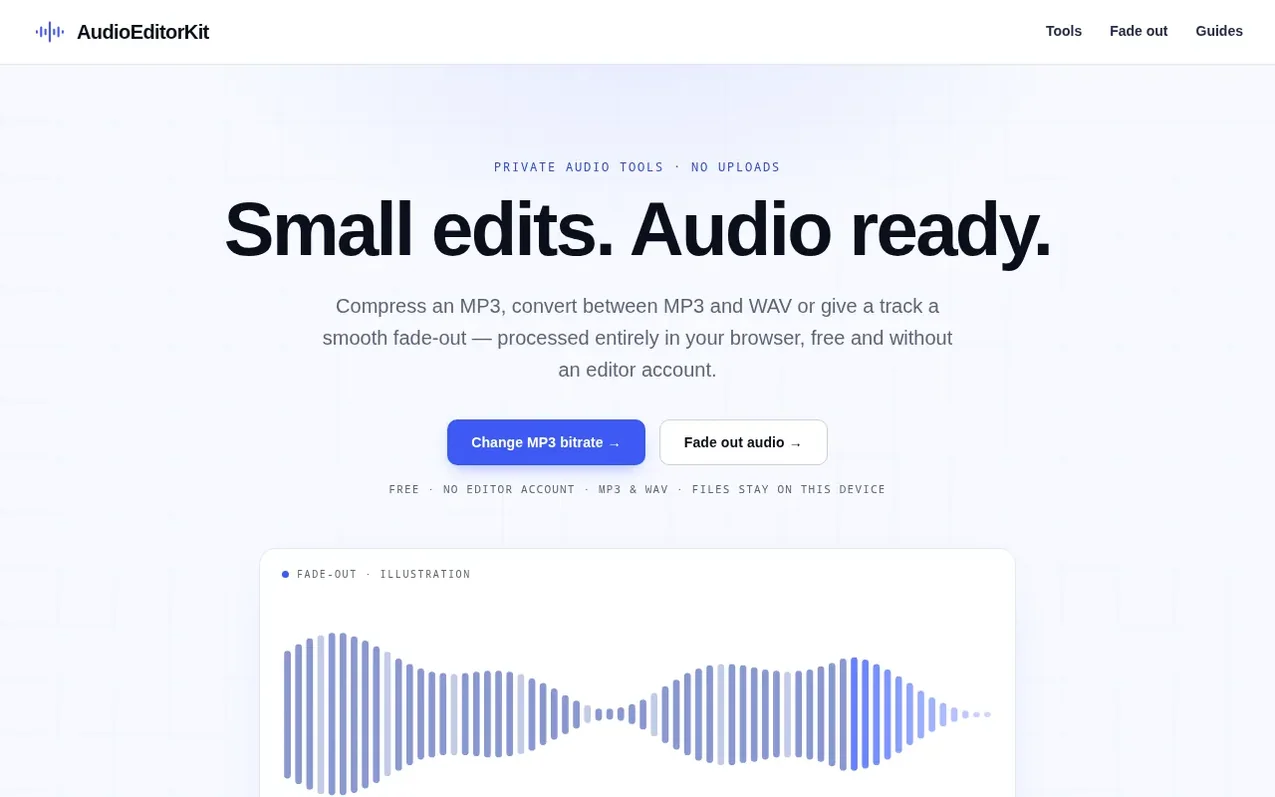
AudioEditorKit provides 13 focused audio tools for small finishing jobs without needing a full editor. Users can compress MP3 files, convert between MP3 and WAV formats, add fade-in and fade-out effects, trim audio, adjust volume, convert stereo to mono, merge multiple files, change playback speed, and adjust pitch. All audio processing runs directly in the browser on your device—files are never uploaded to any server. After processing, users can preview the result before downloading it as MP3 or WAV.
The service supports MP3 and uncompressed PCM WAV files up to 30 MiB and 10 minutes duration, with MP3 output available at 128, 192, 256 or 320 kbps. A dedicated M4A to MP3 converter handles audio-only AAC or ALAC files. AudioEditorKit is operated by an independent individual based in Singapore and uses open-source audio technology including FFmpeg through ffmpeg.wasm.
What it does
- MP3 bitrate conversion (128, 192, 256, or 320 kbps)
- Fade-out audio with customizable duration
- MP3 compression with file size comparison
- WAV to MP3 and MP3 to WAV conversion
- Fade-in audio with preview capability
- M4A to MP3 conversion
- Audio trimming with start and end time selection
- Volume adjustment with gain in decibels
- Stereo to mono conversion
- Merge multiple audio files (2-8 files)
Pricing
Pricing model: Free
Shopper questions
What file formats does AudioEditorKit support?
Most tools accept mono or stereo MP3 and uncompressed PCM WAV files up to 30 MiB and 10 minutes. The dedicated M4A to MP3 converter accepts audio-only AAC or ALAC M4A files. MP3 output is available at 128, 192, 256 or 320 kbps, and WAV output uses 16-bit PCM.
Are my audio files uploaded to a server?
No. Audio processing runs entirely in your browser on your device. Your selected audio is not uploaded to any server and the editor has no cloud processing fallback.
What happens to my files if I navigate away or refresh the page?
Files and results live only in the current page's memory. You must download your result before leaving or refreshing the page. To apply multiple changes like bitrate and fade together, use the controls in the same workbench.
Can I use these tools to edit music I do not have permission to edit?
No. These tools do not generate or license music, so you must use audio you have permission to edit.
AudioEditorKit has a free listing. The owner can unlock the full profile with a paid launch for $5:
- Founder story (locked)
- Milestones (locked)
- Demo video (locked)
- Dofollow website link (locked)
Shoppers also viewed
- Music Remover
Audio editing
- GeeksKai
Audio editing
- Background Audio Remover
Audio editing
- Unmix Studio
Audio editing



