Zup
Turn your photos into captions in your voice for social media
A free iPhone app that generates editable social media captions from photos, with AI assistance and support for five platforms.
About this launch
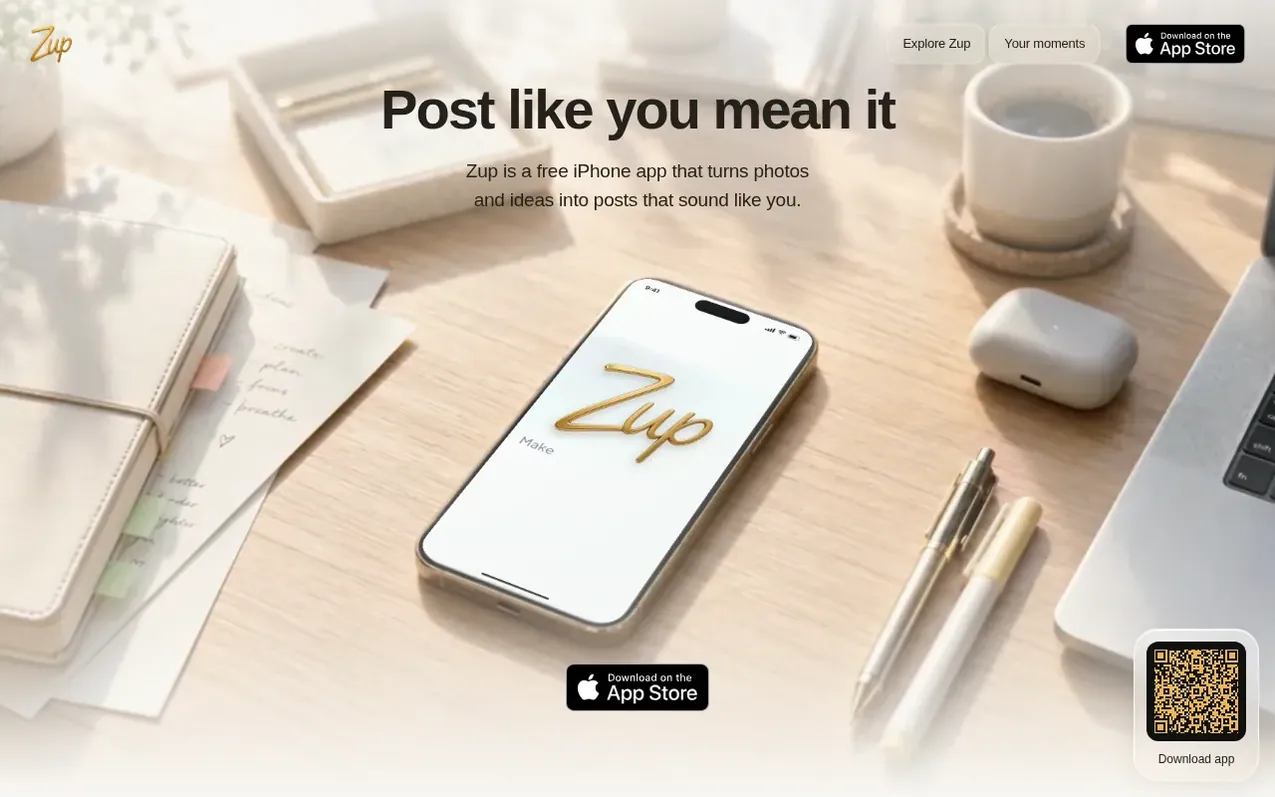
Zup is a free iPhone app that helps you create social media posts from photos. Start by selecting a photo from your camera roll or writing an idea, then generate an AI-assisted caption in one of six tones: Natural, Heartfelt, Playful, Bold, Storytelling, or Polished. You can edit the caption to match your voice, adjust the length and hashtags, and apply photo editing tools like cropping and filters. Before sharing, preview your post on any of five supported platforms: Instagram, TikTok, X, LinkedIn, and Facebook. You have final control—Zup only publishes after your confirmation. For X and LinkedIn, you can schedule posts up to 30 days in advance. The app requires iOS 18.0 or later and is completely free to download and use.
What it does
- AI-generated captions in six tones
- Photo editing with cropping and filters
- Platform-specific post previews
- Support for 5 social platforms
- Post scheduling for X and LinkedIn
- Editable captions before sharing
- User permission required to publish
- Schedule posts 10 minutes to 30 days ahead
Pricing
Pricing model: Free
Free to download and use. Optional one-time tips support development.
Shopper questions
What does Zup do?
Zup turns a photo or an idea into an editable social post on iPhone. Start with a photo or idea, generate a caption, edit your photo, and preview the result before sharing.
Is Zup free?
Zup is free to download and use with no subscription. Optional one-time tips support development but do not unlock extra features.
Which social platforms does Zup support?
Zup prepares posts for five platforms: Instagram, TikTok, X, LinkedIn, and Facebook. You can schedule posts on X and LinkedIn, or share directly to the others.
Can I schedule posts with Zup?
Zup schedules posts for X and LinkedIn. You can choose a date and time between 10 minutes and 30 days ahead, review the post, and confirm it. Scheduled posts can publish while the app is closed.
Can I edit captions before sharing?
Yes. Zup captions remain editable before you share them. You can change the words, choose another tone, and set your preferred length, emojis, and hashtags. You make the final decision.
Zup has a free listing. The owner can unlock the full profile with a paid launch for $5:
- Founder story (locked)
- Milestones (locked)
- Demo video (locked)
- Dofollow website link (locked)
Shoppers also viewed
- Bolt Claw
Social Media & Creator Tools
- UpScrolled™
Social Media & Creator Tools
- Exploreel
Social Media & Creator Tools
- StarPresence
Social Media & Creator Tools