
Voice Isolator AI
Free AI-powered tool to isolate voice from music, noise, and background audio in audio and video files
An online AI tool that separates vocals and speech from background music and noise in audio and video files for music production, podcasting, and content
About this launch
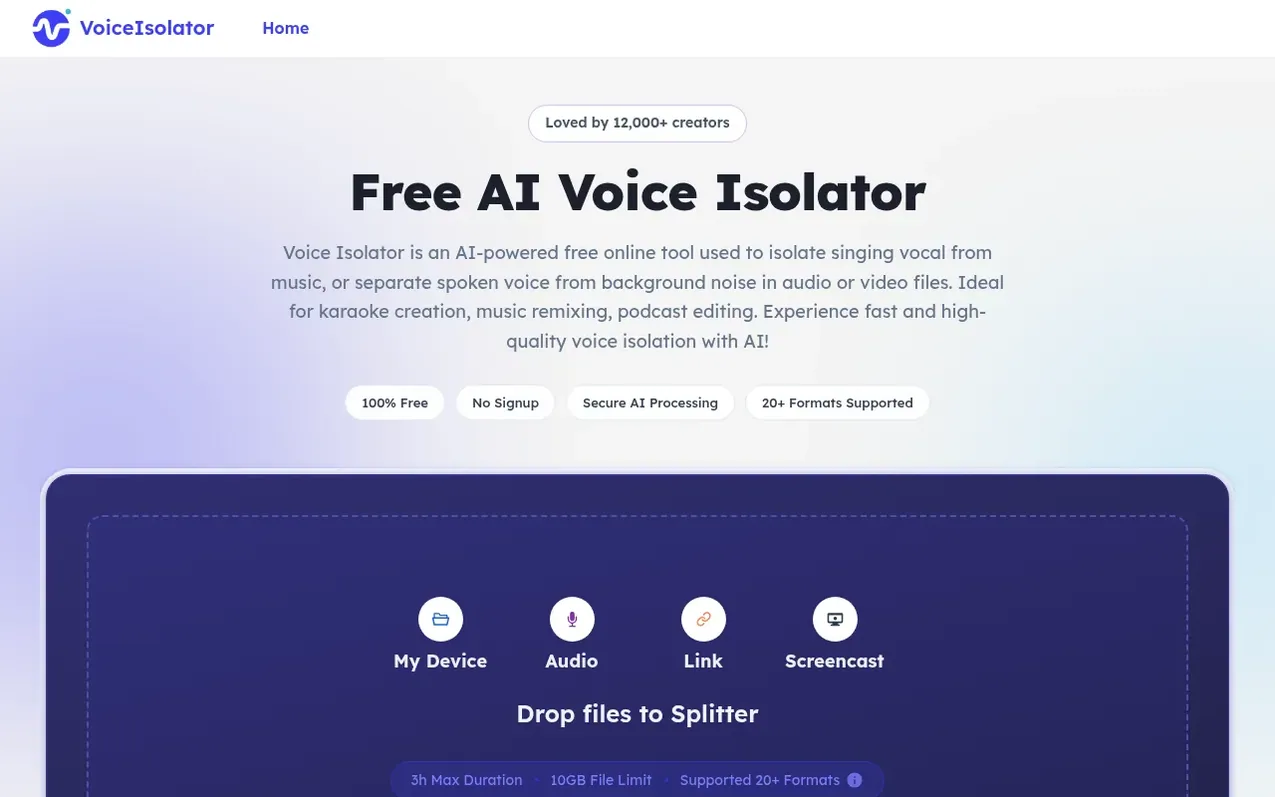
Voice Isolator AI is a free online tool powered by advanced AI models that isolates vocals and speech from background music and noise in audio and video files. It supports over 20 audio and video formats and can process files up to 10GB and 3 hours in duration.
The tool requires no installation, signup, or credit card. Users upload audio or video files, choose an AI model, and the system automatically separates voice from background elements. Results are ready for download and can be used for remixing, karaoke creation, podcast editing, video content production, and other creative projects.
Key features include real-time processing, multiple AI separation models, support for large professional-grade files, and privacy-focused handling where uploaded files are automatically deleted after processing. The tool works directly in the browser across all devices.
What it does
- Isolate vocals from music and background noise
- Support for 20+ audio and video formats
- Process files up to 10GB
- Real-time voice isolation from screen captures and recordings
- Multiple AI separation models
Pricing
Pricing model: Free
Shopper questions
What is voice isolation?
Voice isolation means separating a human voice from background music, noise, or other sounds. Voice Isolator uses advanced AI models to detect vocals and spoken audio, helping you get cleaner voice tracks from songs, videos, podcasts, or recordings.
What file formats and sizes are supported?
Voice Isolator supports common audio and video formats such as MP3, WAV, M4A, MP4, MOV, and more. You can upload files up to 10GB and 3 hours long for voice isolation.
How do I isolate voice from a song?
Upload your song or music file to Voice Isolator, and the AI will isolate the voice from music automatically. In a few moments, you can preview and download a vocal track separated from the background music.
Is my uploaded audio or video file private and secure?
Yes. Files uploaded to Voice Isolator are used only for processing your voice isolation request and are not used for public sharing. Files are processed securely and automatically deleted after processing.
Can Voice Isolator handle complex music with vocal samples?
Yes. Voice Isolator is designed to separate vocals from complex music as clearly as possible, including Hip Hop tracks with layered beats, samples, and background voices.
Voice Isolator AI has a free listing. The owner can unlock the full profile with a paid launch for $5:
- Founder story (locked)
- Milestones (locked)
- Demo video (locked)
- Dofollow website link: not on this free listing (its website link is nofollow)
Shoppers also viewed
- SCloudConvert
Audio editing
- Voice Enhancer
Audio editing
- Recora
Audio editing
- Screen Mouse Recorder
Audio editing