Screen Mouse Recorder
Browser automation and screen recording tool for AI assistants
Screen Mouse Recorder is a local server that lets AI assistants control a separate Chrome browser to record tutorials, navigate pages, and capture videos.
About this launch
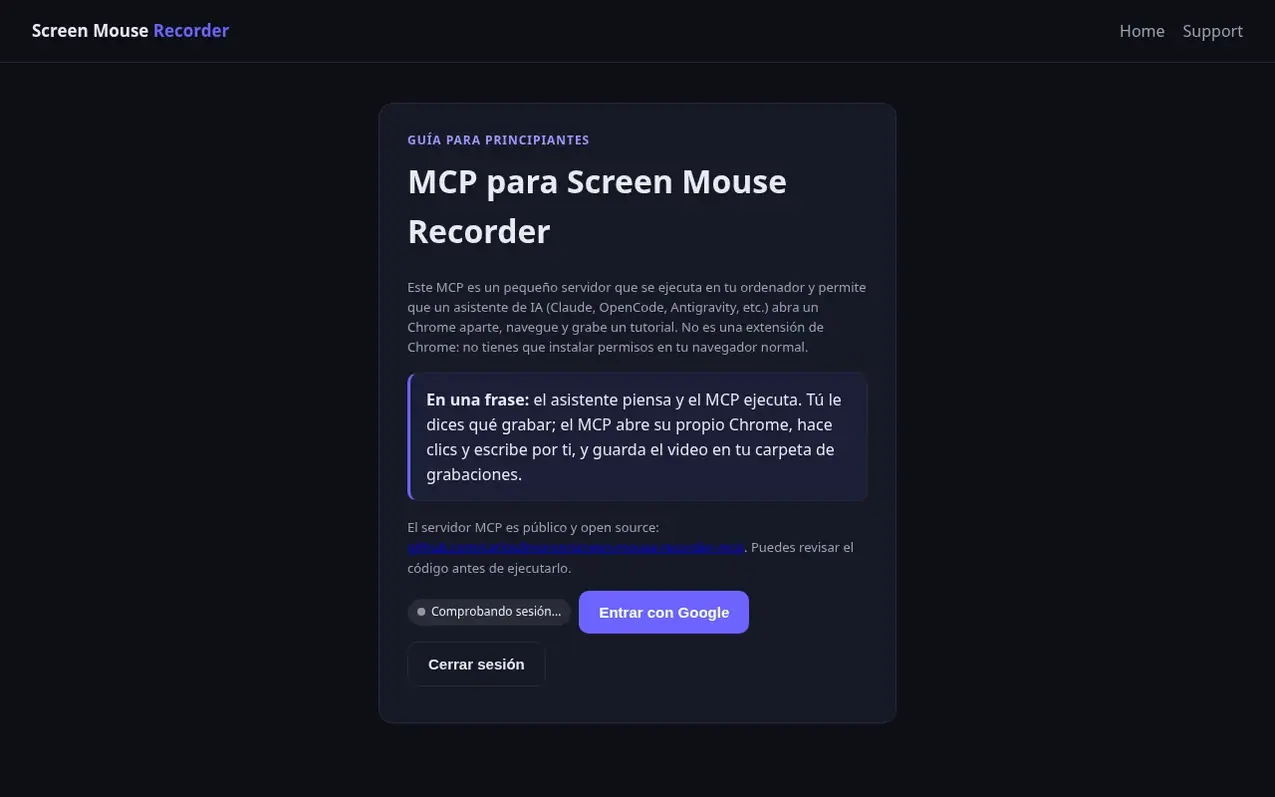
Screen Mouse Recorder is a recording application that captures screen activity with cursor trails and click effects. It offers both a free tier with limited recordings per device and a Pro plan. The core MCP (Model Context Protocol) server allows AI assistants to automate browser interactions by opening a separate Chrome instance, navigating websites, clicking elements, typing text, and recording the entire session as video. Users can record tutorials, workflows, and page walkthroughs with options for webcam overlay, smart zoom on click, and live captions. Videos are saved in WebM format and can be automatically converted to MP4 with ffmpeg.
What it does
- Screen, tab or window recording in 1080p
- Webcam overlay with Loom-style support
- Smart zoom on click with automatic adjustment
- Cursor trail and click effects
- Live captions
- Automated browser navigation and form filling
- Video export in WebM and MP4 formats
- Local storage with IndexedDB
- Support for multiple AI assistants
- No watermark and no ads on Pro plan
Pricing
Pricing model: Freemium
Free for 3 days, then $9.99/month billed monthly. Pro plan includes 100 videos per month, unlimited export with no watermark or ads.
Shopper questions
What is the MCP and how does it work?
The MCP is a small local server that runs on your computer and allows an AI assistant to control a separate Chrome browser instance. The assistant navigates, clicks, types, and records a tutorial video while your personal Chrome and account remain untouched.
Where are my recordings stored?
Recordings are saved in your browser's local storage (IndexedDB) and appear in the Recordings section of the popup. Anonymous cloud videos are kept for 24 hours, and clearing browser data for the extension removes local recordings permanently.
How much does the Pro plan cost?
The Pro plan is $9.99 per month billed monthly, with the first 3 days free. It includes 100 videos per month, unlimited export, no watermark, and no ads.
Screen Mouse Recorder has a free listing. The owner can unlock the full profile with a paid launch for $5:
- Founder story (locked)
- Milestones (locked)
- Demo video (locked)
- Dofollow website link: not on this free listing (its website link is nofollow)
Shoppers also viewed
- SCloudConvert
Audio editing
- Voice Enhancer
Audio editing
- Recora
Audio editing
- CleanBleep
Audio editing