Recora
Screen recorder and editor for Mac with automatic zoom, smooth cursor, captions, and both sides of every call
Mac screen and call recorder that automatically edits recordings with zooms, cursor smoothing, captions and records both sides of calls even on headphones.
About this launch
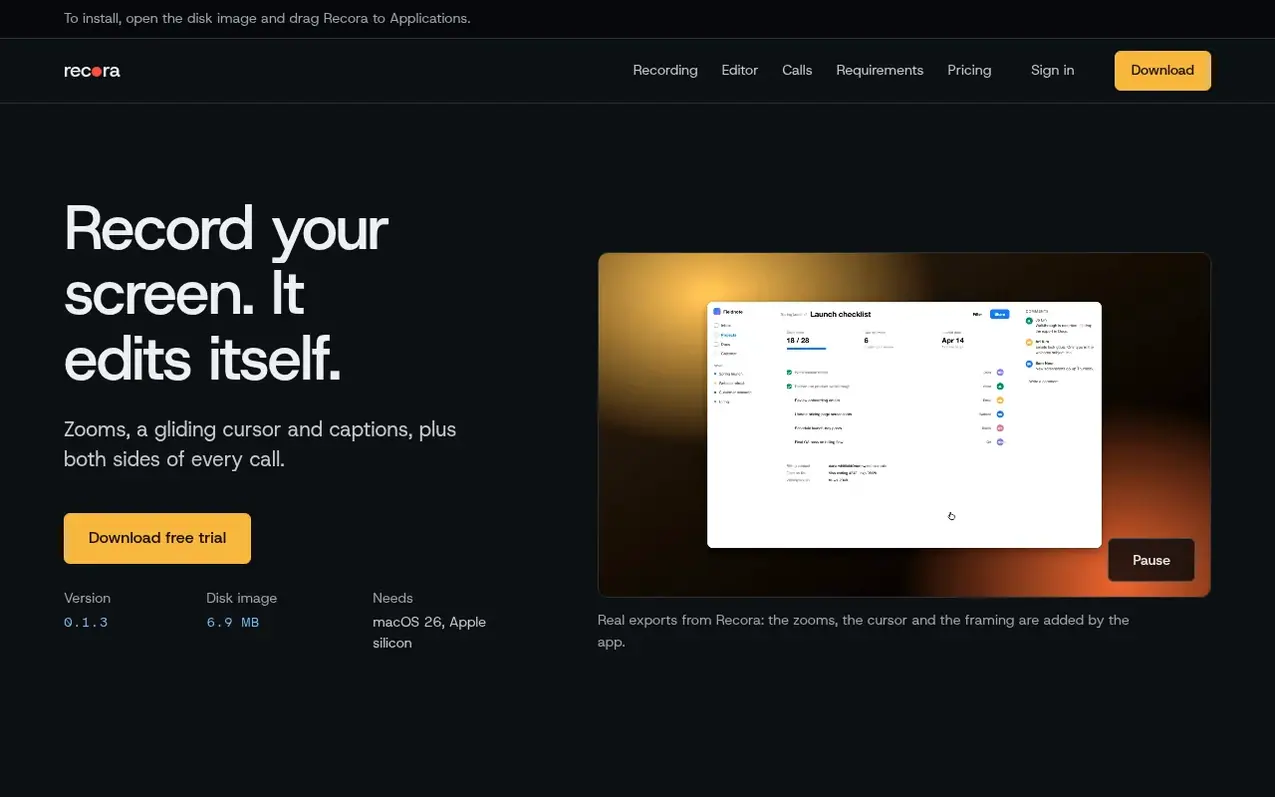
Recora is a screen and call recorder for Mac that captures both sides of video calls even when using headphones. It automatically edits recordings with features like automatic zoom on clicks, a smoothly redrawn cursor, and on-device captions powered by Apple's speech engine. The app detects calls on Google Meet, Zoom, Microsoft Teams, Slack and FaceTime, and records your Mac's audio output and microphone on separate tracks. After recording, Recora performs the first edit automatically, then users can further refine with transcript-based editing, silence removal, speed adjustments, and various export options. All recordings and processing remain on your Mac with no uploads.
What it does
- Records both sides of calls even on headphones
- Detects Google Meet, Zoom, Microsoft Teams, Slack and FaceTime calls
- Automatic zoom where you click
- Smooth redrawn cursor
- On-device transcripts and captions
- Edit by transcript, remove silences and filler words
- Export up to 4K at 60 fps
- Export presets for YouTube, X, LinkedIn, Reels and TikTok
Pricing
Pricing model: Free trial
$59 per year after a 3-day free trial. First 20 customers receive 10% off the first year ($53.10). Includes all features on one Mac at a time.
Shopper questions
Does Recora record both sides of a call when I wear headphones?
Yes. Recora records your Mac's audio output and your microphone on separate tracks, so both sides are captured, unlike the built-in macOS recorder which only hears your microphone.
Which call apps does Recora notice?
Recora notices Google Meet, Zoom, Microsoft Teams, Slack and FaceTime, or any app that is using your microphone. When a call starts, Recora offers to record it.
Are my recordings uploaded anywhere?
No. Every recording is a plain folder in Movies on your Mac. Transcripts and captions are made on your Mac by Apple's on-device speech engine, and nothing is uploaded.
How much does Recora cost?
$59 a year for every feature, after a 3-day free trial. The first 20 customers get an extra 10% off their first year. Cancel before the trial ends and you won't be charged.
Which Mac do I need?
A Mac with Apple silicon running macOS 26 or later. One subscription covers one Mac at a time, and you can move it to a new Mac from your account page.
Recora has a free listing. The owner can unlock the full profile with a paid launch for $5:
- Founder story (locked)
- Milestones (locked)
- Demo video (locked)
- Dofollow website link: not on this free listing (its website link is nofollow)
Shoppers also viewed
- SCloudConvert
Audio editing
- Voice Enhancer
Audio editing
- Screen Mouse Recorder
Audio editing
- CleanBleep
Audio editing