SVGator
The easiest way to animate SVG
A free online tool for creating and animating SVG graphics without coding, with export options for web, mobile and video formats.
About this launch
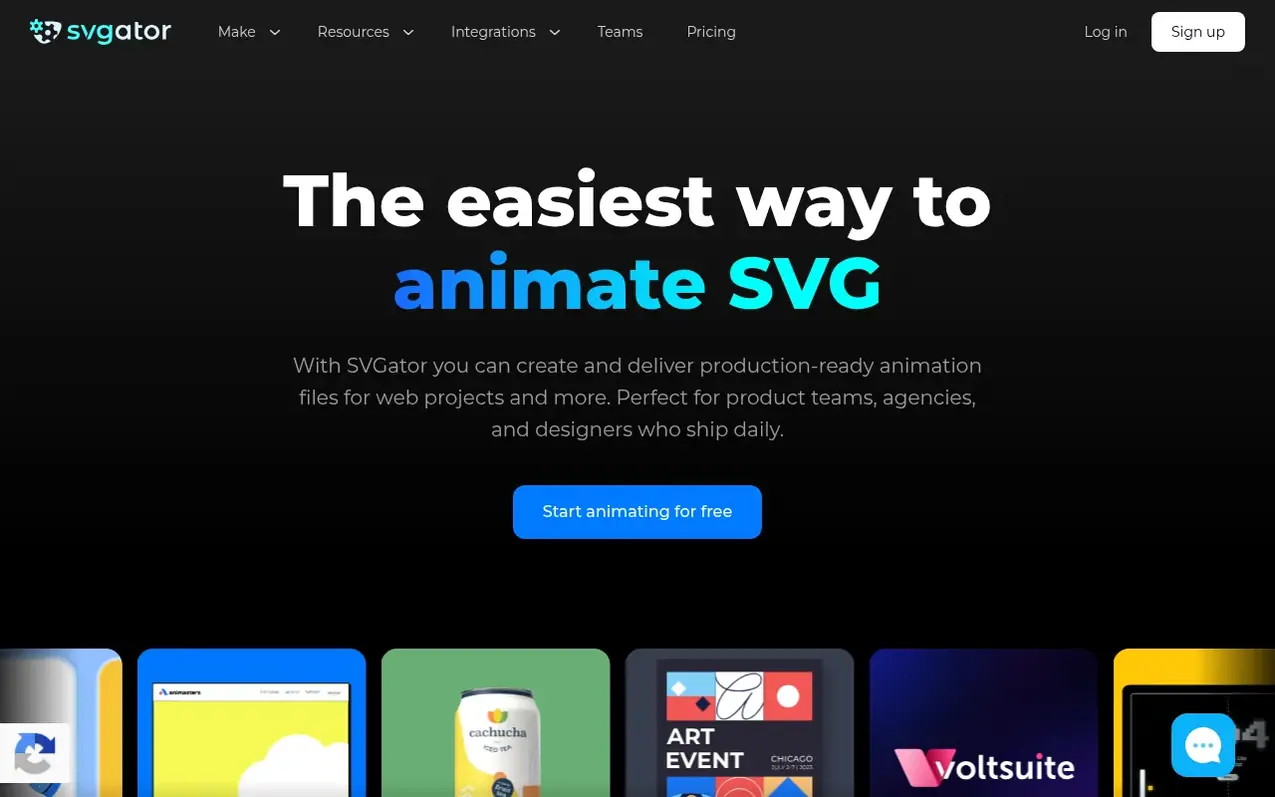
SVGator is an online SVG animation maker that enables users to create production-ready animations without coding. The platform provides an intuitive interface with advanced animation capabilities including morphing, motion paths, stroke animations, and color transitions.
Users can import static SVGs or Lottie files, edit them in the visual editor, and export to multiple formats including animated SVG (CSS/JavaScript), Lottie JSON, React Native, Flutter, GIF, WebP, APNG, and video formats (MP4, MOV, WEBM, MKV, AVI). SVGator supports interactive animations triggered by mouse hover, click, or programmatic control through its Player API.
The tool includes features for team collaboration with shared folders, commenting with timestamps, and public link sharing for client feedback. It integrates with Figma, WordPress, and supports AI-powered animation generation through MCP integration.
SVGator serves designers, developers, agencies, motion designers, and educators creating logos, icons, UI elements, loaders, and interactive web graphics.
What it does
- Morph animation for shape transitions
- Motion path animation
- Stroke animations
- Color and gradient animations
- Mask animations
- Interactive animations with multiple triggers
- Custom easing functions
- Team collaboration with commenting
Pricing
Pricing model: Freemium
Free: $0 with unlimited static SVG exports. Starter: $20/month (billed yearly). Pro: $24/month (billed yearly, save 36%). Team: $27/seat/month (billed yearly, minimum 3 seats).
Shopper questions
Can SVG files be animated?
Yes. SVG supports animation natively in browsers through CSS, JavaScript, or a dedicated tool like SVGator that writes the code for you and exports a single ready-to-use file.
What file formats can I export from SVGator?
SVGator exports animated SVG files in CSS or JavaScript format. Additional export options include Lottie JSON, GIF, WEBP, APNG, MP4, MOV, and WEBM. SVG is recommended for web use, while Lottie JSON is available for cross-platform projects, Flutter and React Native.
What's the difference between SVG animation and Lottie?
SVG animations run natively in browsers with no player library required. Lottie is a JSON format that needs a player to render and works best for mobile and cross-platform projects. SVGator exports both.
What can I create with SVGator?
SVGator is used to animate logos, icons, UI elements, loaders, onboarding screens, interactive web graphics, and ad creatives. Any SVG file can be animated in SVGator and exported as a web-ready file.
How does the Free plan work?
The Free plan lets you explore the full editor and export unlimited static SVG files. Animated exports need a paid plan: animated SVG, Lottie, React Native and Flutter on Starter, video and GIF on Pro. No credit card required.
SVGator has a free listing. The owner can unlock the full profile with a paid launch for $5:
- Founder story (locked)
- Milestones (locked)
- Demo video (locked)
- Dofollow website link (locked)
Shoppers also viewed
- LUMI
Design tools
- Housepaint AI
Design tools
- AECharts
Design tools
- Lunacy
Design tools