
LUMI
AI-powered room design tool that transforms photos into styled interior concepts
LUMI is an AI room planner that generates interior design concepts by uploading a room photo, selecting a style, and receiving a visual preview before making
About this launch
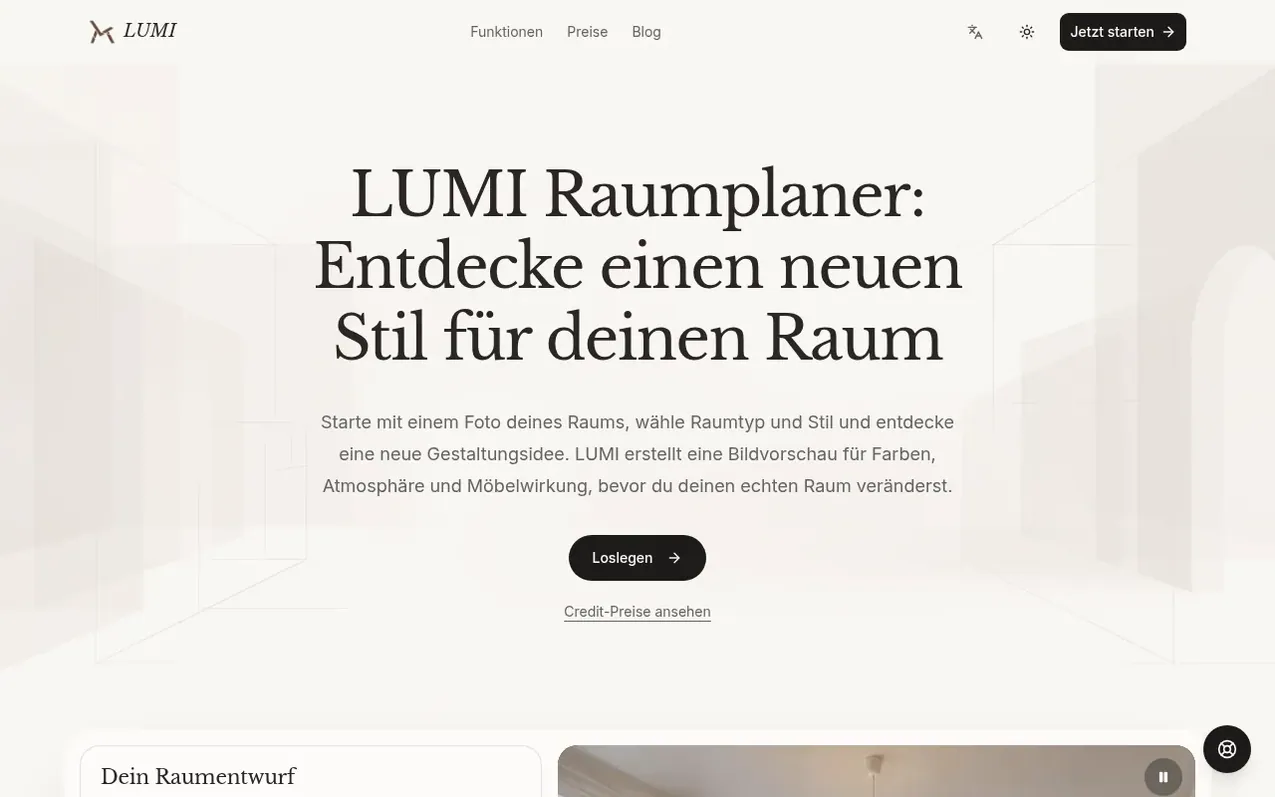
LUMI is a photo-based room planner that helps users visualize interior design changes before investing in furniture or renovations. Users upload a photo of their room, select a room type and design style, and optionally add specific requests like color preferences or furniture descriptions. The AI generates a visual preview showing how the chosen style would look in their actual space, accounting for visible windows, walls, and existing elements.
The tool is designed for exploring design directions and comparing style options, not for precise technical planning. Users can generate multiple design variations, review them side-by-side with their original photos, and save favorites to a personal history. Each design generation uses one credit. New accounts receive two free credits after email verification; additional credits can be purchased in one-time packages that never expire.
LUMI emphasizes that results are visual suggestions for atmosphere and furnishing ideas, requiring users to verify measurements, materials, and feasibility in their actual space using separate tools like floor plan software.
What it does
- Upload room photos in JPEG, PNG or WebP format up to 10 MB
- Select from multiple room types and design styles
- Generate design previews showing style, colors and furniture arrangements
- Save and download generated designs to personal history
- Compare multiple design variations side-by-side with original photo
- Watermark-free results with paid credits
- Support for room types including living rooms, bedrooms and home offices
- Web-based application accessible from any browser
Pricing
Pricing model: Freemium
Free: 2 credits after email verification. Mini: $9 for 80 credits. Plus: $19 for 200 credits. Pro: $49 for 600 credits. All purchased credits never expire. 1 credit per design generation.
Shopper questions
How many credits does a room design cost?
One room planner request costs one credit. New accounts receive 2 free credits after email verification. Available credit packages can be found on the pricing page.
What photo formats can I upload?
You can upload a single JPEG, PNG or WebP photo under 10 MB. You choose the room type and style, and optionally add your preferences. The result is a visual idea, not an exact to-scale building plan.
When do results contain a watermark?
Results created with free credits contain a watermark. Results paid for with purchased credits have no watermark. A later purchase does not remove the watermark from existing results.
What is the difference between LUMI and a 2D floor planner?
A 2D floor planner draws walls and furniture on a floor plan. LUMI instead starts with the perspective of an uploaded room photo, helping you see how a style would look in your actual space. For walkways and exact distances you still need measurements or a floor plan tool.
What are the limitations of the room planner for design decisions?
This room planner helps compare visual directions and style options in your own space. The image does not confirm fit, costs or feasibility. Use it as a starting point for questions you must then verify separately: measure your space, check material details and confirm budget before making changes.
LUMI has a free listing. The owner can unlock the full profile with a paid launch for $5:
- Founder story (locked)
- Milestones (locked)
- Demo video (locked)
- Dofollow website link (locked)
Shoppers also viewed
- SVGator
Design tools
- Housepaint AI
Design tools
- AECharts
Design tools
- Lunacy
Design tools