AECharts
Business chart maker for PowerPoint and Google Slides with AI-powered customization
Web-based chart maker for creating advanced business charts like waterfall, Mekko, and Gantt charts with AI assistance, exportable to PowerPoint, Google Slides
About this launch
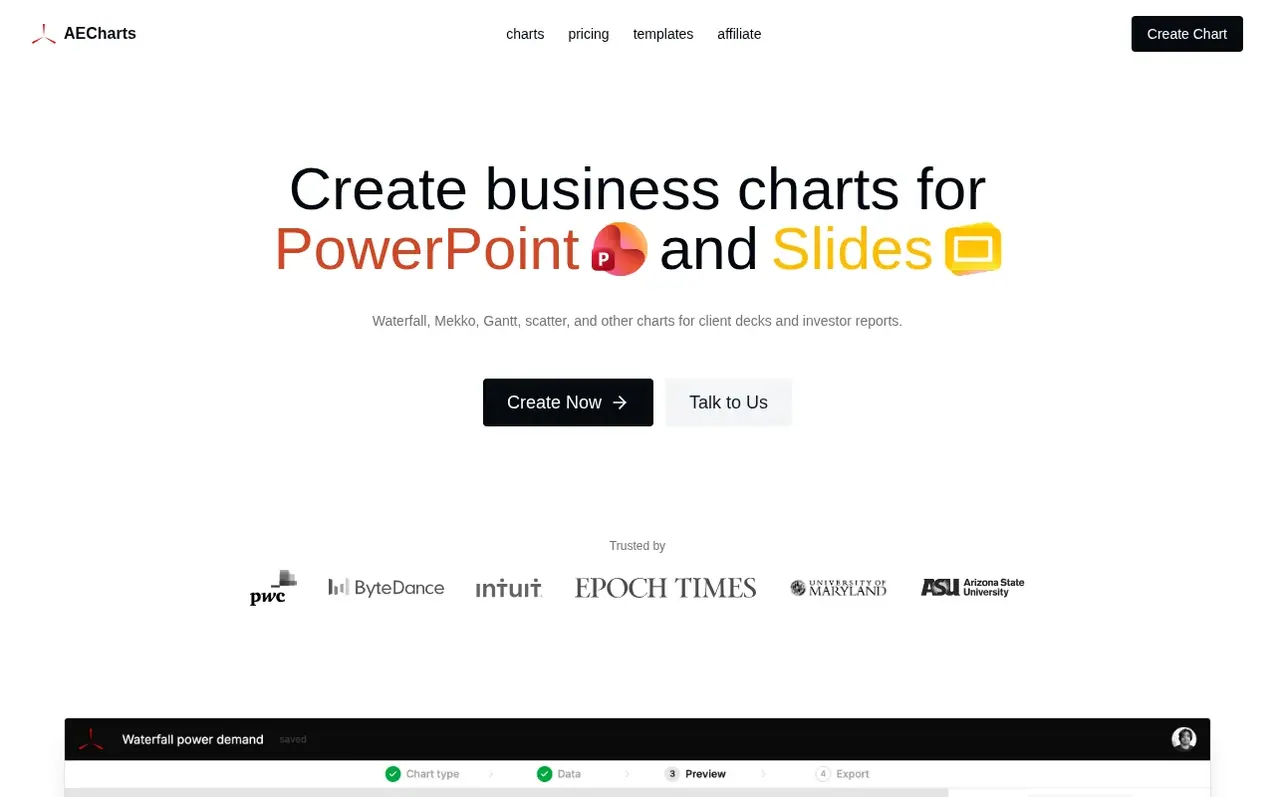
AECharts is a web-based chart maker designed for consultants, finance advisors, and operations teams to create advanced business charts that are difficult to make in PowerPoint or Excel. Users can build waterfall, Mekko, Gantt, scatter, and other chart types from spreadsheet data, then customize them with AI or manual editing. Charts can be exported as PNG, JPEG, SVG, or MP4, or inserted directly into PowerPoint and Google Slides using add-ons. The platform includes brand controls for fonts, colors, and styling, annotations that update automatically with data changes, and support for presentation diagrams like timelines and process flows.
What it does
- Waterfall, Mekko, Gantt, and scatter charts
- AI-assisted chart styling and editing
- Import data from Excel, Google Sheets, and CSV
- Export to PNG, JPEG, SVG, and MP4
- Direct insertion into PowerPoint and Google Slides
- Brand controls for fonts, colors, and styling
- Automatic data-linked annotations
- Shared brand kit for teams
- Premium templates
Pricing
Free plan includes all advanced chart types with limited AI chat and watermarked exports. Pro plan is $10/month billed yearly ($120/year) with PNG, JPEG, transparent PNG, SVG, and MP4 exports without watermark, unlimited AI chat, and cloud saving. Team plan is $40/month for 5 seats billed yearly wit
Shopper questions
What is AECharts?
AECharts is a web-based chart maker for consultants and small firms that enables users to build advanced chart types like waterfall, Mekko, Gantt, and scatter charts that are difficult to create in PowerPoint or Excel, then export them or insert them directly into PowerPoint and Google Slides.
Who is AECharts designed for?
AECharts is designed for independent consultants, boutique consultancies, independent finance advisors, and operations teams who need polished charts for client presentations, reports, and investor updates.
Can I use AI to customize charts?
Yes. After building a chart from your data, you can chat with AI to adjust colors, labels, fonts, and layout instead of manually using the editor's interface.
Is there a free plan?
Yes. You can use the editor, create charts, and export with a watermark for free without requiring a credit card.
How do I export my chart?
Open your chart in the editor, click the Export button in the top right, and choose your format: PPTX, PNG, or MP4. Free plan exports include a watermark that can be removed by upgrading to a paid plan.
AECharts has a free listing. The owner can unlock the full profile with a paid launch for $5:
- Founder story (locked)
- Milestones (locked)
- Demo video (locked)
- Dofollow website link (locked)
Shoppers also viewed
- SVGator
Design tools
- LUMI
Design tools
- Housepaint AI
Design tools
- Lunacy
Design tools