SubtitlePop
AI subtitle generator for video creators
Upload a video and get AI subtitles timed to every word, editable and exportable as SRT, VTT, or MP4 with captions burned in.
About this launch
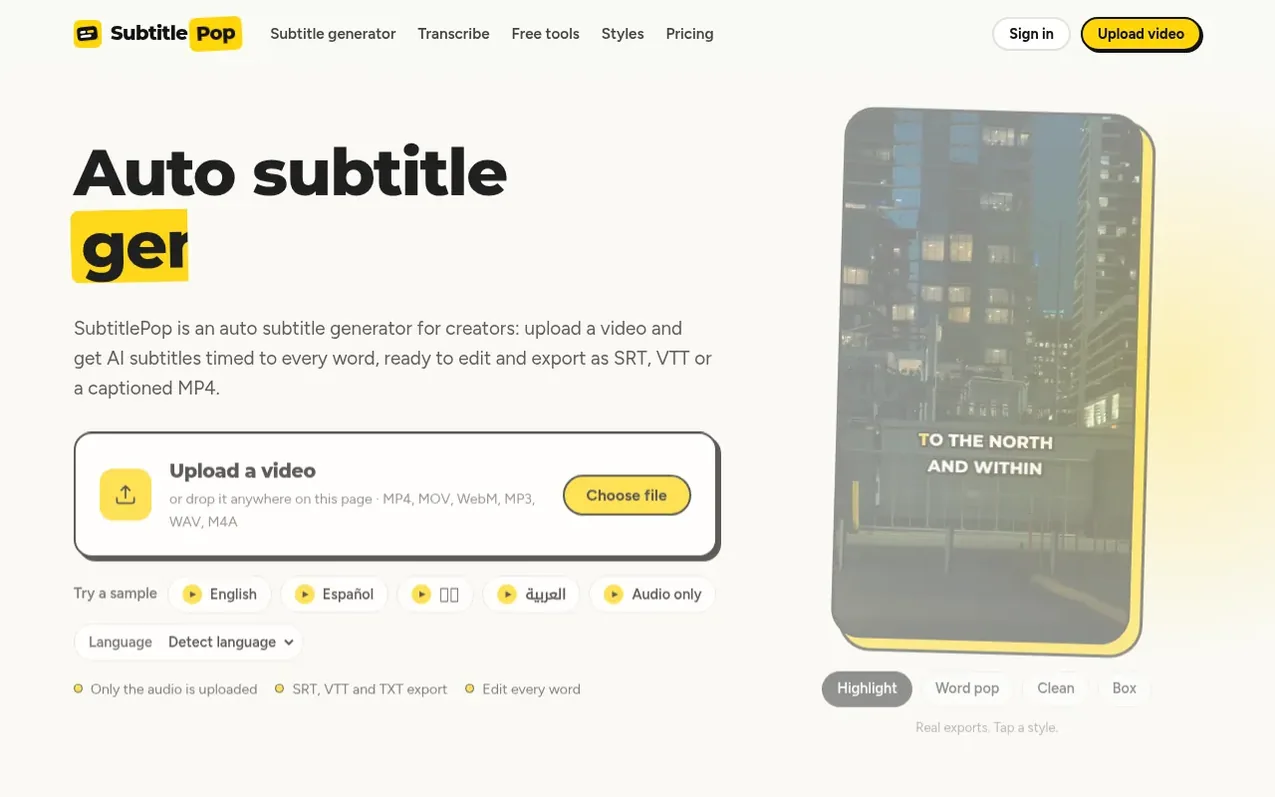
SubtitlePop is an AI subtitle generator that transcribes speech from video and audio files into captions with word-level timing. Users upload a video or audio file, the browser extracts the audio track for transcription, and captions appear line by line in an editor where every word can be adjusted. The tool supports 20+ languages and offers multiple export formats including SRT, VTT, ASS, and plain text, plus the ability to burn captions directly into MP4 videos. It is built for short-form creators on TikTok, Reels and Shorts, as well as YouTubers, podcasters, teachers and video editors who need accurate subtitles without manually typing timecodes.
What it does
- Word-level timing for every caption
- Edit every subtitle before export
- Support for 20+ languages
- Export to SRT, VTT, ASS, and TXT formats
- Burn captions directly into MP4 video
- Multiple caption styles and designs
- Lines automatically fit video frame
- Subtitle translation feature
- Free subtitle conversion tools
- No video upload for transcription
Pricing
Pricing model: Freemium
Free: 5 minutes/month. Starter: $7.99/month for 60 minutes. Pro: $14.99/month for 200 minutes. Minute pack: $5.99 one-time for 40 minutes (never expire).
Shopper questions
Is the auto subtitle generator free?
A free SubtitlePop account includes 5 minutes of transcription every month with SRT, VTT and TXT downloads included. Without an account you can try up to one minute on a single clip. Paid plans start at $7.99 a month for 60 minutes.
How accurate is the AI subtitle generator?
The AI subtitle generator makes few mistakes on clear speech recorded close to the microphone. Names, brand terms and speech over loud music are where errors typically appear, so every subtitle line stays editable and find-and-replace can fix repeated names in one step.
Can I edit the automatic subtitles before exporting?
Every automatic subtitle can be edited before export: change words, adjust start and end times, split or merge lines, shift all subtitles at once, and undo any step. Edits are saved in your browser while you work.
What file types does the auto subtitle generator accept?
The auto subtitle generator accepts MP4, MOV, M4V, WebM and MKV video, and MP3, WAV, M4A, AAC and OGG audio files.
How long can a video be for automatic subtitles?
Automatic subtitles work on videos up to 3 minutes on the free plan, 30 minutes on Starter and 60 minutes on Pro. A clip of up to one minute can be tried without an account.
SubtitlePop has a free listing. The owner can unlock the full profile with a paid launch for $5:
- Founder story (locked)
- Milestones (locked)
- Demo video (locked)
- Dofollow website link (locked)
Shoppers also viewed
- Verbatimly
Audio, Voice & Podcasting
- Loquendo
Audio, Voice & Podcasting
- PodRandom
Audio, Voice & Podcasting
- Kingdom Frequency Radio™
Audio, Voice & Podcasting