PodRandom
Find your next great conversation
A platform for creators to find podcast guests, schedule conversations, and record together in a browser studio without needing an existing audience.
About this launch
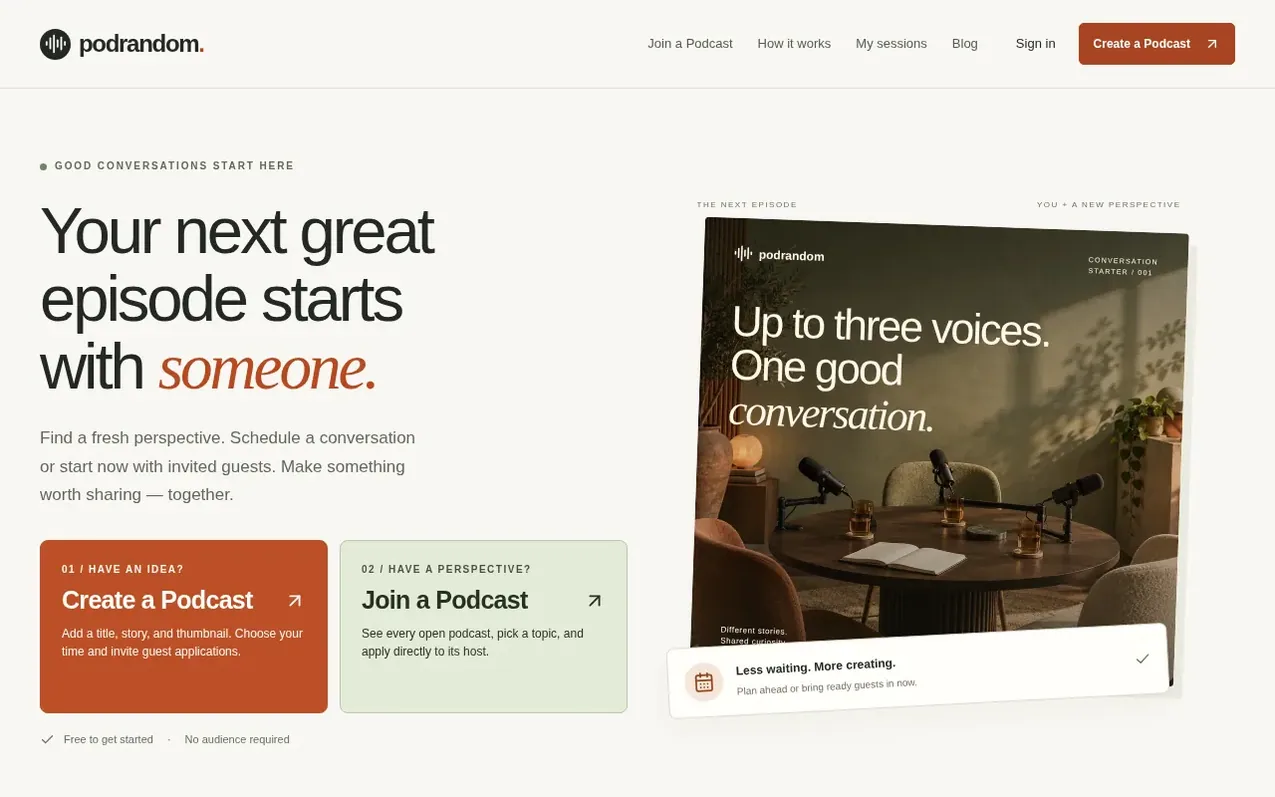
PodRandom helps creators plan podcast conversations with one or two guests. Hosts can publish a topic, approve guest applications, and meet participants in a private browser studio to record. The platform supports both scheduled episodes and immediate start-now conversations. All recordings save locally to participants' devices. Creators can share recaps, clips, and episode kits after recording, and optionally broadcast on YouTube with everyone's agreement. No existing audience or podcast is required to start.
What it does
- Schedule or start-now podcast conversations
- Private browser recording studio with local file saving
- Guest application and approval system
- Episode preparation space with shared questions and run-of-show
- Local recording in multiple formats
- YouTube broadcast capability with participant agreements
- Episode kit for recaps, chapters, and social media posts
- Creator exchange format for mutual interviews
- Screen sharing in browser studio
- Conversation Relay to continue episodes with guest approval
Pricing
Pricing model: Free
Free to create conversations, request guest seats, use the browser studio, record locally, and follow the guided YouTube setup. Host up to three upcoming conversations at once and send up to ten guest requests per day. Cloud recording and automatic AI editing are not included.
Shopper questions
What is PodRandom?
PodRandom helps creators find guests, prepare, and record a conversation. A host can schedule ahead or start now, approve up to two guests, and meet them in a private browser studio.
Do I need an audience or a podcast to use PodRandom?
No. You can start with a question and invite someone you know. A creator exchange lets both people take a turn being interviewed. An existing show or follower count is not required.
Is PodRandom free to use?
Creating conversations, requesting guest seats, using the browser studio, recording locally, and following the guided YouTube setup are free. You can host up to three upcoming conversations at once and send up to ten guest requests per day. Cloud recording and automatic AI editing are not included.
How does the recording work?
Participants agree to join before entering the studio. The host chooses 16:9, 9:16, or both formats, and each person separately agrees before recording starts. Files save to the recorder's device, with longer sessions downloading in numbered parts.
Can I broadcast my conversation on YouTube?
Yes, you can broadcast on YouTube if every participant agrees. PodRandom provides a clean stage, broadcast checklist, and instructions for YouTube screen sharing or OBS. Each participant must separately agree before you share the stage.
PodRandom has a free listing. The owner can unlock the full profile with a paid launch for $5:
- Founder story (locked)
- Milestones (locked)
- Demo video (locked)
- Dofollow website link (locked)
Shoppers also viewed
- Verbatimly
Audio, Voice & Podcasting
- Loquendo
Audio, Voice & Podcasting
- Kingdom Frequency Radio™
Audio, Voice & Podcasting
- SubtitlePop
Audio, Voice & Podcasting