Spotify Canvas Generator
Create seamless 8-second Spotify Canvas loops from images or videos in your browser, no login or watermark required
A free web-based tool that transforms images and videos into 8-second vertical Spotify Canvas loops with customizable motion effects, local browser processing
About this launch
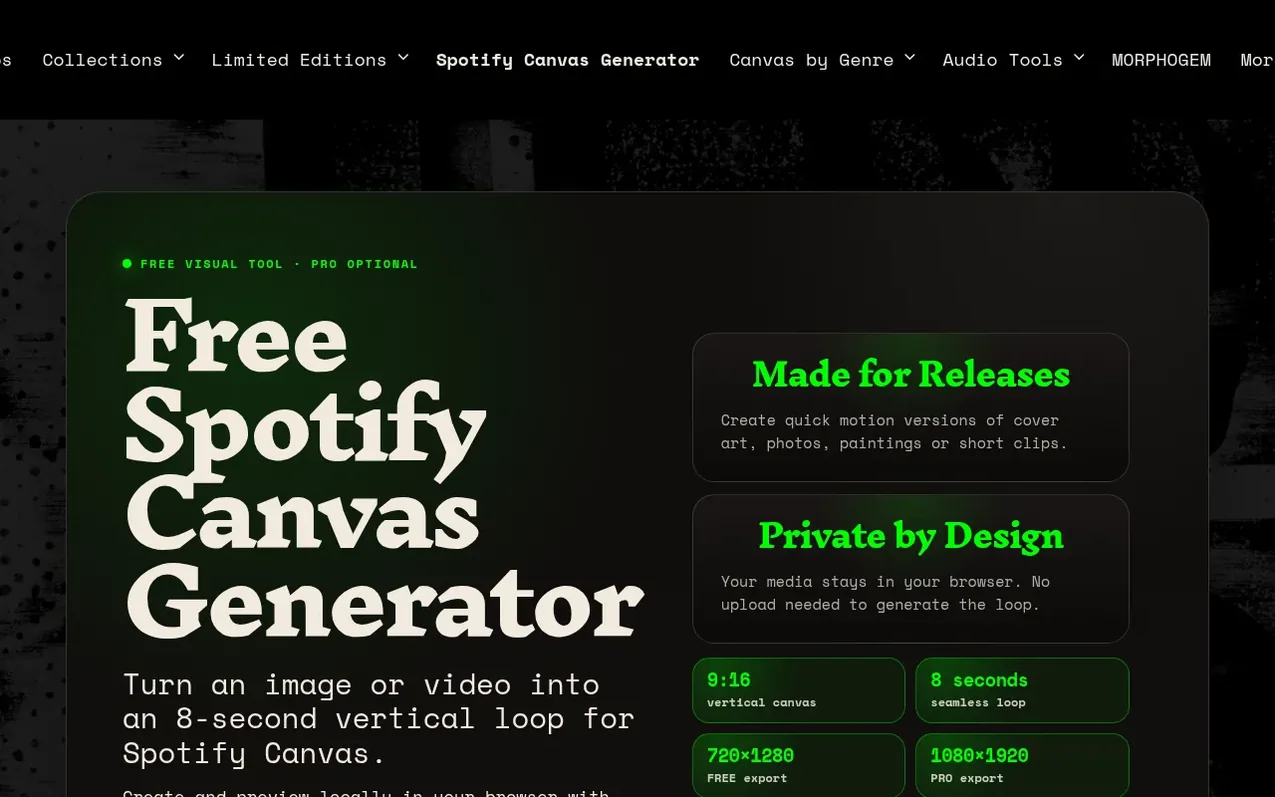
Spotify Canvas Generator is a web-based tool created by Hell Yes Loop Lab that turns images or videos into 8-second vertical loops for Spotify Canvas, the short looping visual that appears in Spotify's Now Playing screen. The free version lets artists create and export Spotify Canvas videos at 720×1280 resolution directly in their browser without logging in, uploading files to servers, or watermarking the output. Users load their own media, choose from motion engines like mirror, data flow, warp, rings, pixels and halftone effects, control the motion intensity, optionally apply color treatments like hue cycle or blur, and export ready-to-use MP4 files. All processing happens locally on the user's device. A one-time $12 PRO purchase unlocks additional motion engines, advanced modulation controls, and full 1080×1920 resolution export.
What it does
- Create Spotify Canvas from images or videos
- 8-second seamless loops in 9:16 vertical format
- Free 720×1280 export, PRO 1080×1920 export
- Customizable motion engines and effects
- Advanced modulation controls for PRO users
- No watermark on free and paid exports
- Local browser processing with no server upload
- MP4 export ready for Spotify for Artists
Pricing
FREE: 720×1280 export, no login, no watermark, access to free motion engines. Canvas PRO: $12 one-time purchase (no subscription), unlocks 1080×1920 export and complete PRO motion engine collection with advanced MOD controls.
Shopper questions
What is Spotify Canvas?
Spotify Canvas is a short looping vertical visual that appears in the Now Playing screen of the Spotify app and gives a release an additional visual identity.
What format and size does Spotify Canvas require?
Spotify Canvas uses a vertical 9:16 format with specific dimensions. The free generator exports at 720×1280, while PRO exports at 1080×1920.
What are the main steps to create a Spotify Canvas?
Load an image or video, choose a motion engine, adjust the motion and visual controls, preview your 8 second loop, export your Canvas as a vertical MP4, and upload it to Spotify for Artists.
Spotify Canvas Generator has a free listing. The owner can unlock the full profile with a paid launch for $5:
- Founder story (locked)
- Milestones (locked)
- Demo video (locked)
- Dofollow website link (locked)
Shoppers also viewed
- GeeksKai
Audio editing
- Background Audio Remover
Audio editing
- Unmix Studio
Audio editing
- AI Voice Cleaner
Audio editing



