OwnSound
Free online audio and AI voice tools that run on your device with no signup or file uploads
A collection of 62 free audio and AI tools including vocal removal, speech-to-text, bass boosting, 8D audio effects, and more, all running locally in the
About this launch
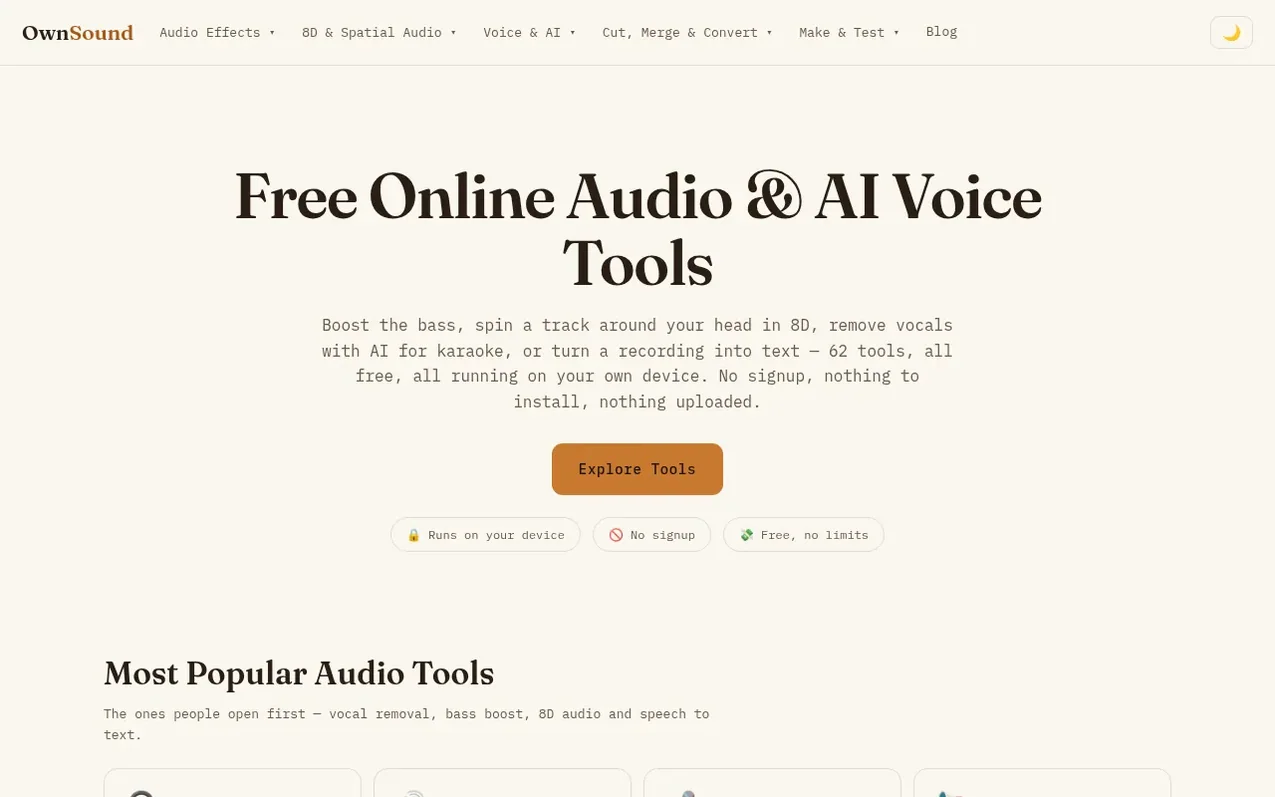
OwnSound is a collection of 62 free audio and AI tools accessible directly in your web browser. The platform includes vocal removal, stem splitting, speech-to-text transcription, 8D audio effects, bass boosting, voice cloning, and many other audio processing features. All tools process audio locally on the user's device rather than uploading to servers, ensuring privacy and eliminating subscription costs. The service requires no signup, no account, no downloads, and no watermarks on results.
What it does
- AI vocal removal with separate instrumental and vocal downloads
- Stem splitter to separate vocals, drums, bass and other instruments
- Speech-to-text transcription with 99+ language support
- Bass boosting and volume enhancement without clipping
- 8D and 3D spatial audio effects
- Audio format conversion including MP3, WAV, FLAC, AAC, OGG
- Voice cloning from audio samples
- Audio trimming, joining and splitting with waveform editor
- Noise removal and audio cleanup tools
- BPM detection and key finder for music analysis
Pricing
Pricing model: Free
Shopper questions
How do I remove vocals from a song?
Open the AI Vocal Remover, drop in the track, and it separates the singing from the backing. You get two files — the instrumental and the isolated vocals — both free to download. It runs on your device, so the song itself never gets uploaded.
How do I split a song into separate stems?
Use the AI Stem Splitter. It breaks a track into vocals, drums, bass and other instruments, then lets you solo or mute each one and download them separately or as a ZIP. Great for remixing, sampling and learning parts by ear.
Where does my audio go?
Nowhere. The tools process your files on your own device — nothing is uploaded to a server or stored. That's a real difference from cloud-based editors that keep a copy of your file.
Are the tools actually free?
Yes, every one of them. No subscriptions, no watermarks, no per-file limits and no signup wall. Because processing happens locally in your browser, there's no server cost to pass on to you.
What formats are supported?
MP3, WAV, FLAC, AAC, OGG and more — basically anything your browser can decode. Output is WAV for lossless quality, so the results drop straight into any editor or social app.
OwnSound has a free listing. The owner can unlock the full profile with a paid launch for $5:
- Founder story (locked)
- Milestones (locked)
- Demo video (locked)
- Dofollow website link: not on this free listing (its website link is nofollow)
Shoppers also viewed
- SCloudConvert
Audio editing
- Voice Enhancer
Audio editing
- Recora
Audio editing
- Screen Mouse Recorder
Audio editing