Native Screen
Free screen recorder that automatically polishes recordings with zooms, smooth cursors, captions and multi-track editing
Free, open source screen recorder for macOS and Windows with automatic zooms, smooth cursor, captions and multi-track timeline.
About this launch
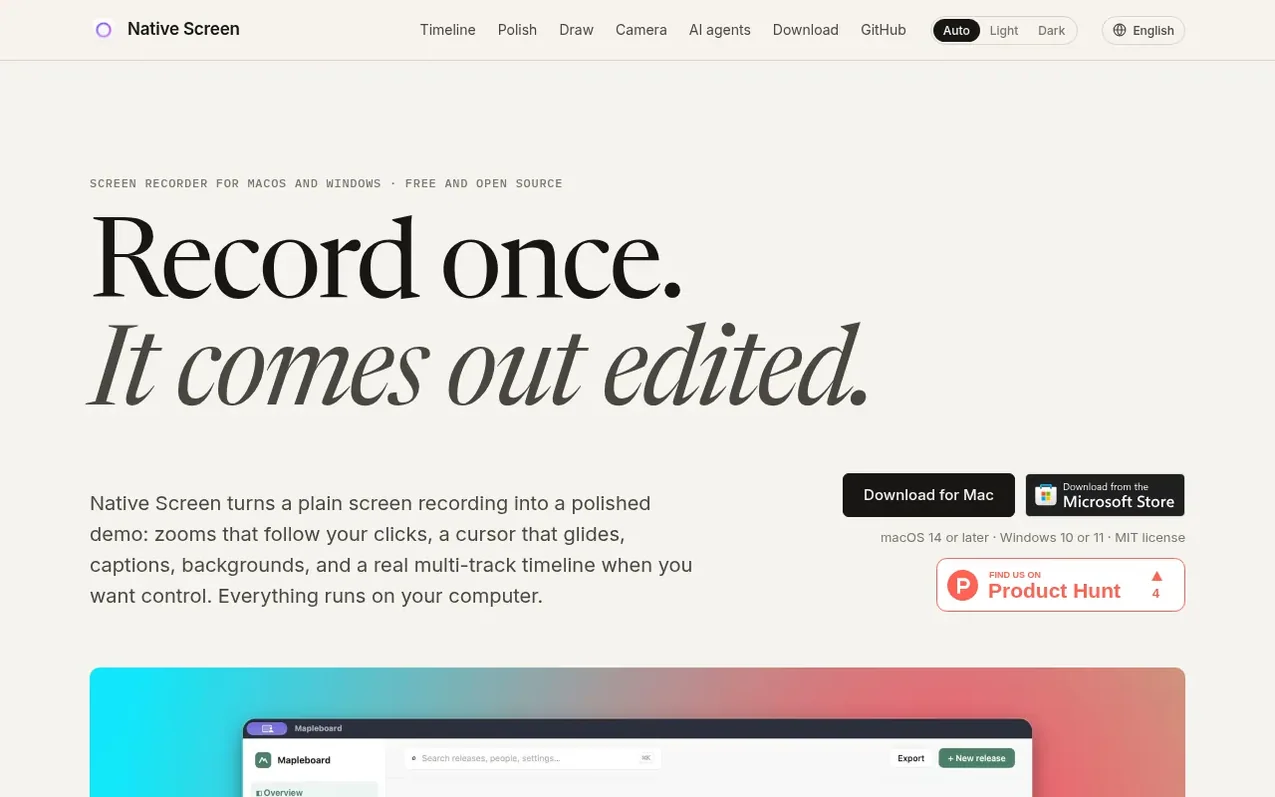
Native Screen is a free, open source screen recorder for macOS 14 or later and Windows 10 or 11. It automatically transforms plain screen recordings into polished videos with features like zooms that follow clicks, a smoothed cursor with ripple effects, and captions generated on your computer.
The editor includes a multi-track timeline where each type of element has its own tracks: zooms, captions, shortcuts, annotations and masks can be layered and edited independently. Users can draw on screen during recording, add backgrounds or blur effects, and switch between wide, square and vertical formats at any time.
All recording, caption generation, and video export runs locally on your computer with no uploads, accounts or telemetry. The application is built with native tools for each platform using SwiftUI and Metal on macOS, and WinUI 3 and Direct3D 11 on Windows. Projects are saved in an open JSON format that works across both systems.
What it does
- Multi-track timeline with independent tracks for zooms, captions, shortcuts and annotations
- Automatic zoom detection following clicks and typing
- Smoothed cursor with click ripple effects and resizing
- Keyboard shortcut visualization as keycaps on timeline
- Live drawing and annotation tools during recording
- Background blur, replacement and face-following stickers
- Dynamic aspect ratio switching between wide, square and vertical
- On-device caption generation with transcript-based editing
- AI agent integration via Model Context Protocol
- Motion blur on fast camera movements
Pricing
Pricing model: Open source
Shopper questions
Is Native Screen free?
Yes, Native Screen is completely free with no trial periods, subscription plans or watermarks. The entire application is open source under the MIT license with all code available on GitHub.
Is my recording data private?
Yes, all recording, caption generation and export runs locally on your computer. There is no account, no upload and no telemetry. Your data never leaves your device.
What operating systems does Native Screen support?
Native Screen runs on macOS 14 or later and Windows 10 or 11 on x64 processors. The app is available as a signed and notarized download for macOS, and through the Microsoft Store or as an installer for Windows.
Can I use AI agents to edit my videos?
Yes, Native Screen supports the Model Context Protocol, allowing agents like Claude, Codex and Cursor to record, cut, zoom, caption, restyle and export videos. You can enable this in Settings and copy the command for your agent.
Native Screen has a free listing. The owner can unlock the full profile with a paid launch for $5:
- Founder story (locked)
- Milestones (locked)
- Demo video (locked)
- Dofollow website link: not on this free listing (its website link is nofollow)
Shoppers also viewed
- SCloudConvert
Audio editing
- Voice Enhancer
Audio editing
- Recora
Audio editing
- Screen Mouse Recorder
Audio editing