MP3 to Text
Free AI transcription tool that converts audio and video files to searchable, editable text with timestamps and speaker labels.
Convert MP3 and other audio and video files to text using AI transcription with timestamps, speaker identification, and summaries.
About this launch
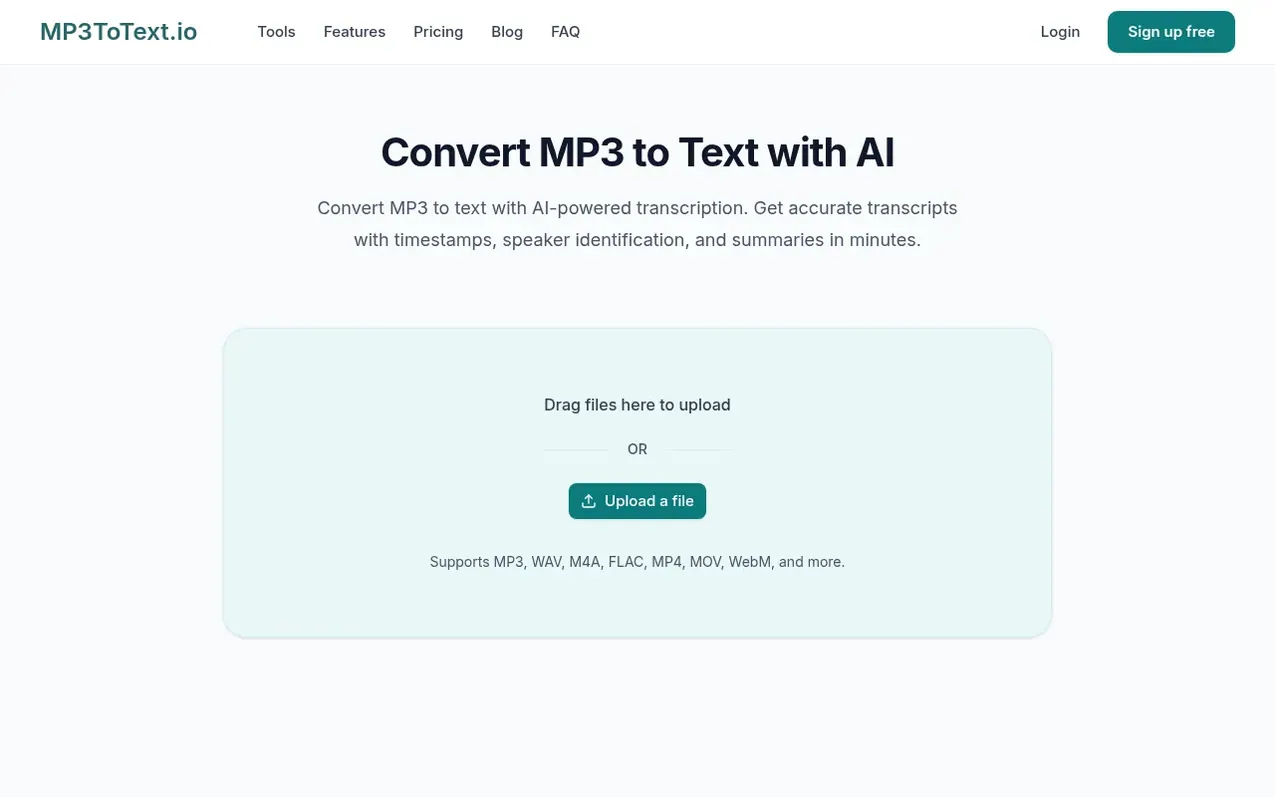
MP3 to Text is an AI-powered transcription tool that converts audio and video recordings into searchable, editable text transcripts. The service supports over 150 languages and can reach up to 98% accuracy on clear recordings. Users can upload files without an account and transcribe up to one file per day, up to 30 minutes, free of charge. With a free account, users get two free transcriptions per day and can create a transcript history. The tool generates transcripts with timestamps, speaker labels for identifying different voices, text summaries, and mind maps. Transcripts can be edited in a workspace and exported in multiple formats including TXT, PDF, DOCX, CSV, SRT, and VTT. Processing time depends on file length and audio quality.
What it does
- Speaker identification and labels
- Timestamps in transcripts
- Text summaries
- Mind maps
- Multiple export formats
- Support for 150+ languages
- Searchable transcripts
- Audio and video file support
- Editable transcripts
- No daily file limit on paid plans
Pricing
Pricing model: Freemium
Free: 2 free transcriptions per day up to 30 minutes each with account. Basic: $5/month or $60/year for 800 minutes monthly. Standard: $10/month or $120/year for 2000 minutes monthly. Pro: $20/month or $240/year for 6000 minutes monthly. One-time minute packs also available.
Shopper questions
How do I convert an MP3 to text?
Upload your file to the MP3 to text converter, choose the spoken language if needed, and start transcription. When ready, you can edit, export, or share the result.
Can I use MP3 to text for free?
Yes. You can transcribe MP3 to text free with the daily guest allowance. A free account gives you more daily use and support for longer files, while paid plans are available for regular transcription.
What audio and video files can I upload?
MP3 to Text supports many audio and video formats including MP3, AAC, FLAC, WAV, M4A, OGG, and others for audio, and MP4, MOV, MKV, WebM, and others for video.
How accurate are the transcripts?
On clear recordings, transcripts can reach up to 98% accuracy. Background noise, overlapping speakers, accents, speaking speed, and specialized terms can affect the result, so important quotes should be reviewed before publishing.
Can I edit and export my transcript?
Yes. You can edit the transcript in your workspace and export it in TXT, PDF, DOCX, or CSV format for use in your workflow.
MP3 to Text has a free listing. The owner can unlock the full profile with a paid launch for $5:
- Founder story (locked)
- Milestones (locked)
- Demo video (locked)
- Dofollow website link: not on this free listing (its website link is nofollow)